
Floto
Design feedback inside Figma with AI auditsAI audits and user testing right in your Figma file
Highlights
What you can do with it
- Small studios audit designs quickly and raise quality
- Startups run persona tests and interviews early to match user needs
- Large teams share a credit pool to keep design consistent
How to use it
- 1 Install the Floto plugin into Figma from floto.ai
- 2 Open a Figma project and launch the Floto plugin
- 3 Choose a function such as design audit, process testing, or persona testing
- 4 Follow the prompts, then wait for the feedback report
- 5 Improve the design based on the report
Who it is for
Pros
- Free version gives 200 credits per week
- Runs inside Figma, so no separate workflow
- Fast audits and persona feedback in seconds
- AI interviews remove scheduling and transcription work
Limitations
- Free plan caps credits at 200 per week
- AI feedback is guidance, not a replacement for real users
- Higher limits and team features need a paid plan
- Depends on Figma and the plugin staying available
What Floto is
Floto is a design feedback tool that integrates directly into Figma. It brings AI audits, synthetic persona testing, and user interviews into the design process, which can shorten the cycle from design to product validation from weeks to minutes. A design audit reviews your work within seconds and points out problems and their likely causes. Process testing walks an end-to-end prototype to find friction before launch. Design diff comparison checks that the build matches the plan, and persona testing gives feedback from a user point of view. AI researchers can also run interviews with real users and organize the results, removing scheduling, recording, and transcription work.
What you can do with it
- Run a design audit that flags problems and explains their causes in seconds.
- Test an end-to-end prototype to find friction points before users hit them.
-Get persona feedback that shows the design from a user's perspective.
- Compare builds against the plan to catch design drift early.
Who it is for
- Designers who want fast feedback while they are still designing.
- Product managers who need user insight to guide decisions.
- Startup teams and large enterprise teams collaborating in Figma.
What to watch out for
The free plan caps you at 200 credits per week, so heavy testing will need a paid plan. AI feedback and synthetic personas are guidance, not a full replacement for talking to real users, so pair it with genuine research for big decisions. Higher limits, team credit pools, and custom features sit behind paid tiers. Because it runs as a Figma plugin, it depends on Figma and the plugin remaining available and compatible, so confirm current details before you rely on it for a live project.
FAQ
What is Floto?
Floto is a Figma plugin that provides design feedback through AI audits, persona testing, process testing, and AI-run user interviews.
Is there a free version?
Yes. The free version gives 200 credits per week and covers functions like design audits and persona testing.
Who is it for?
It is built for designers, product managers, and teams who want faster feedback inside Figma.
Why it is free
What the official page says: free version
Free limits, trial length and features are decided by the official site and can change at any time.
Product preview
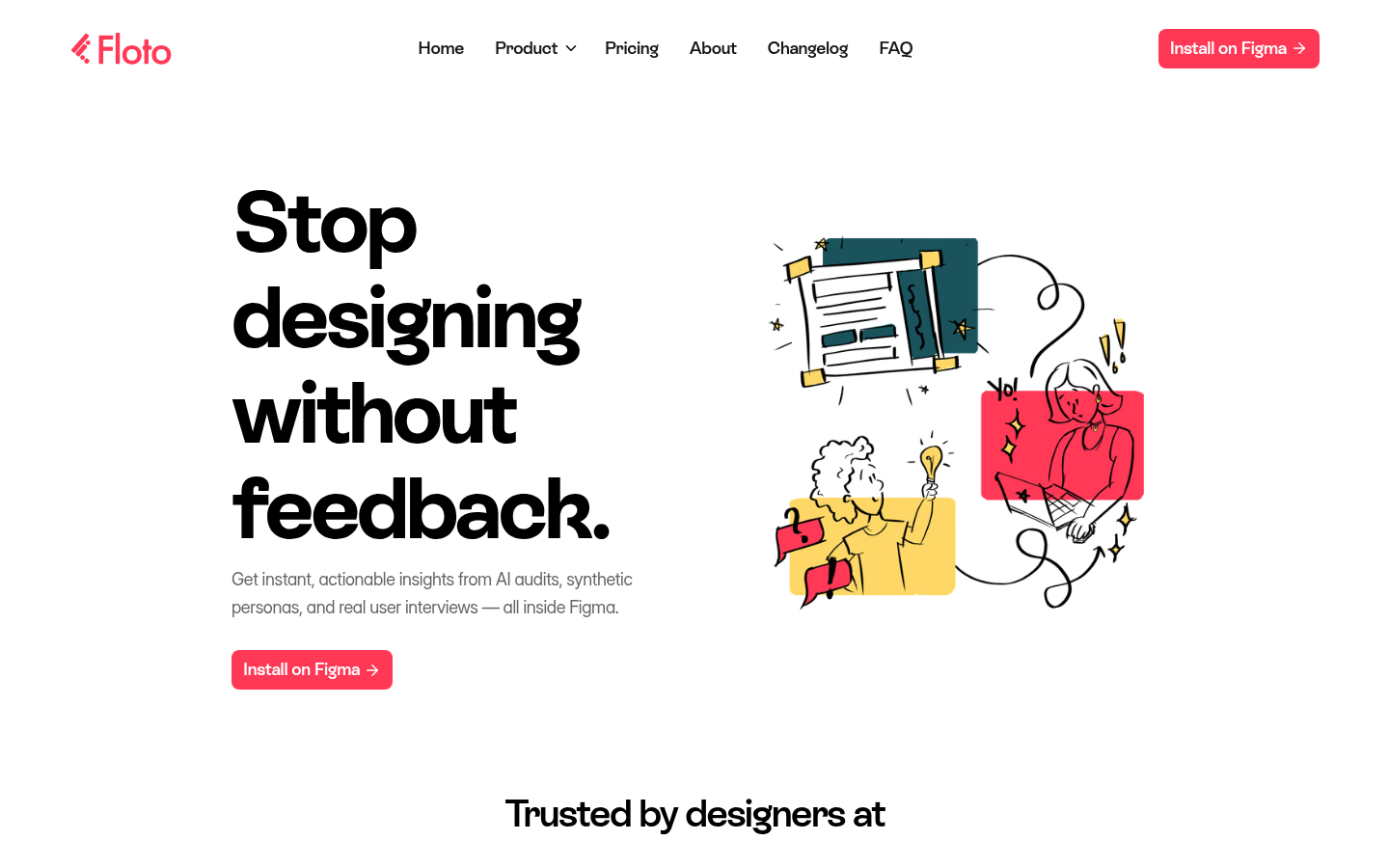
Screenshot archived from the listing page, for preview only.











