
FLORA AI
AI creative canvas for teams50+ models in one generative workflow
Highlights
What you can do with it
- Explore letterform and typography directions with generative tools.
- Concept a skincare campaign before committing to a shoot.
- Re-imagine scenes and produce brand-consistent assets for a launch.
How to use it
- 1 Sign up for free on the FLORA site.
- 2 Pick a workflow that matches your field, such as fashion or advertising.
- 3 Explore ideas in text, image, and video using the available models.
- 4 Iterate with teammates in real time.
- 5 Generate and export assets that meet brand requirements.
Who it is for
Pros
- A wide model selection in one place reduces tool switching.
- Real-time collaboration suits team-based creative work.
- A free sign-up path makes evaluation straightforward.
Limitations
- Free-to-use limits and paid pricing can change without notice.
- With 50+ models, learning which to use for a task takes time.
- Team features matter more than solo ones, so single users may see less value.
What FLORA AI is
FLORA is a creative platform built for creative professionals. Its premise is that modern creative work touches too many separate AI tools, so it pulls a large set of them into a single generative workflow that runs from idea to production. The listing says it integrates more than 50 image and video models, with Gemini 2.5, Imagen 3, and Veo3 among those named, and it covers fields including visual effects, fashion, advertising, photography, and conceptual design. Collaboration is a first-class feature: team members iterate on the same creative in real time, which keeps momentum and coherence. There are also tools for re-imagining a scene by adding or removing objects, keeping reference style consistent, generating brand-consistent assets, and editing video through text instructions. The page notes a funding round behind the platform, a free-to-use version, and a sales route for larger needs.
What you can do with it
- Move from a rough idea to production-ready assets in one workspace.
- Switch between 50+ image and video models for the same concept.
- Collaborate and iterate with teammates in real time.
- Keep style, theme, and brand consistent across a set of outputs.
Who it is for
- Designers, photographers, and advertisers who produce creative at volume.
- Creative teams working together on large-scale projects.
- Marketing departments and film or television production companies.
What to watch out for
A platform with this many models has a learning curve: knowing which model suits a given task, and how to prompt it, takes experimentation, so early sessions may feel slower than expected. The free-to-use version will have limits, and pricing and model availability can change without notice, especially on a platform that is still expanding its lineup. Team and enterprise features are where the value concentrates, so a solo user may find the free tier enough to explore but not enough to rely on for client delivery. Keep local exports of finished assets.
FAQ
Is FLORA free?
The page says there is a free-to-use version, and you can contact sales for other options.
Which models does it integrate?
More than 50 image and video models, with Gemini 2.5, Imagen 3, and Veo3 named in the listing.
Who is it built for?
Creative professionals and teams, including designers, photographers, advertisers, marketing departments, and film and television production companies.
Why it is free
What the official page says: 免费使用免费
Free limits, trial length and features are decided by the official site and can change at any time.
Product preview
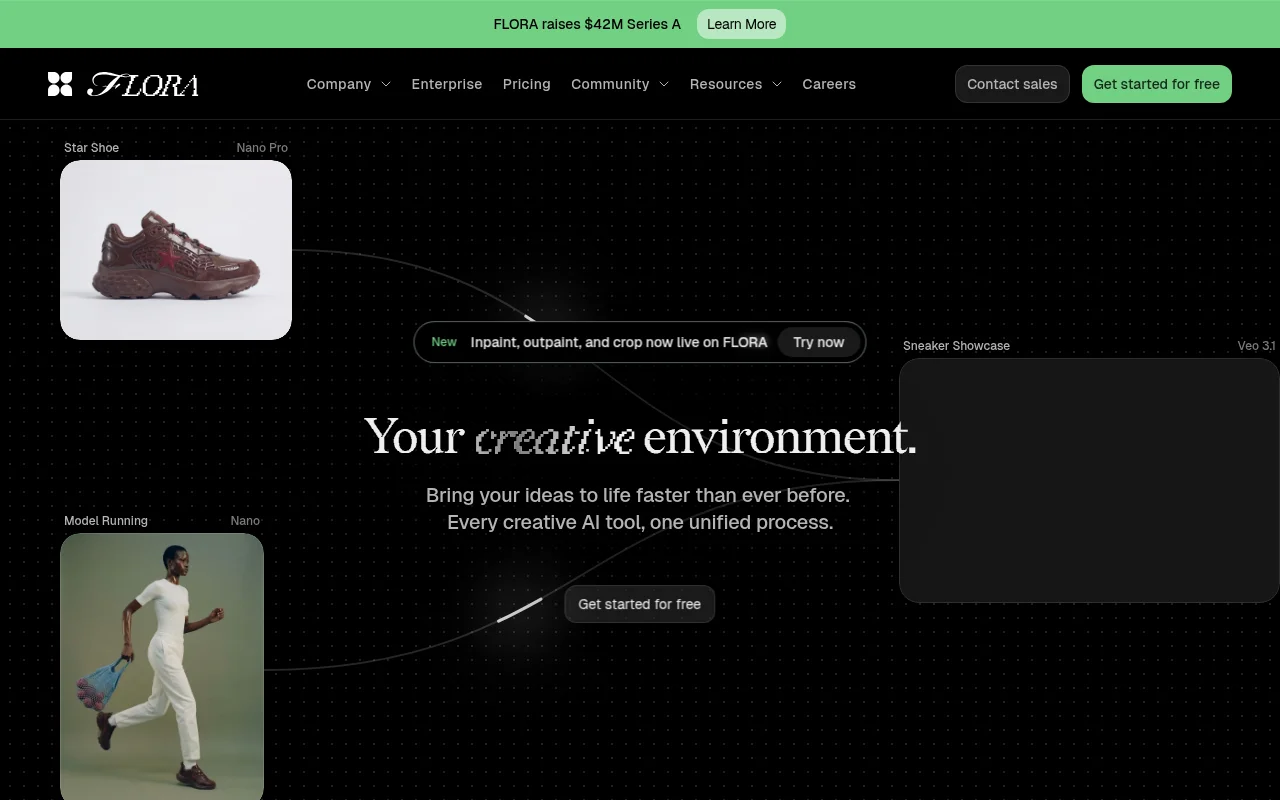
Screenshot archived from the listing page, for preview only.











