
Floor Plan Maker
AI floor plan maker for home layoutsDescribe your rooms and get a floor plan in seconds
Highlights
What you can do with it
- A first-time buyer tests different room layouts to find a good arrangement
- A homeowner compares kitchen layouts before starting a renovation
- A real estate consultant shows a client the potential of a space early on
How to use it
- 1 Open https://floorplanmaker.ai/ in your browser
- 2 Enter room preferences such as bedroom, bathroom, and kitchen sizes
- 3 Pick a floor plan style: technical, 2.5D, or 3D
- 4 Click generate and let the AI create plans you can compare
- 5 Adjust the layout to fit your needs, then export the plan
Who it is for
Pros
- Completely free to use
- Fast AI generation turns preferences into a plan in seconds
- Multiple styles and both metric and imperial units
- Simple interface that needs no design background
Limitations
- The completely free model could change and the domain is fairly new
- AI layouts are starting points that still need manual adjustment
- It focuses on room layout, not detailed engineering or code-ready drawings
- Export options are basic, so complex presentations may need other tools
What Floor Plan Maker is
Floor Plan Maker is a free online tool that helps you create floor plans for house designs and renovations. It uses AI to cut the complexity of traditional drawing, so you set your room preferences and it builds a plan you can compare and adjust in seconds. You pick a technical, 2.5D, or 3D style and work in metric or imperial units, and the tool handles apartments, studios, and family homes. No design skills are required. It is completely free and is aimed at first-time buyers, people planning a renovation, and real estate consultants who want a quick layout to talk through with a client before any detailed design work begins.
What you can do with it
- Set bedrooms, bathrooms, kitchens, and other rooms to match your layout
- Switch between technical, 2.5D, and 3D floor plan styles
- Adjust the total area and fine-tune dimensions in metric or imperial units
- Generate and compare several layouts, then adjust and export the one you like
Who it is for
- First-time home buyers exploring how a space could be arranged
- Homeowners planning a renovation and weighing different layouts
- Real estate consultants showing a client the potential of a space early
- Anyone who wants a fast layout without learning design software
What to watch out for
The tool is completely free, but that model could change and the domain is fairly new, so confirm current availability before you depend on it. The AI layouts are starting points that still need manual adjustment before they are final, and they may not reflect real-world constraints such as plumbing or load-bearing walls. It focuses on room layout rather than detailed engineering or code-ready drawings, so for permits or construction documents you will likely need a professional tool. Export options are basic, which can limit complex presentations, and generated plans should be treated as ideas to refine rather than finished documents.
FAQ
Is Floor Plan Maker free?
Yes. The tool is described as completely free to use.
What styles can I generate?
You can choose technical drawings, 2.5D views, or 3D views.
Do I need design skills?
No. The interface is built for homeowners, creators, and professionals without a design background.
What unit systems are supported?
You can set the total area and fine-tune dimensions in metric or imperial units.
Why it is free
What the official page says: completely free
Free limits, trial length and features are decided by the official site and can change at any time.
Product preview
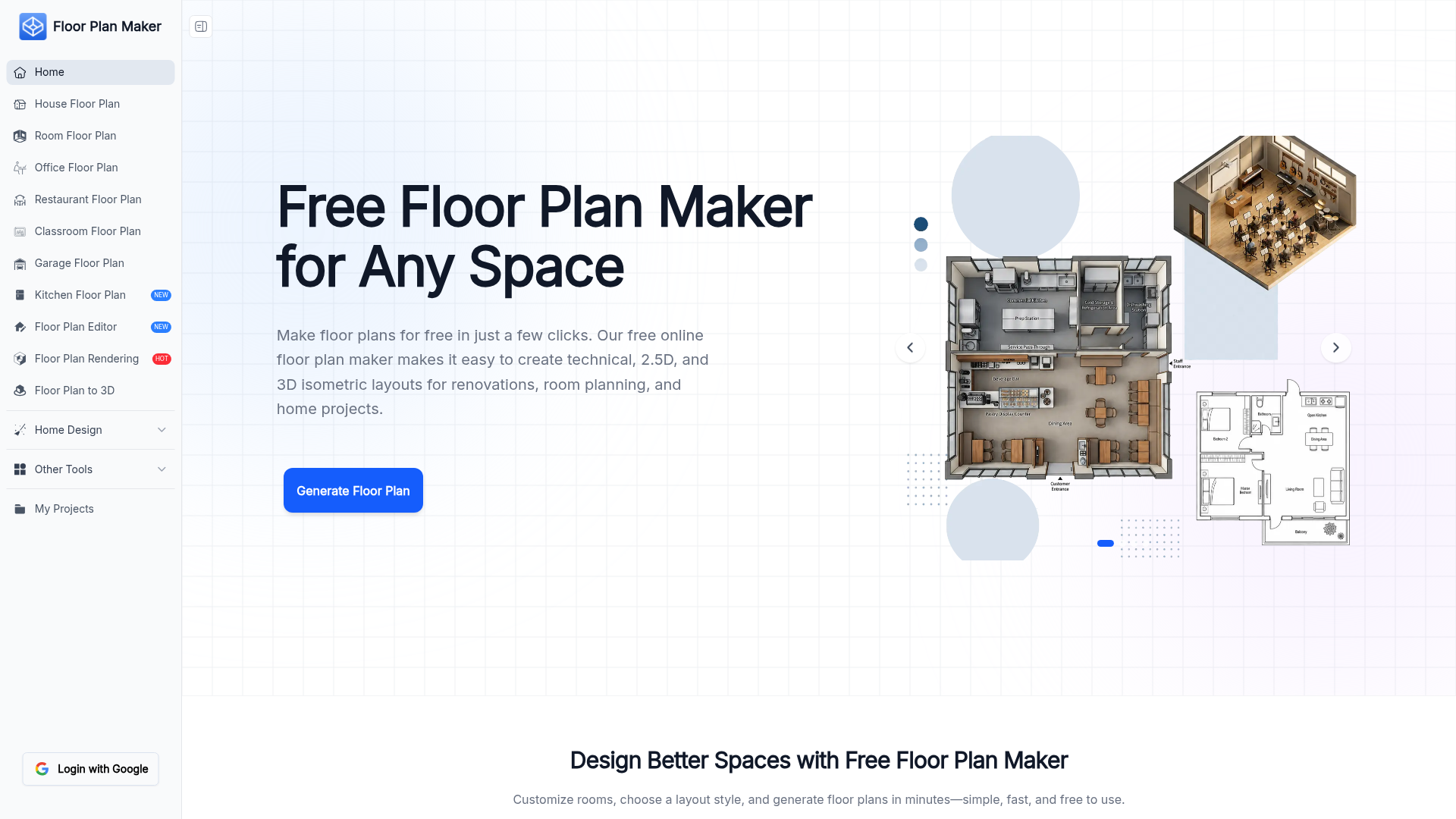
Screenshot archived from the listing page, for preview only.











