
Floor Plan AI
AI floor plan and 3D model generatorDescribe a home, get a floor plan
Highlights
What you can do with it
- Sketch a layout for a 40 square metre studio.
- Plan a 65 square metre two bedroom apartment.
- Lay out a 110 square metre three bedroom family house.
How to use it
- 1 Enter a description with bedrooms, style and area.
- 2 Choose 2D or 3D and pick a drawing style.
- 3 Wait for the AI to generate the plan or model.
- 4 Download the PNG or GLB file.
- 5 Share it or import it into another design tool.
Who it is for
Pros
- Free first drawing to test quality.
- Very fast from description to output.
- Multiple export formats and styles.
- No design software needed to start.
Limitations
- Generated plans need professional checking before building.
- Precision depends on the description you write.
- Beyond the free drawing it requires a paid plan.
- Plans and pricing can change.
What Floor Plan AI is
Floor Plan AI is a generator that turns a written description into a floor plan or 3D model. Instead of opening design software, you type a line such as a modern two bedroom apartment of 65 square metres, choose whether you want a 2D plan or a 3D model, pick a drawing style, and the tool returns a result in seconds. Drawing styles include technical blueprints, watercolor and 3D views. Output can be downloaded as a high resolution PNG or as a GLB 3D model that imports into tools such as Blender or Unity. The first drawing is free, with paid plans for continued use. It is aimed at homeowners testing renovation ideas, real estate teams producing listing material, and 3D designers who need a quick base model.
What you can do with it
- Generate a floor plan from one line of description.
- Produce a 3D model alongside the flat plan.
- Choose between blueprint, watercolor and 3D styles.
- Export PNG or GLB for further work.
Who it is for
- Homeowners checking whether a layout works.
- Real estate teams building listing packs and tours.
- 3D designers who want a fast starting point.
What to watch out for
A generated plan is a sketch, not a construction document, and anything that will actually be built needs checking by a qualified professional. Precision depends entirely on the description you write, so vague input produces vague plans. Beyond the free first drawing you need a paid plan. Plans, styles and pricing can change, and unusual or irregular buildings are likely to need more manual correction. Processing speed depends on file size and network conditions, so retry later if a task stalls during peak hours.
FAQ
What do I need to provide?
A description including the number of bedrooms, the style you want and the area.
What can I download?
High resolution PNG images and GLB format 3D models.
Is there a free trial?
Yes, the first drawing is free of charge.
Who is it for?
Homeowners, real estate teams and 3D designers.
Why it is free
What the official page says: free trial
Free limits, trial length and features are decided by the official site and can change at any time.
Product preview
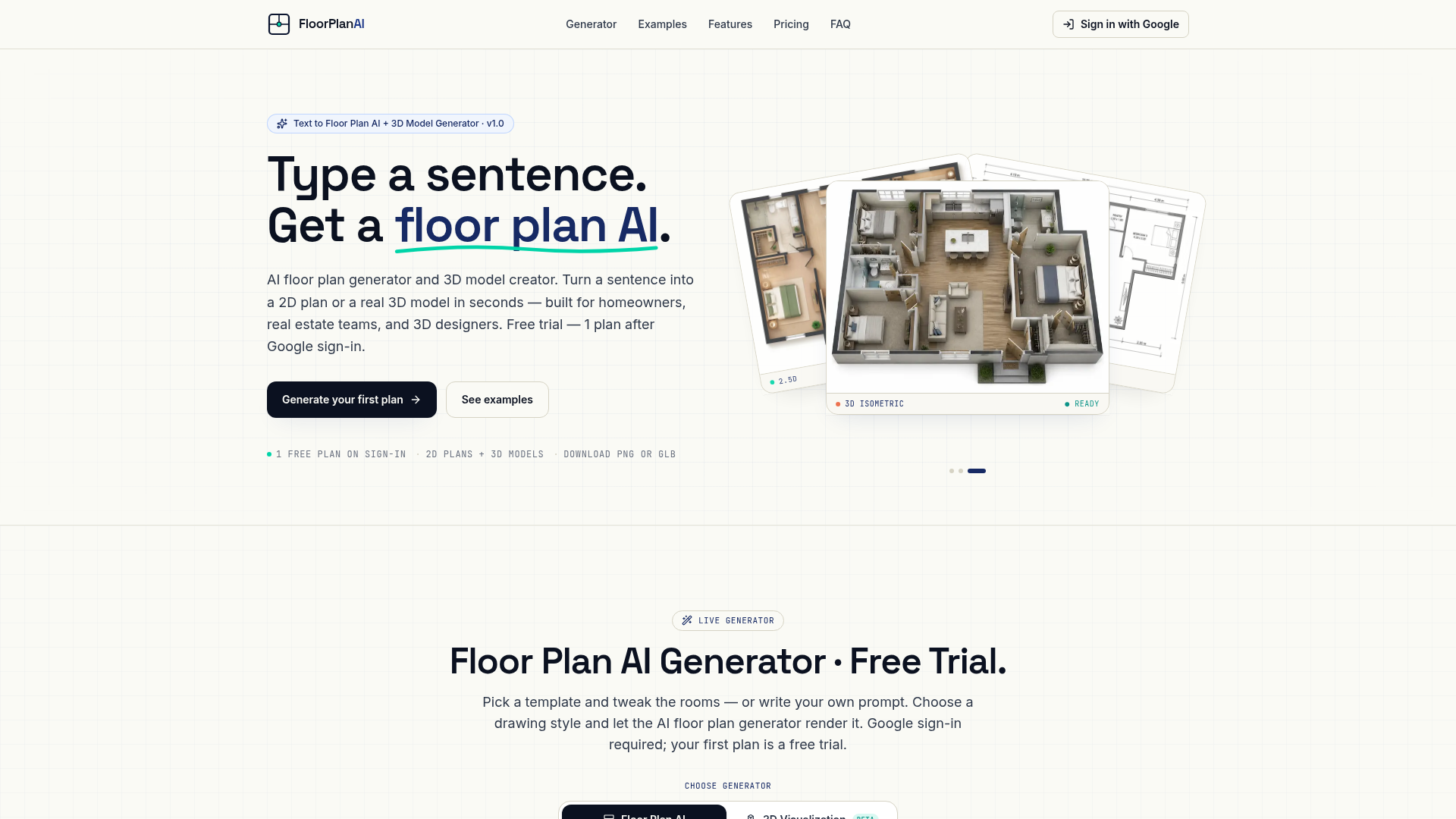
Screenshot archived from the listing page, for preview only.











