
Flask
Video collaboration for creative teamsFeedback, annotation, and key points on video
Highlights
What you can do with it
- Collect timestamped feedback on a client video edit
- Organize comments with custom tags for a campaign
- Keep multiple versions of a video project side by side
How to use it
- 1 Visit flask.do and choose the free or professional version
- 2 Register and log in
- 3 Upload a video or import one from YouTube
- 4 Annotate the video and record feedback
- 5 Add screen references and tags
- 6 Share the project with your team and check AI-extracted key points
Who it is for
Pros
- Free version allows unlimited video collaboration
- Feedback stays attached to exact moments in the video
- Tags and AI summaries cut review time
- Multi-version tracking on paid plans
Limitations
- Shared workspace and multi-version management require the paid plan
- Free version relies on YouTube for storage
- Professional pricing is billed annually per member
- Teams used to text comments may need time to adapt
What Flask is
Flask is a video collaboration platform built for creative teams. Reviewing video is usually messy: comments arrive by email, chat, and voice note, and nobody agrees on which version is current. Flask pulls that into one place. You annotate directly on the video, record in-depth feedback, attach screen references such as images and documents, and let AI extract the key points from long threads. Tags keep everything organized. The free version supports unlimited video collaboration using YouTube as storage, and the professional version adds a shared workspace and multi-version management for each project.
What you can do with it
- Point at the exact moment in a video that needs work.
- Record detailed feedback instead of typing long comments.
- Add reference images and documents next to the timeline.
- Use AI to summarize the key points of a feedback thread.
- Filter comments with custom tags and manage multiple versions.
Who it is for
- Creative teams reviewing edits together.
- Video creators collecting structured client feedback.
- Content producers coordinating with teams and customers.
What to watch out for
The shared workspace and multi-version management sit on the professional plan, so the free version is a lighter tool. Because free storage runs through YouTube, that is where your working files live. The professional plan is billed annually per member, which adds up for larger teams. Finally, recorded feedback is richer than text but slower to skim, so agree as a team on when to record and when to type. When quality matters, export a small draft first to confirm the result before producing the final file. Generated suggestions are for reference only, so verify anything that affects professional judgment or important data.
FAQ
What does the free version include?
Unlimited video collaboration with unlimited videos and feedback, using YouTube as storage.
What does the professional version add?
A shared workspace, multi-version management, and related team features.
How is the professional plan priced?
It is listed at a monthly amount per member, billed annually.
Who uses Flask?
Producers, designers, and studio leads in creative and video work.
Why it is free
What the official page says: free version
Free limits, trial length and features are decided by the official site and can change at any time.
Product preview
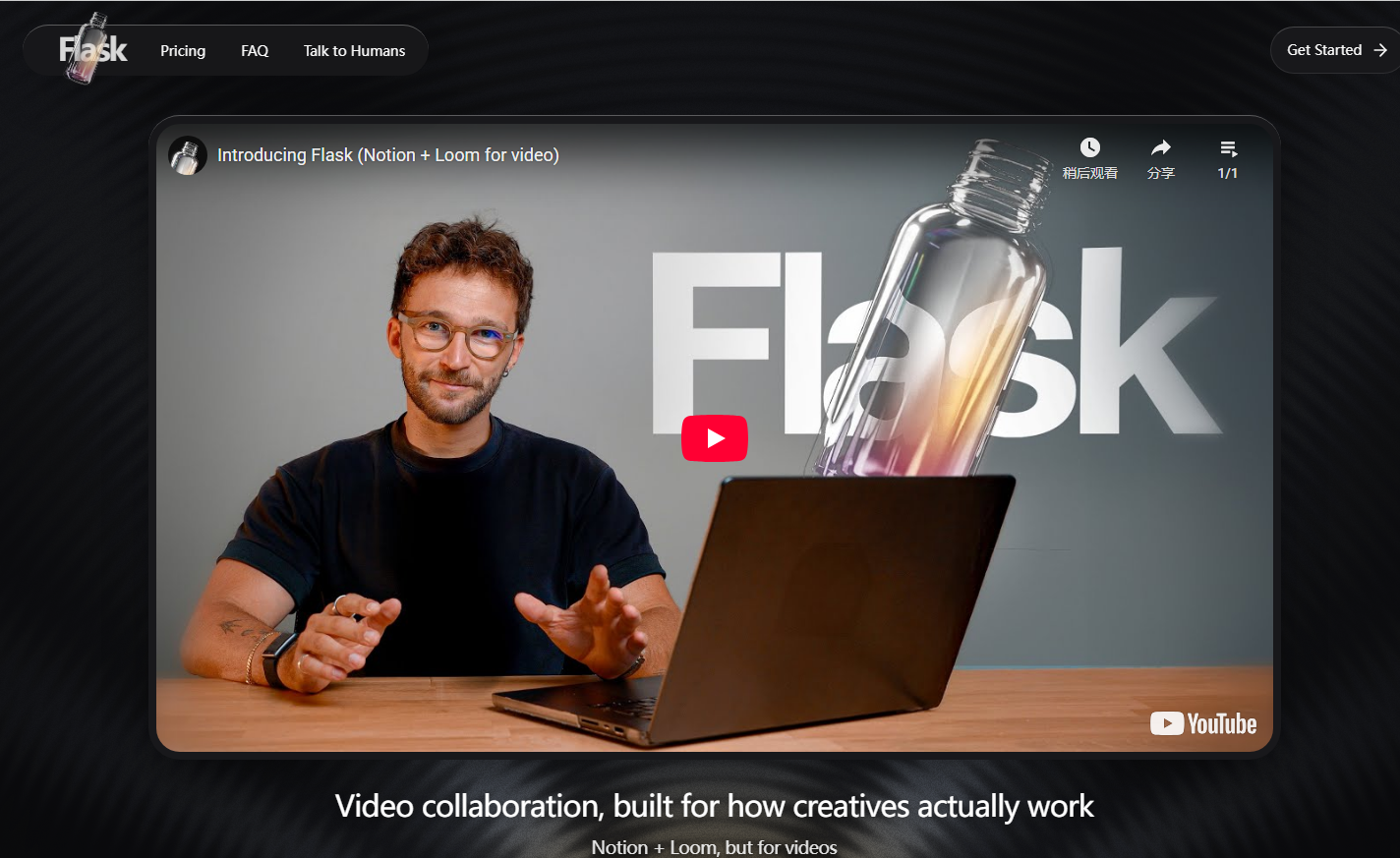
Screenshot archived from the listing page, for preview only.











