
Flakes
Keyboard-first AI browser for macOSA fast, focused browser with built-in AI
Highlights
What you can do with it
- Browse without touching the mouse
- Find answers across many open research pages
- Focus on reading with a clean, ad-free mode
How to use it
- 1 Download Flakes for macOS and install it
- 2 Open the browser and press the command palette key
- 3 Use Vim-style keys to move around pages
- 4 Press the focus key to hide distractions
- 5 Ask Drift AI for answers from open tabs
Who it is for
Pros
- Free to download for macOS
- Native speed with low memory use
- Built-in AI and focus features
Limitations
- Free download status can change over time
- macOS only, so other platforms are out
- Keyboard-first style has a learning curve
What Flakes is
Flakes is an AI-native, keyboard-first browser designed specifically for macOS, and it can currently be downloaded for free. It is built for users who want focus and efficiency. It offers Vim-style navigation and a command palette so you can move and search without the mouse. Its Drift AI understands the content of all open tabs and gives direct answers, and a focus mode hides the toolbar and blocks ads. It is built with SwiftUI and WebKit for fast startup, smooth scrolling, and low memory use.
What you can do with it
- Browse pages with keyboard shortcuts
- Search history and run commands from a palette
- Enter focus mode to read without distractions
- Ask Drift AI for answers across open tabs
Who it is for
- Productivity users who live on the keyboard
- Knowledge workers doing research
- macOS users who want a fast native browser
What to watch out for
It is free to download now, but that status can change over time. It is macOS only, so Windows and Linux users cannot use it. The keyboard-first style has a learning curve if you are used to a mouse. Some features depend on AI and page content, so answers can vary in quality. Free tiers and usage limits can change, so check the current rules on the official page before relying on it long term. Processing speed depends on file size and network conditions, so retry later if a task stalls during peak hours. When quality matters, export a small draft first to confirm the result before producing the final file. Generated suggestions are for reference only, so verify anything that affects professional judgment or important data.
FAQ
Is Flakes free?
It can currently be downloaded for free.
Which system does it run on?
It is designed specifically for macOS.
What makes it different?
It is keyboard-first, has a focus mode, and includes Drift AI that reads your open tabs.
Why it is free
What the official page says: for free
Free limits, trial length and features are decided by the official site and can change at any time.
Product preview
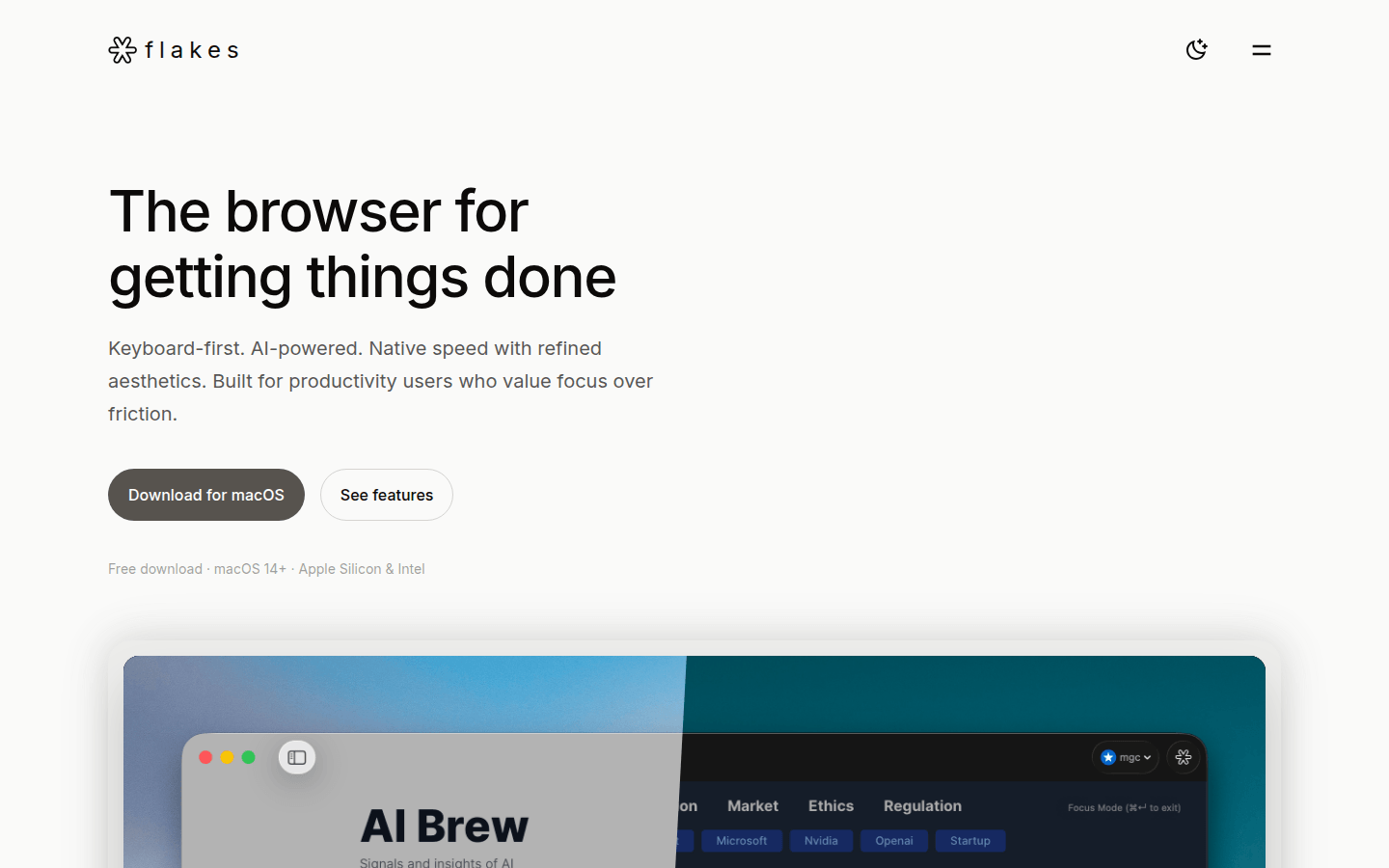
Screenshot archived from the listing page, for preview only.











