
Finetuning.ai
Royalty-free AI music generatorCustom royalty-free music in seconds
Highlights
What you can do with it
- Creators generate background music for videos to make them more appealing.
- Enterprises create unique music for brand promotion and events.
- Developers integrate the music generation function into their own apps via the API.
How to use it
- 1 Visit the Finetuning.ai website and click Get started; the Free plan needs no credit card, or pick Plus or Pro.
- 2 Describe the music you want, for example a soothing lo-fi beat with soft piano and rain sounds.
- 3 Click generate and get a unique royalty-free track in about 8 seconds.
- 4 Fine-tune the result if you want it closer to your needs.
- 5 Download the track as MP3 or share it.
Who it is for
Pros
- Generation is fast, with a unique royalty-free track ready in about 8 seconds.
- No music training is needed; you describe the style in everyday words.
- The Free plan lets you start without a credit card, and Plus or Pro unlock commercial copyrights.
Limitations
- The Free plan only allows limited music generation, and free-plan limits can change over time.
- Commercial copyrights are tied to the paid plans, so free output is not cleared for commercial use.
- Results depend on how clearly you describe the style, so expect some fine-tuning and regeneration.
What Finetuning.ai is
Finetuning.ai is an AI music generation platform built for creators, enterprises, and developers. Instead of opening a digital audio workstation and learning production tools, you describe the music you want in plain words, for example 'a soothing lo-fi beat with soft piano and rain sounds', and the platform returns a unique, royalty-free track in about 8 seconds. It is designed to break the time and technical limits of traditional music creation. There is a Free plan that allows limited music generation without a credit card, so you can try the workflow before paying. Paid Plus and Pro plans add commercial copyrights, more simultaneous tracks, API access, and custom branding.
What you can do with it
- Generate a complete royalty-free track from a short text description of style and mood.
- Fine-tune the generated music so it better matches your taste and your project.
- Browse public tracks created by other users to discover popular styles and trends.
- Download the finished track in MP3 format, share it, and manage multiple tracks at once.
Who it is for
- Creators who need quick background music for videos and want royalty-free output.
- Enterprises that want original music for brand promotion, campaigns, and events.
- Developers who want to plug music generation into their own applications through the API.
What to watch out for
The Free plan only allows limited music generation, so if you need volume or commercial rights you will likely move to a paid plan. Commercial copyrights sit with Plus and Pro, which means free output is not cleared for commercial projects. Free-plan limits and pricing can also change over time, so check the current plans before you commit. Finally, the quality and style fit depend heavily on how clearly you describe what you want; vague prompts tend to need more fine-tuning and regeneration. Treat the first result as a draft and iterate from there.
FAQ
Is Finetuning.ai free to use?
There is a Free plan that allows limited music generation and needs no credit card. Paid Plus and Pro plans add commercial copyrights, more tracks, API access, and custom branding.
Can I use the music commercially?
Commercial copyrights are provided with the Plus and Pro plans. The Free plan is for limited generation and is not positioned for commercial clearance.
What formats can I download?
Generated tracks can be downloaded in MP3 format and shared from your account.
Why it is free
What the official page says: 免费免费套餐
Free limits, trial length and features are decided by the official site and can change at any time.
Product preview
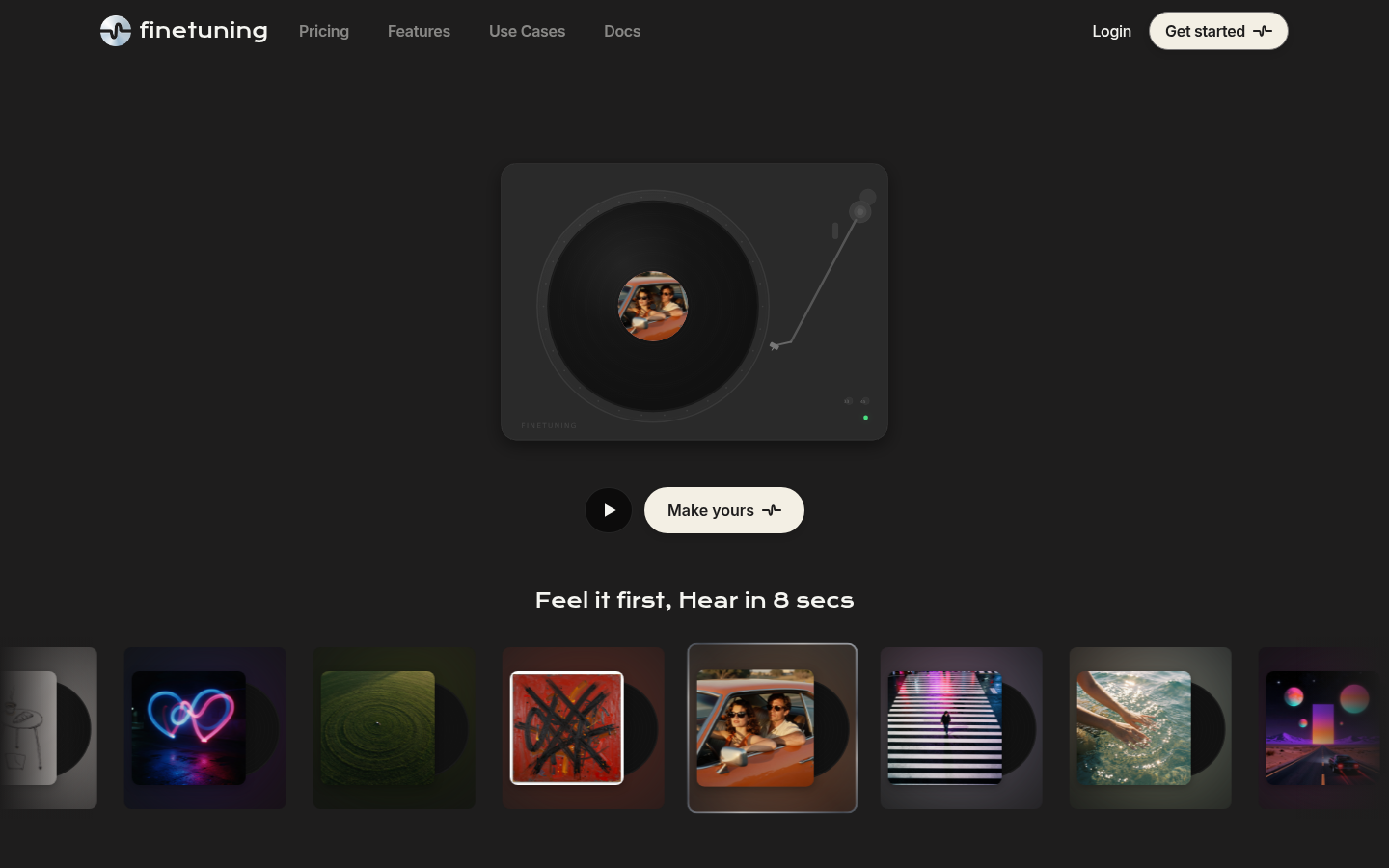
Screenshot archived from the listing page, for preview only.











