
Final Cut Pro 11
Apple video editing softwareAI-assisted editing on Mac, iPad and iPhone
Highlights
What you can do with it
- A filmmaker cuts a trailer and isolates the subject without rotoscoping
- A YouTuber captions a vlog automatically from the audio
- A news editor cleans up dialogue in a noisy interview recording
How to use it
- 1 Download and install Final Cut Pro 11
- 2 Open it and create a new project or open an existing one
- 3 Import your footage into the project
- 4 Use magnetic masking to isolate subjects and objects
- 5 Generate captions with the transcription feature
- 6 Edit, add effects, adjust color and cut the timeline
- 7 Edit spatial video content if your project needs it, then export
Who it is for
Pros
- AI features remove green screen and manual caption typing
- Built for Apple silicon, so it uses the hardware efficiently
- Spatial video support is unusual outside Apple's own tools
Limitations
- It is paid software at RMB 1,998, with only a 90-day free trial
- Apple only, so it will not run on Windows or Android
- A full editor with a real learning curve for new users
What Final Cut Pro 11 is
Final Cut Pro 11 is Apple's video editing software, rebuilt around the company's M-series chips. It brings AI into the parts of editing that used to take the most manual effort. Magnetic masking separates a subject from the background without a green screen or rotoscoping. Transcription generates captions by listening to the spoken audio with Apple's trained language models. It also edits spatial video for Apple Vision Pro, and adds time-savers such as automatic color, balance and light correction, smooth slow motion that blends generated frames, and voice isolation that pulls dialogue out of background noise. It runs on Mac, iPad and iPhone. New users get a free 90-day trial, and the software is priced at RMB 1,998.
What you can do with it
- Isolate subjects and objects with magnetic masking, no green screen needed
- Generate captions automatically from the audio track
- Edit spatial video projects for Apple Vision Pro
- Fix color, balance, contrast and brightness automatically
- Create smooth slow motion by generating and blending frames
- Clean up dialogue with voice isolation that reduces background noise
Who it is for
- Filmmakers and editors cutting professional video
- Content creators who publish on a regular schedule
- News and documentary teams that need fast turnaround
- Anyone already inside the Apple ecosystem who wants one editor across devices
What to watch out for
This is paid software at RMB 1,998, and the free access is limited to a 90-day trial for new users, so it is a purchase rather than a free tool. It is Apple only, so there is no Windows or Android version and no realistic path to moving projects across. It is also a full editing application with a real learning curve, and the AI features, while useful, do not remove the need to understand an edit. Hardware matters too: it is built for Apple silicon, so older machines will not deliver the same performance, and spatial video editing assumes you have a Vision Pro to view the result.
FAQ
How much does Final Cut Pro 11 cost?
The site lists it at RMB 1,998. New users get a free 90-day trial before buying.
What do the AI features actually do?
Magnetic masking separates a subject from the background without a green screen or manual rotoscoping, and transcription generates captions from spoken audio using Apple's trained language models.
Can it edit spatial video?
Yes. It supports importing and editing spatial video projects and transferring them to Apple Vision Pro.
Which devices does it run on?
Mac, iPad and iPhone. It is built around Apple's M-series chips, so it is not available on Windows or Android.
Why it is free
What the official page says: 免费
Free limits, trial length and features are decided by the official site and can change at any time.
Product preview
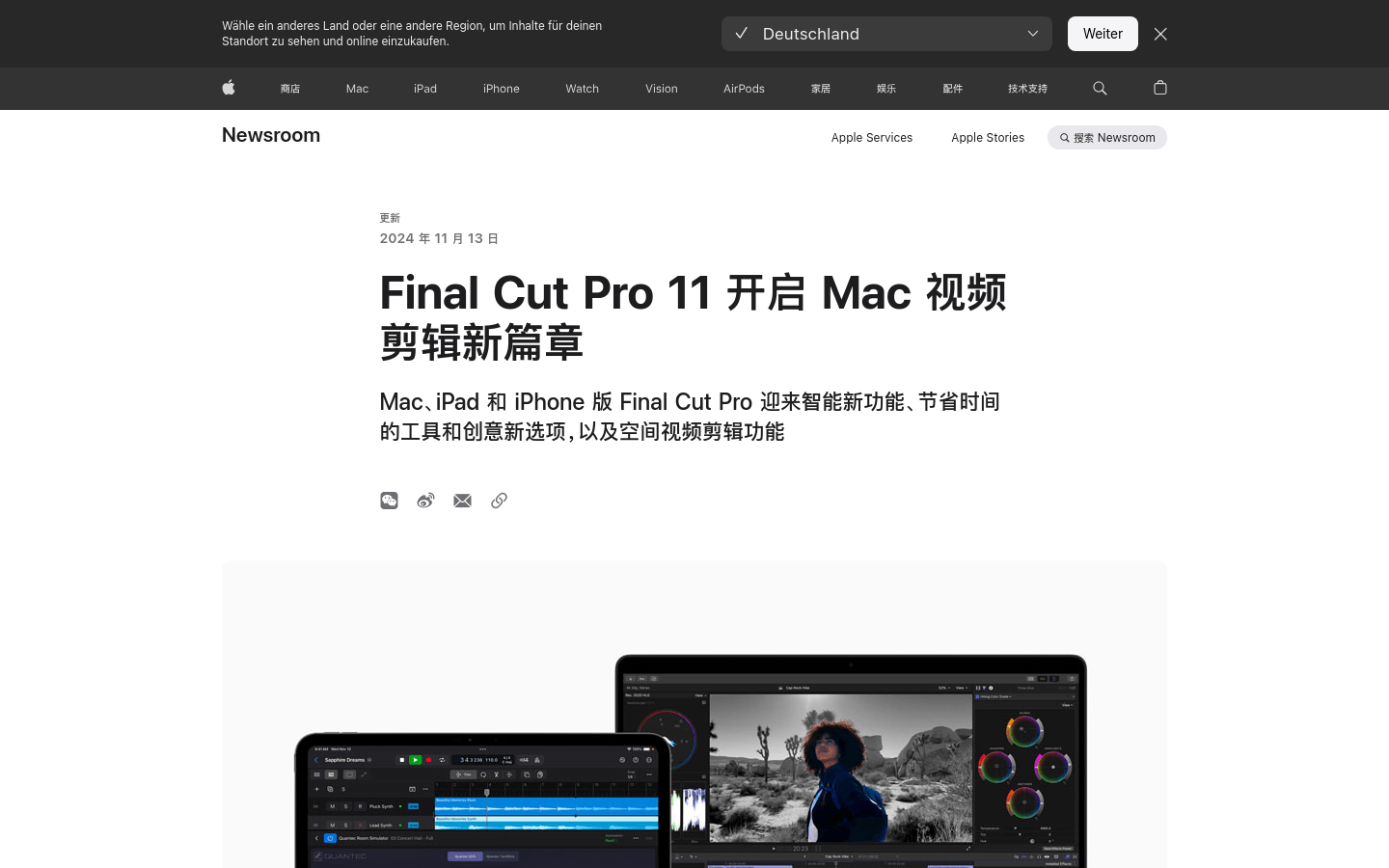
Screenshot archived from the listing page, for preview only.











