
Feedback Wizard
AI design feedback plugin for FigmaInstant UX and UI notes as you design
Highlights
What you can do with it
- Getting feedback on a new app interface while you design
- Product teams checking usability during design iteration
- Design educators teaching good interface principles
How to use it
- 1 Register an account on the Feedback Wizard site
- 2 Install the Feedback Wizard plugin into Figma
- 3 Select the design element you want reviewed
- 4 Submit it through the plugin and read the AI feedback
- 5 Adjust the design, or upgrade to Pro for unlimited requests
Who it is for
Pros
- Runs inside Figma, so feedback fits your normal workflow
- Free trial includes 10 feedback requests
- Pro plan is inexpensive at $6.99 per month
Limitations
- Only works inside Figma, so other tools are not covered
- Free requests are capped at 10
- AI feedback is advisory and does not replace testing with real users
What Feedback Wizard is
Feedback Wizard is an AI design feedback plugin built for Figma. It reviews the elements you select and returns notes on user experience and interface design, so you get a second opinion without waiting for a teammate. The feedback covers usability and UI hierarchy, and you can add custom context to make the notes more relevant to your specific project. A basic free trial is offered with 10 free feedback requests, and a paid Pro version is available for people who need more.
What you can do with it
- Get instant UX feedback on usability and functionality
- Receive suggestions for improving UI hierarchy and visual structure
- Add custom context so the feedback matches your project goals
- Keep iterating on a design inside Figma without leaving the tool
Who it is for
- UI and UX designers who work in Figma every day
- Product teams that need a quick check during design iteration
- Design educators and students learning what makes an interface work
What to watch out for
The plugin only works inside Figma, so designs in other tools are not covered. The free trial is limited to 10 feedback requests, which runs out quickly if you use it daily. The AI feedback is advisory: it can point at problems, but it cannot watch real people use your product, so important decisions should still be backed by user testing. If your files are large or complex, expect to select specific frames rather than review everything at once. Features and interface details may change between versions, so review the latest notes on the page before you start. For team use, agree on naming and editing conventions in advance to avoid version conflicts or duplicated work.
FAQ
What does the free trial include?
The trial offers 10 free feedback requests, and you can choose UX or UI feedback.
What does Pro cost?
Feedback Wizard Pro is $6.99 per month and provides unlimited feedback requests, future updates, and priority support.
Which tool does it work with?
It is a plugin that runs inside Figma.
Why it is free
What the official page says: free trial
Free limits, trial length and features are decided by the official site and can change at any time.
Product preview
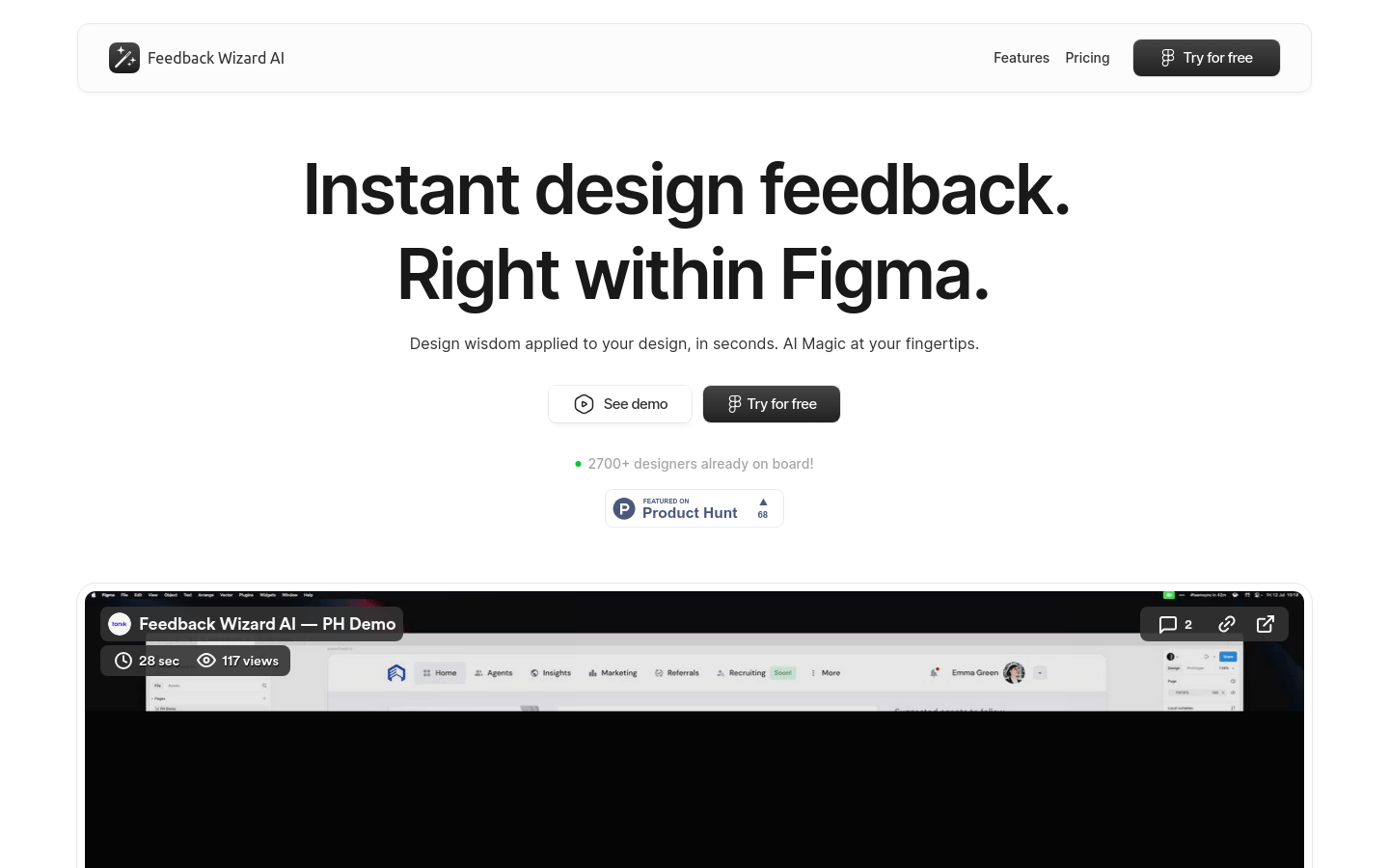
Screenshot archived from the listing page, for preview only.











