
FastTrackr AI
AI assistant for meetings and emailAutomate meetings, email, and reminders
Highlights
What you can do with it
- Automate client meeting scheduling and follow-up email
- Capture ideas by voice and turn them into notes
- Manage multiple inboxes without switching apps
How to use it
- 1 Register on the FastTrackr AI site
- 2 Install the app and connect email and calendar
- 3 Send commands or voice notes through iMessage
- 4 Review the drafts and schedules it produces
- 5 Adjust settings to fit your workflow
Who it is for
Pros
- Automates meetings, email, and reminders
- Voice-to-text and research assistant included
- Multilingual support for over 50 languages
Limitations
- Runs through iMessage, so it is Apple centric
- Free trial is limited and full use needs a subscription
- Automated drafts still need human review
What FastTrackr AI is
FastTrackr AI is an AI-based productivity tool designed to enhance work efficiency by automating daily tasks. According to the site, it helps users manage meetings, emails, to-do lists, and reminders, saving time and energy so they can concentrate on higher-value work. Features include automated meeting scheduling that avoids calendar conflicts, accurate email drafting, voice-to-text capture, task management and reminders, support for over 50 languages, management of multiple email accounts, and an AI research assistant for quick lookups. The site lists a free trial and different subscription plans for individual and business users. It is operated through commands or voice instructions in iMessage, which ties it closely to Apple's ecosystem.
What you can do with it
- Schedule meetings automatically and avoid calendar conflicts
- Draft and send formatted email directly from iMessage
- Capture ideas with voice-to-text at any time and place
- Manage several inboxes and get research help in one place
Who it is for
- Entrepreneurs managing client communication and follow-ups
- Freelancers juggling many small tasks across projects
- Multilingual teams scheduling meetings across regions
- Busy professionals who want routine work automated
What to watch out for
The tool runs through iMessage, so it is Apple centric and far less useful on other platforms, which is a hard limit if your team is mixed. The free trial is limited and full use requires a subscription, so budget for that if you plan to rely on it. Automated email and scheduling still need human review, since a wrong draft or a bad meeting slot can cause real problems with clients. Because it connects to your email and calendar, you are granting access to sensitive accounts, so review the privacy terms and permissions before you link everything.
FAQ
What does FastTrackr AI automate?
It handles meetings, emails, to-do lists, and reminders, according to the site.
Is there a free trial?
Yes. The site offers a free trial plus subscription plans.
How many languages does it support?
The site says it is compatible with over 50 languages.
Why it is free
What the official page says: free trial
Free limits, trial length and features are decided by the official site and can change at any time.
Product preview
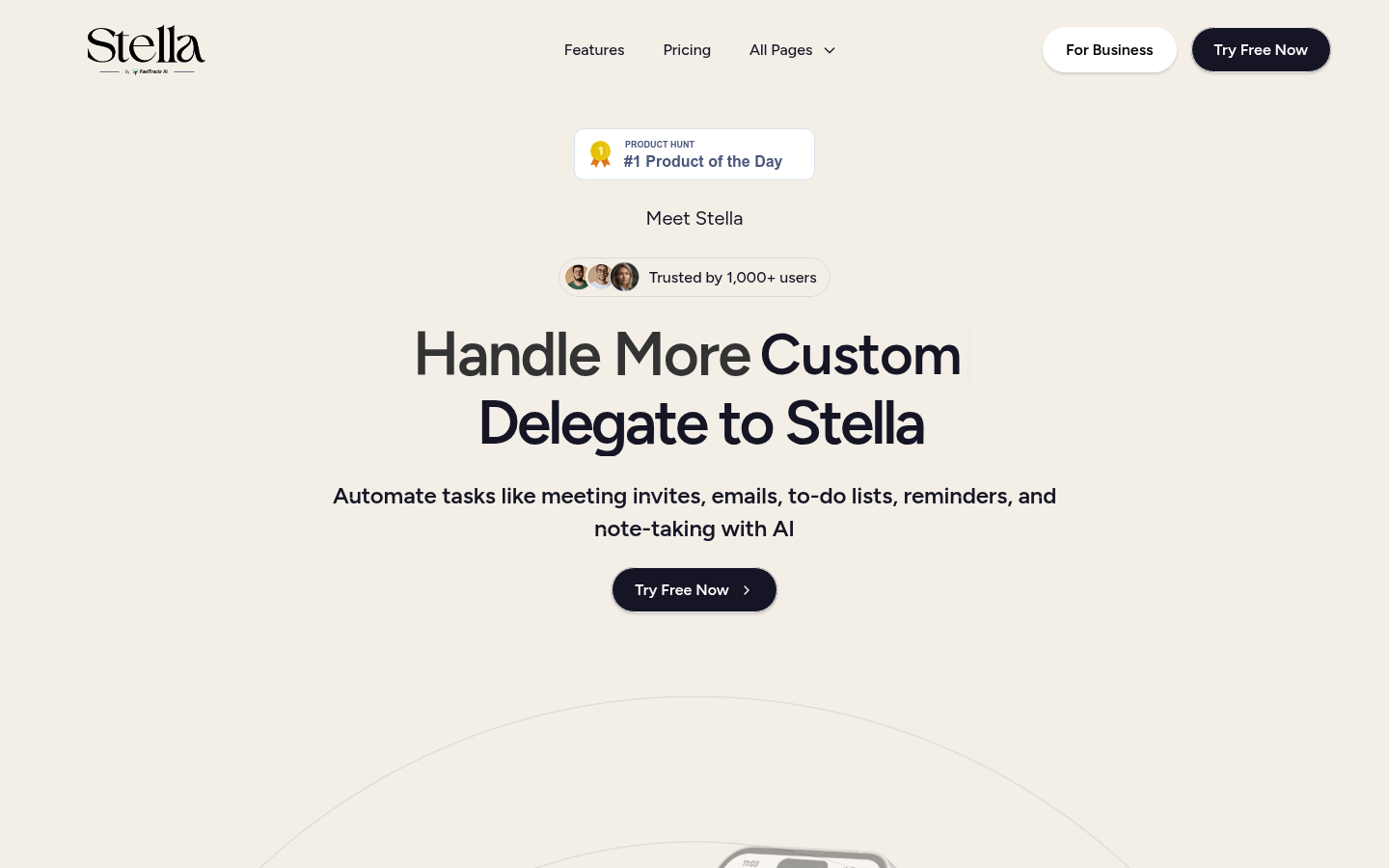
Screenshot archived from the listing page, for preview only.











