
Fastly AI
Browser AI suite for photos and imagesBackgrounds, 4K enhancement, ID photos
Highlights
What you can do with it
- A traveler creates a compliant visa photo before a trip
- An e-commerce seller builds studio-style product images
- A blogger expands a square photo to 9:16 for vertical video
How to use it
- 1 Open the Fastly AI website and log in
- 2 Pick a tool such as ID photo, background removal, or enhancement
- 3 Upload the image and set the required specifications
- 4 Preview the result, confirm the credit cost, and submit
- 5 Download the finished image when processing is done
Who it is for
Pros
- No installation; all tools run in the browser
- Free trial with 10 credits to try key features
- One suite covers backgrounds, enhancement, and ID photos
Limitations
- Credits run out, and further use needs a paid package
- Free trial scope and credit rules may change
- Output quality still depends on the source photo you upload
What Fastly AI is
Fastly AI is a browser-based suite of AI vision tools for working with photos and images. It covers background removal with hairline precision and transparent PNG output, image enhancement that lifts low-resolution or noisy pictures to 2x or 4x HD quality, and photo restoration for faded or damaged old pictures. It also places e-commerce products into studio lighting scenes, expands images to 9:16 or 16:9 for social platforms, and generates passport, visa, and ID photos that match the standard sizes and background colors for 100 countries. Nothing needs to be installed: you upload a file, choose the tool, preview the result, and download it. A free trial provides 10 credits to test features such as ID photo creation and photo restoration.
What you can do with it
- Cut out a background and export a transparent PNG.
- Sharpen and upscale a soft or noisy photo to higher quality.
- Build studio-style product shots for e-commerce listings.
- Create compliant ID, passport, and visa photos, or restore an old family picture.
Who it is for
- Travelers who need a passport or visa photo on short notice.
- E-commerce sellers who process product images in volume.
- Families and creators who want to restore or resize old photos.
What to watch out for
The free trial is limited to 10 credits, and once those are used up you need a credit package or subscription to continue, so check the pricing before you start a large batch. Trial scope and credit rules can also change as the product updates. Results depend on the quality of the image you upload, so a very small, blurry, or heavily damaged source will limit what the tools can recover. Treat the output as a strong starting point rather than a guaranteed final file, especially for official documents where accuracy matters.
FAQ
Is there a free trial?
Yes. Fastly AI offers a free trial with 10 credits, which you can spend on tools such as ID photo creation and photo restoration.
Do I need to install software?
No. It is a browser-based suite, so you upload, process, and download files directly in your web browser.
What can I do with it?
Remove backgrounds, enhance images to 4K, create ID and visa photos for 100 countries, build product shots, expand images, and restore old photos.
Why it is free
What the official page says: free creditsfree trial
Free limits, trial length and features are decided by the official site and can change at any time.
Product preview
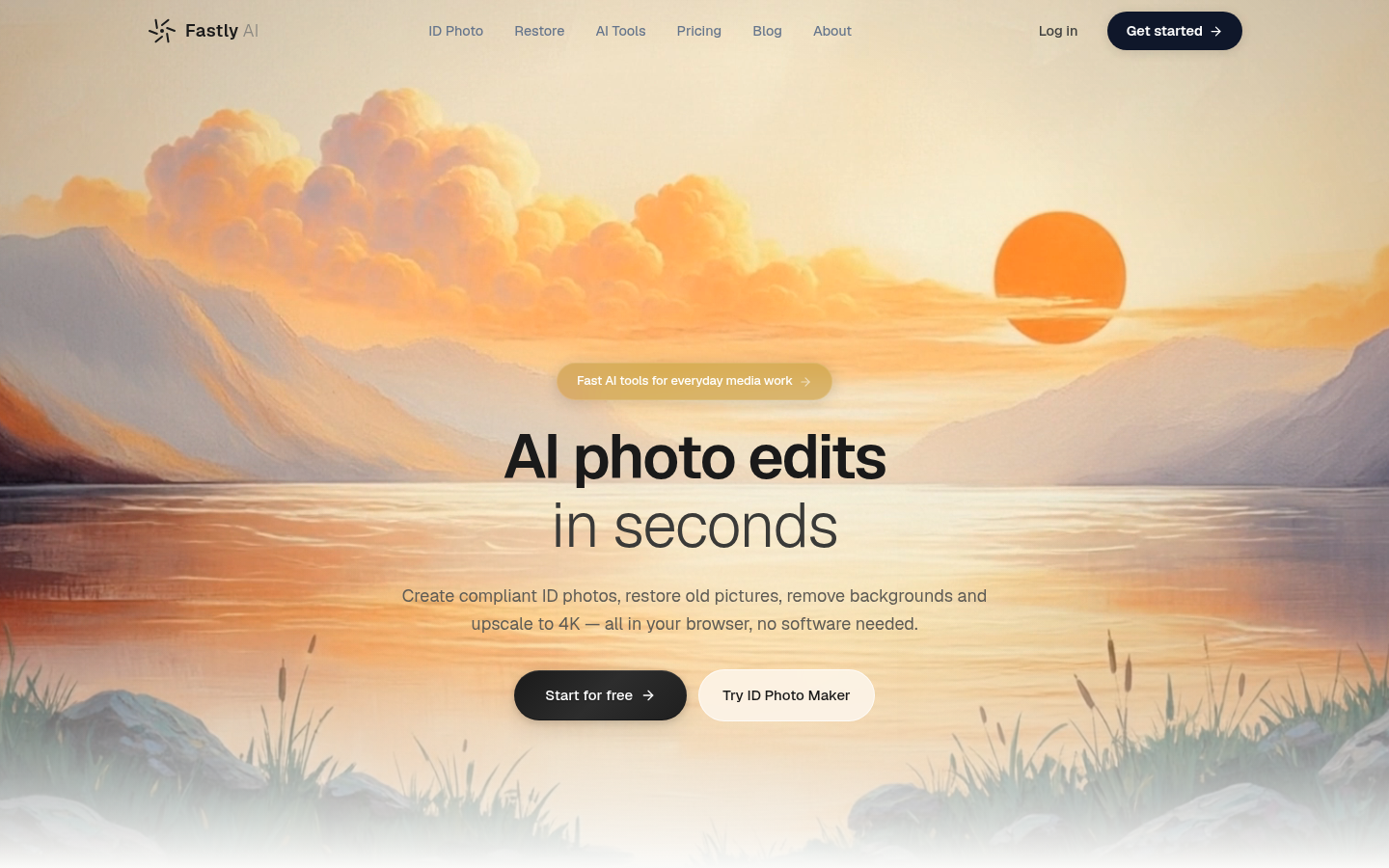
Screenshot archived from the listing page, for preview only.











