Faraday.dev
Offline AI chat assistantChat with AI characters, no internet
Highlights
What you can do with it
- Chat with AI characters for entertainment
- Get answers and suggestions while working offline
- Use as a small team assistant without cloud dependency
How to use it
- 1 Download Faraday from the official site
- 2 Install it with the default settings, since no configuration is needed
- 3 Open the app and choose an AI character to talk to
- 4 Ask questions, request suggestions, or simply chat
- 5 Adjust settings if you want to customise the behaviour
Who it is for
Pros
- Works with no internet connection at all
- No configuration needed to get started
- Free for individuals and small teams
- Customisable if you want to change how it behaves
Limitations
- Because it runs offline, performance depends on your own hardware and setup
- Aimed at conversation, questions, and suggestions rather than heavy production work
- A free product's features and availability can change over time
What Faraday.dev is
Faraday.dev is an offline chat AI assistant. You talk to AI characters inside it, and it answers questions, offers suggestions, and holds a normal conversation. The two features that define it are that it works without an internet connection and that it needs no configuration to start. That combination suits situations where the network is unavailable or unreliable, and situations where you would rather the interaction stayed on your own hardware instead of travelling to a server. The product is pitched as feature-rich and customisable, free for individuals and small teams.
What you can do with it
- Converse with AI characters for entertainment
- Ask questions and receive suggestions while offline
- Use it for learning or light office help without a connection
- Customise behaviour to suit your own preferences
Who it is for
- People who want an AI assistant that keeps working with no network
- Small teams that prefer local operation to cloud dependency
- Anyone using AI chat for learning or entertainment away from a stable connection
What to watch out for
Running offline means the work happens on your device, so response quality and speed depend on the hardware you have rather than on a provider's servers. The scope is conversational: questions, suggestions, and casual chat, not long document work or specialised production tasks. It is also a free product, which means the feature set, model, and distribution can change, so keep your own copy of anything you install and check the current release notes before updating. Free tiers and usage limits can change, so check the current rules on the official page before relying on it long term.
FAQ
Does Faraday need an internet connection?
No. It is designed to operate offline.
Do I have to configure it?
No configuration is required according to the product description.
Is it free?
It is described as a free product suitable for individuals and small teams.
Why it is free
What the official page says: 免费
Free limits, trial length and features are decided by the official site and can change at any time.
Product preview
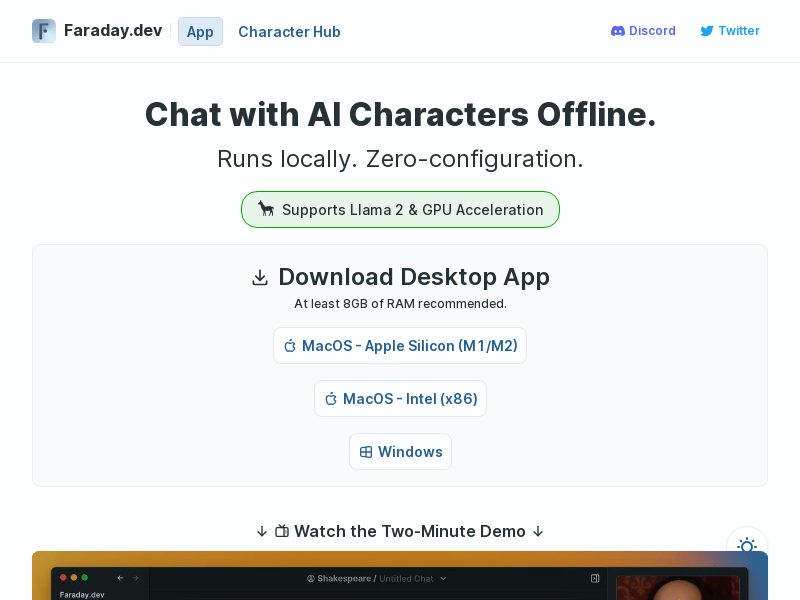
Screenshot archived from the listing page, for preview only.