
Fansly Downloader
Chrome extension for batch Fansly downloadsDownload subscribed pictures and videos in one click
Highlights
What you can do with it
- Backing up media from creators you already subscribe to.
- Organising downloaded files into a local library.
- Reviewing subscribed material offline for personal use.
How to use it
- 1 Install the Chrome extension.
- 2 Log in to your Fansly account in the browser.
- 3 Click the extension icon in the toolbar.
- 4 Select the creator whose content you want to save.
- 5 Click the download button to start.
Who it is for
Pros
- Batch saving beats downloading items one by one.
- It runs inside Chrome, so there is no separate app to learn.
- A free trial lets you test it before paying.
Limitations
- Downloading other people's content can break Fansly's terms of service and copyright law, and any account action or legal consequence is yours alone.
- The free offer is a trial, so continued use requires payment.
- It depends on Fansly not changing its site or its API, and those changes can break the extension at any time.
- Handing browsing access to a third party extension is a privacy risk, so review the permissions carefully.
What Fansly Downloader is
Fansly Downloader is a Chrome extension for saving content from Fansly. The workflow is straightforward: install the extension, log in to your Fansly account in the browser, click the extension icon, choose a creator, and press download to save their pictures and videos locally. It supports batch operations, so a large library can be pulled in one operation rather than file by file, and it claims fast transfer speeds and attention to data privacy during the process. A free trial is offered so you can evaluate the extension before paying. The intended user is a subscriber who already pays for access and wants a local copy of the media they can already see.
What you can do with it
- Batch download pictures and videos from creators you subscribe to.
- Save content locally instead of streaming it each time.
- Organise downloaded media into your own folders.
- Work entirely inside Chrome without a separate application.
Who it is for
- Subscribers who want an offline copy of content they pay for.
- People managing a large personal media library.
- Users who prefer local files over repeated streaming.
What to watch out for
The important part comes first: downloading other people's content can breach Fansly's terms of service and can raise copyright issues, and any account suspension, takedown, or legal consequence lands on you, not the software. Check the platform's terms and only save content you have a clear right to keep. Beyond that, the free offer is a trial rather than a permanent free tier, and the extension depends on Fansly not changing its site structure or its API, which it can do without warning. Finally, an extension that acts inside your logged in browsing session has real access to your account, so read the permissions it requests and treat any request for more access than downloading as a reason to uninstall.
FAQ
Is it legal to use Fansly Downloader?
Only download content you have the clear right to save, and check Fansly's terms first. Breaching platform rules or copyright can cost you your account or worse, and the consequences fall on you, not the tool.
Does it need my login?
You log in to Fansly in your own browser as usual, and the extension acts on that session, which is exactly why you should review what permissions it requests.
Is it free?
It offers a free trial so you can test the extension before deciding whether to pay.
Why it is free
What the official page says: free trial
Free limits, trial length and features are decided by the official site and can change at any time.
Product preview
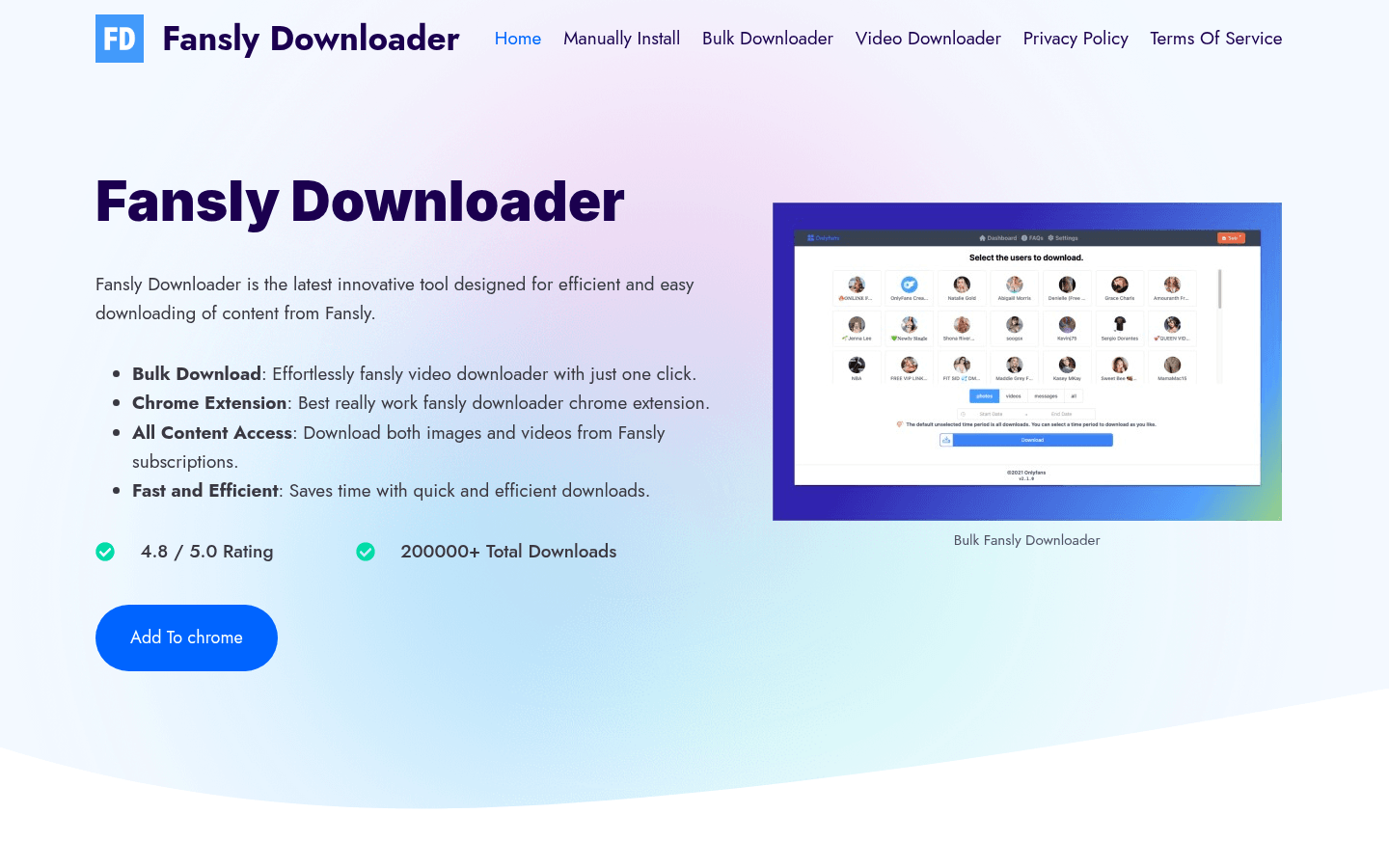
Screenshot archived from the listing page, for preview only.











