
Falva
Free online graphic design tool with AI helpDesign on an infinite canvas with templates and AI
Highlights
What you can do with it
- Individual designers complete poster designs with AI image generation and templates
- Enterprise teams co-produce promotional material with collaboration features
- Social media operators create attractive posts from templates and the content library
How to use it
- 1 Visit falva.ai and sign up or log in
- 2 Select a design use case such as a social media post or poster
- 3 Pick a template or start on the blank infinite canvas
- 4 Add elements, images, and fonts from the content library
- 5 Use Falva AI to assist with design tasks
- 6 Export the finished design with the advanced export function
Who it is for
Pros
- Free to use
- Rich templates, assets, and fonts
- Real-time collaboration for teams
- AI assistance speeds up production
Limitations
- Free status may change as the product grows, and some features could move to paid plans
- Real-time collaboration needs a stable connection
- Heavy customization still takes design skill
- Keep local copies of finished exports in case terms change
What Falva is
Falva is a free online graphic design tool for individuals and teams. It provides an infinite canvas, a large library of customizable templates, and a rich content library of elements, stock images, and fonts. You can export designs in high quality, keep brand assets together in a brand kit, and collaborate with teammates in real time on the same project. Falva AI acts as a creative partner that assists with design tasks and helps speed up production. The tool is currently free to use and aims to cover design needs from social media posts to larger team projects.
What you can do with it
- Design on an infinite canvas with templates and assets
- Use elements, stock images, and fonts from the content library
- Keep brand assets organized in a brand kit
- Collaborate with teammates in real time
- Get assistance from Falva AI during the design process
Who it is for
- Individual designers working on posters and graphics
- Enterprise teams co-producing promotional material
- Social media operators creating regular post visuals
- Entrepreneurs who need professional designs on a budget
What to watch out for
Falva is free to use now, but as the product grows some features may move to paid plans, so check pricing before relying on it for client work. Real-time collaboration needs a stable internet connection, and performance can depend on project size. Templates speed up production, yet heavy customization still takes design skill. Because it is an online service, keep local copies of finished exports in case the platform changes its terms. Features and interface details may change between versions, so review the latest notes on the page before you start.
FAQ
Is Falva free?
Yes. It is currently free to use.
Does it support teamwork?
Yes. It offers real-time multi-person collaboration and a brand kit.
What is Falva AI?
It is an AI assistant within the tool that helps with design tasks.
Why it is free
What the official page says: free to use
Free limits, trial length and features are decided by the official site and can change at any time.
Product preview
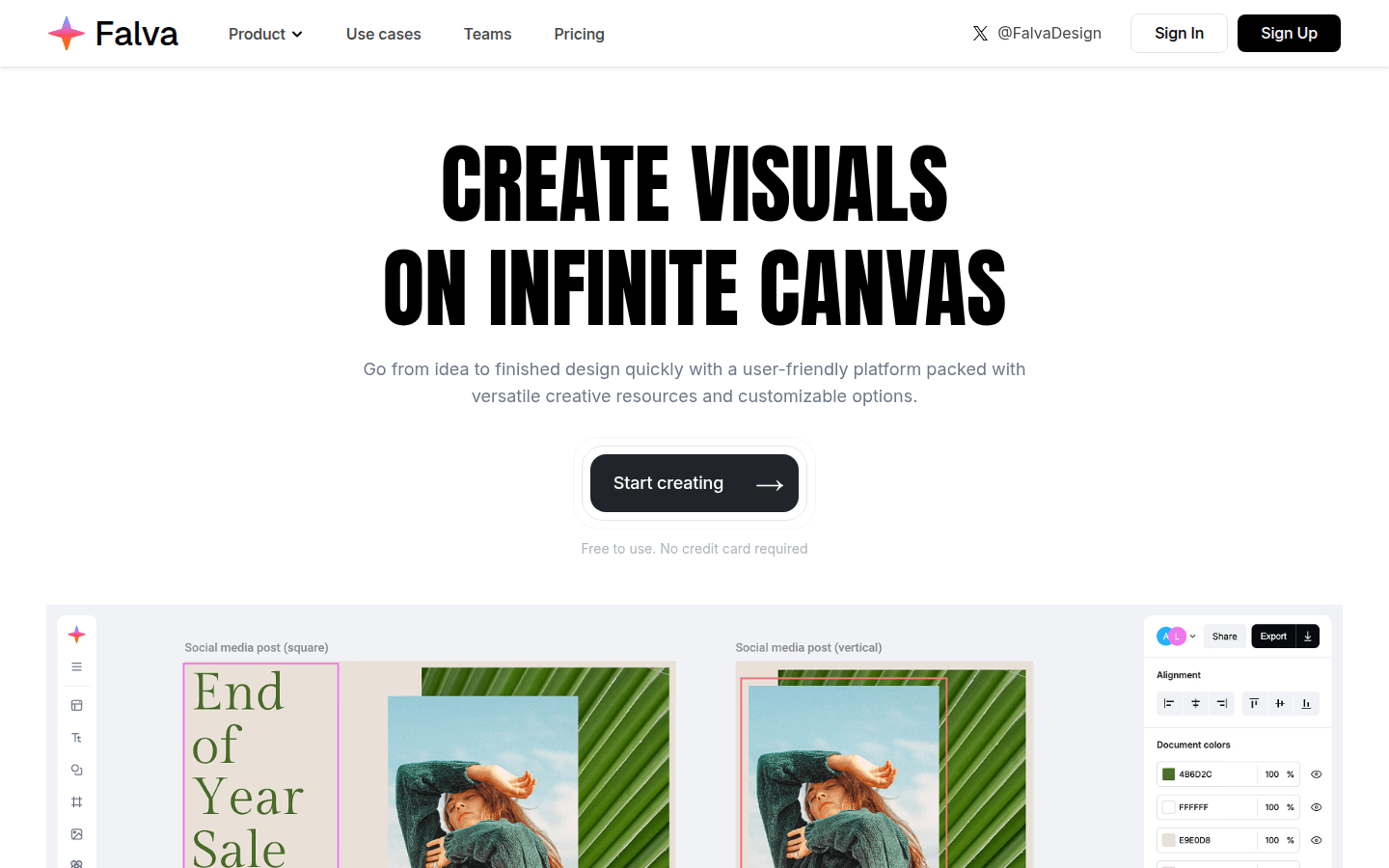
Screenshot archived from the listing page, for preview only.











