
Factiverse AI Editor
Free AI editor for checking textDetect errors, bias, and bad sources
Highlights
What you can do with it
- Check a news article for bias before publishing
- Verify claims and sources in a report
- Review AI-generated drafts for controversy
How to use it
- 1 Open the Factiverse AI Editor in your browser
- 2 Paste or upload the text you want to check
- 3 Run the detection to see errors, bias, and controversy flags
- 4 Review the suggested sources and add credible references
- 5 Edit and format the document, then publish it
Who it is for
Pros
- Completely free to use as an editor
- Combines detection, editing, and sourcing
- Works on both human and AI-written text
Limitations
- Detection results are a starting point, not a final verdict
- Free status can change as the product develops
- Source suggestions still need human judgment
What Factiverse AI Editor is
Factiverse AI Editor is a free AI editor built for detecting, editing, formatting, and publishing news, reports, and documents. It helps users spot errors, bias, and controversy in text and find credible information sources. The editor can analyze any text, whether it was written by a person or produced by a chatbot such as ChatGPT, and it highlights controversial statements along with reliable references. Instead of a separate fact-checking step, the editor keeps the workflow in one window: you bring in a draft, look at what it flags, pull in better sources, and clean up the formatting on the way out. It is aimed at people who publish text and want a careful second pass before their work goes live.
What you can do with it
- Detect errors, bias, and controversial claims in a draft
- Find credible sources to back up statements
- Analyze text written by humans or by AI chatbots
- Format and edit documents before publishing
Who it is for
- Journalists and news writers who need to check copy quickly
- Researchers and analysts writing reports
- Editors and publishers reviewing content from multiple authors
What to watch out for
The editor is described as free, but free access can change as a product evolves, so confirm the current terms on the official site. Detection output should be treated as a starting point: the tool points at possible problems and suggests sources, yet it cannot guarantee that every claim is correct. Bias and controversy flags depend heavily on how a text is written, so results will vary from document to document. If you use it for high-stakes publishing, keep your own review process in place rather than treating the flags as the last word. Human judgment is still required before anything is published, especially for news or research where accuracy matters.
FAQ
Is Factiverse AI Editor free?
Yes. The listing describes it as a free AI editor for detecting, editing, formatting, and publishing documents.
Can it check AI-generated text?
Yes. It can analyze text created by humans or by chatbots such as ChatGPT and flag controversial statements.
Does it replace a human fact-checker?
No. It helps you find errors and sources faster, but a person should still confirm every claim before publishing.
Why it is free
What the official page says: 免费
Free limits, trial length and features are decided by the official site and can change at any time.
Product preview
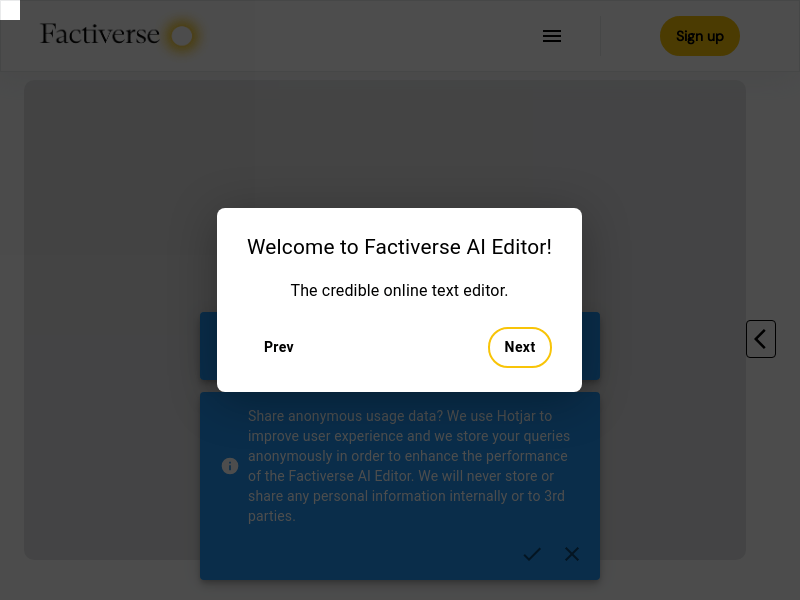
Screenshot archived from the listing page, for preview only.











