
FaceHair
Try on hairstyles with AIPreview 200-plus hairstyles on your photo
Highlights
What you can do with it
- Preview a wedding hairstyle before the day
- Try a bold new color or short cut safely
- Show a stylist the exact look you want
How to use it
- 1 Upload a clear photo to the site
- 2 Pick a hairstyle type and color
- 3 Generate and preview the AI result
- 4 Download or share the look you like
Who it is for
Pros
- Free to use online
- Many styles and colors to preview
- Removes guesswork before a haircut
Limitations
- Results are a preview, not a guarantee of the real cut
- Depends on a clear, well-lit photo
- Free access and style range can change over time
What FaceHair is
FaceHair is an AI hair styling tool that runs online for free. You upload a photo and it gives personalized hairstyle suggestions, so you can see short, long, bangs, and layered looks, plus several hair colors, before you commit. The source says it helps people choose a style for important occasions such as weddings, parties, and dates, and that it can help you show a stylist exactly what you want. It is a quick way to remove guesswork before a haircut.
What you can do with it
- Upload a photo and get hairstyle suggestions from AI.
- Preview short, long, bangs, and layered styles.
- Try different hair colors on the same photo.
- Save or share a look to show a stylist or friend.
Who it is for
- Anyone planning a new hairstyle or color.
- People getting ready for a wedding, party, or date.
- Stylists and clients who want to agree on a look first.
What to watch out for
The result is a preview, not a promise of how a real cut or color will turn out, since that depends on your hair and the stylist. Accuracy depends on a clear, well-lit photo, so poor images give weaker results. Free access and the range of styles can change over time, so check what is currently offered. Start with a small sample to confirm the output meets your expectations before processing the full batch. Free tiers and usage limits can change, so check the current rules on the official page before relying on it long term. When quality matters, export a small draft first to confirm the result before producing the final file.
FAQ
Is FaceHair free?
The source describes it as free to try online.
What can I preview?
Short, long, bangs, and layered hairstyles in several colors.
Do I need a special photo?
A clear upload works best for accurate previews.
Why it is free
What the official page says: for free
Free limits, trial length and features are decided by the official site and can change at any time.
Product preview
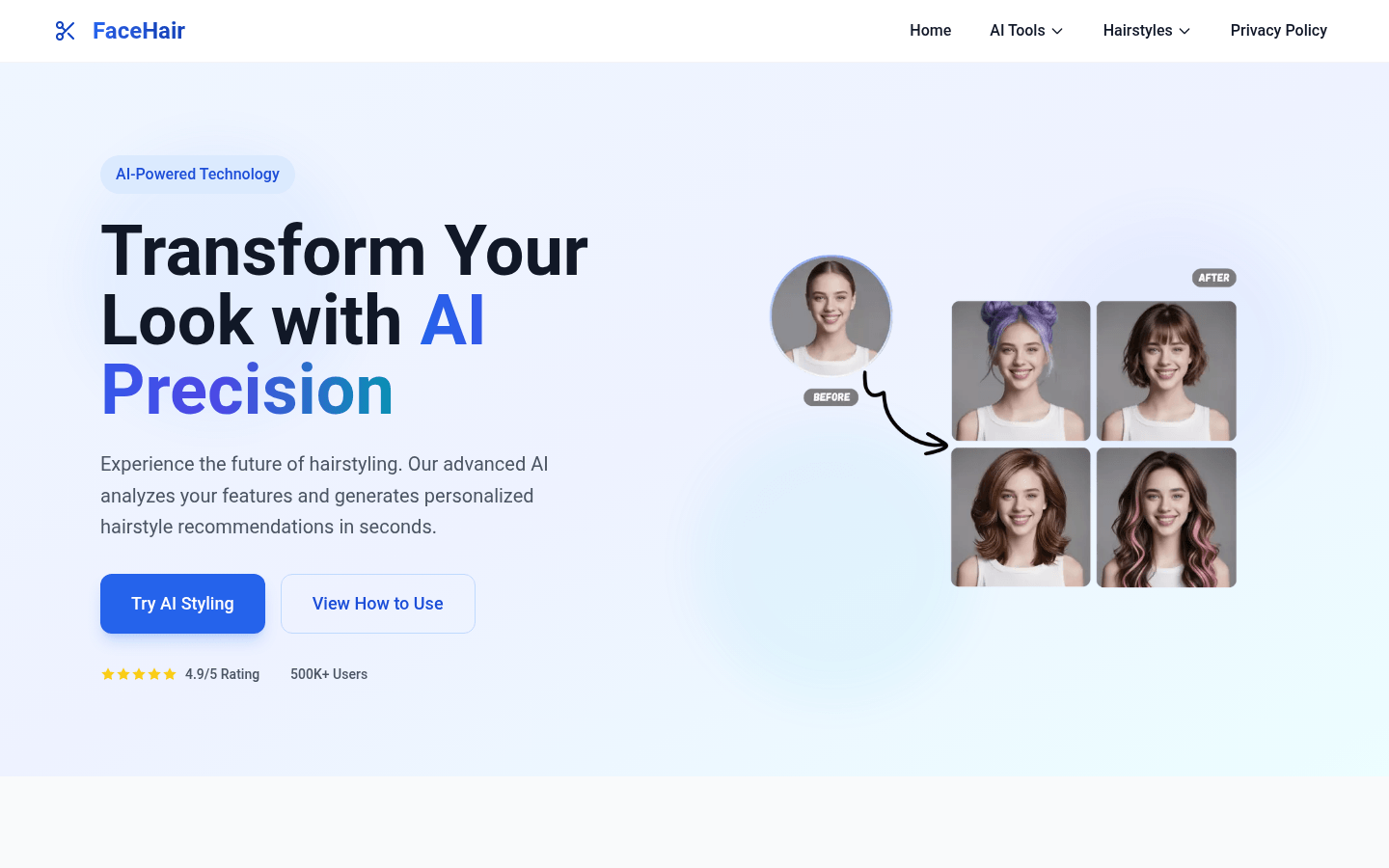
Screenshot archived from the listing page, for preview only.











