
Facefame
AI tool for compliant passport and ID photosTurn a selfie into a standard-compliant ID photo
Highlights
What you can do with it
- Travelers who need a passport or visa photo quickly
- People applying for documents that require standard ID photos
- Users who want a compliant photo without visiting a studio
How to use it
- 1 Open the Facefame site and start the listed free trial.
- 2 Upload a clear photo of yourself.
- 3 Let the AI adjust lighting and background to a standard look.
- 4 Check that the result fits your document's requirements.
- 5 Download the photo if it meets the needed format.
Who it is for
Pros
- Produces standard-looking ID photos quickly
- AI adjusts lighting and background automatically
- Free trial listed to test the output
Limitations
- Pricing is not clearly documented, so confirm details on the site
- Free trial terms can change and may be limited
- Output acceptance depends on the specific authority's rules
- Photo quality still depends on your original image
What Facefame is
Facefame is an AI photo generation website focused on producing professional ID photos, such as passport and visa pictures, that meet document standards. Getting a compliant ID photo usually means a studio visit or careful manual editing, and Facefame aims to shorten that process. It uses AI to handle lighting and backgrounds so the result fits the look various official documents expect. The listing says the goal is a quick, convenient way to get compliant ID photos without a studio. It is positioned for people who need different types of document photos, from passports to visas and other official forms. A free trial is listed, but the description notes that pricing is not clearly documented, so users should confirm current details on the site before they start.
What you can do with it
- Generate a professional-looking ID photo from an uploaded image.
- Adjust lighting and background toward a standard, compliant look.
- Prepare passport, visa, and other document photos quickly.
- Test the output through the listed free trial before paying.
- Keep a copy of the original photo in case you need to redo it.
Who it is for
- Travelers preparing passport and visa applications.
- Anyone who needs a standard-compliant ID photo.
- Users who want a fast option instead of a photo studio.
What to watch out for
Pricing is not clearly documented in the listing, and free trial terms can change, so confirm current details on the site. Most importantly, acceptance of an ID photo depends on the specific authority and its rules, so always check the official requirements for your document before you rely on the result. Final quality also depends on the original photo you upload, so start with a clear, well-lit image. Treat Facefame as a convenient helper, not a guarantee that every output will pass official review.
FAQ
What does Facefame do?
It uses AI to generate professional ID photos, such as passport and visa pictures, with standard lighting and backgrounds.
Will the photo be accepted?
The platform aims to meet document requirements, but acceptance depends on the specific authority, so check the rules for your document.
Is it free?
A free trial is listed, but pricing is not clearly documented, so check the site for current details.
Who is it for?
It is for people who need various types of document photos, including passports and visas.
Why it is free
What the official page says: 免费试用免费
Free limits, trial length and features are decided by the official site and can change at any time.
Product preview
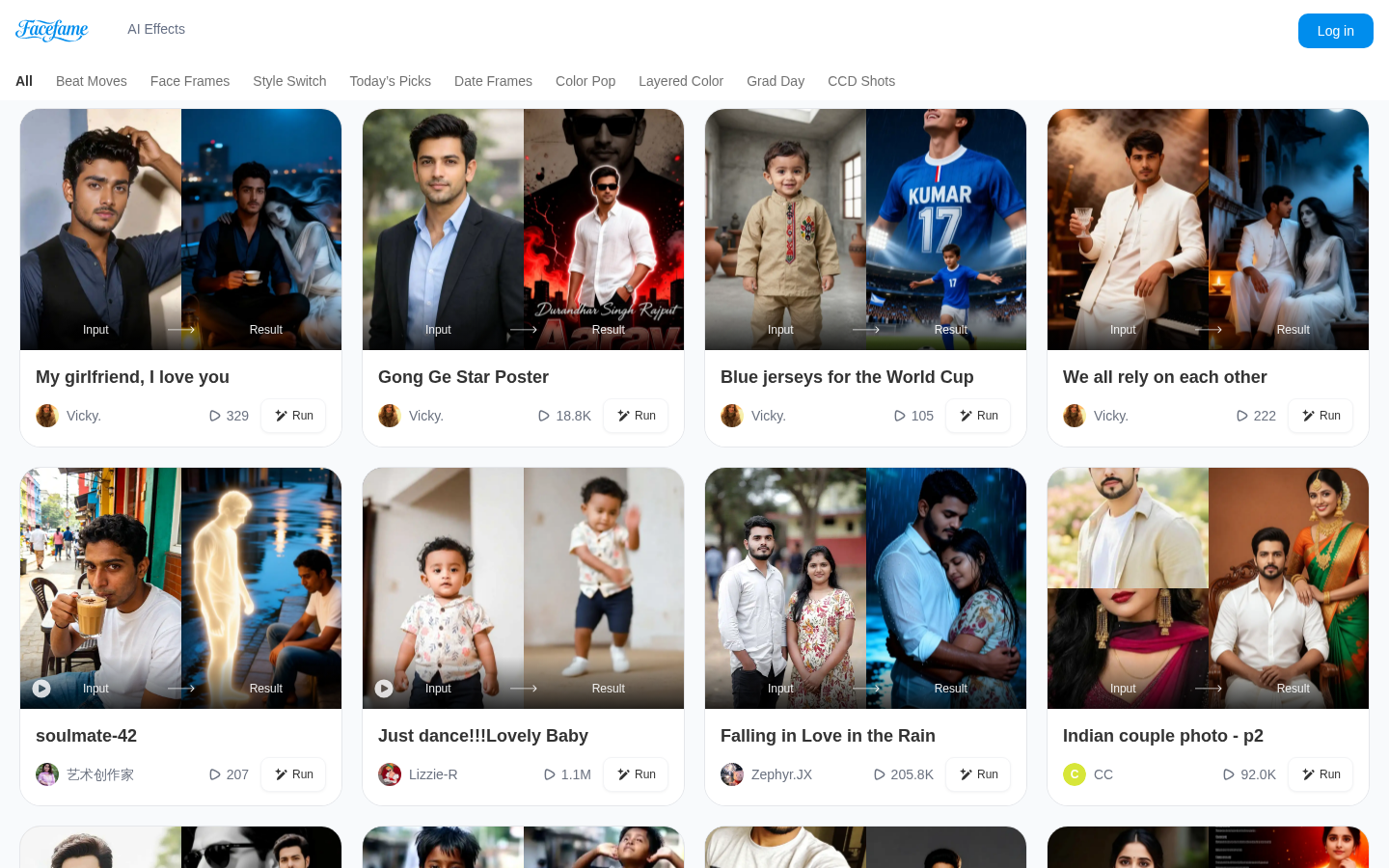
Screenshot archived from the listing page, for preview only.