
Face AI
AI image and face swap toolkitGenerate images, videos and face swaps
Highlights
What you can do with it
- Generate product images for an online store listing.
- Build a personal avatar or animated emoji for social accounts.
- Swap faces inside a short video for a funny clip.
How to use it
- 1 Register an account on the Face AI site.
- 2 Pick the tool you need, such as photo or video generation.
- 3 Type a description or upload a source image and set the options.
- 4 Generate, preview, then download or share the result.
Who it is for
Pros
- Many tools live behind one account.
- Free options exist alongside paid credits.
- Large template library shortens setup work.
- Works for both still images and moving video.
Limitations
- Face swap can be misused, so only swap faces with clear consent and follow each platform's rules.
- The site has returned access errors, so availability can be patchy.
- Free access is narrower than the paid credit plans.
- Which tools are free and which cost credits can shift.
What Face AI is
Face AI is a combined creative toolkit that puts AI image generation, video creation, character design and face swapping in one place. You either describe what you want in plain text or upload a source image, and the site returns visual content you can download or share. Photo generation covers product shots and lifestyle images, character generation builds figures for stories, and avatar generation turns a selfie into a profile picture. On the video side, prompts or stills become short moving clips. The template library holds more than 1000 photo and video starting points, which helps when you have no idea where to begin. Access mixes free and paid options.
What you can do with it
- Generate product or lifestyle photos from a written description.
- Turn a selfie into a social avatar or a professional headshot.
- Convert a prompt or an image into a short video.
- Swap faces in photos, videos and GIFs, including several at once.
Who it is for
- Social media users who want avatars, stickers and animated emojis.
- Small shops that need quick product visuals without a photographer.
- Hobbyists who enjoy making short, funny video edits.
What to watch out for
Face swapping is the feature most likely to cause trouble. Only swap faces when everyone pictured has agreed, never use it to impersonate someone or to make misleading content, and expect platforms to remove material that breaks their rules. The site has returned access errors during checks, so availability may be inconsistent. Free usage is narrower than the paid credit plans, and the line between what is free and what costs credits can move, so confirm current terms before you build a workflow around it.
FAQ
What can I make with Face AI?
Photos, videos, characters, avatars, GIF edits and face swaps from one account.
Is there a free option?
The platform offers a mix of free and paid options, though exact free limits are not spelled out.
Can it swap more than one face?
Yes, the multi face swap tool replaces several faces in a single image.
Do I need design skills?
No, you can start from a template or a plain text prompt.
Why it is free
What the official page says: 免费
Free limits, trial length and features are decided by the official site and can change at any time.
Product preview
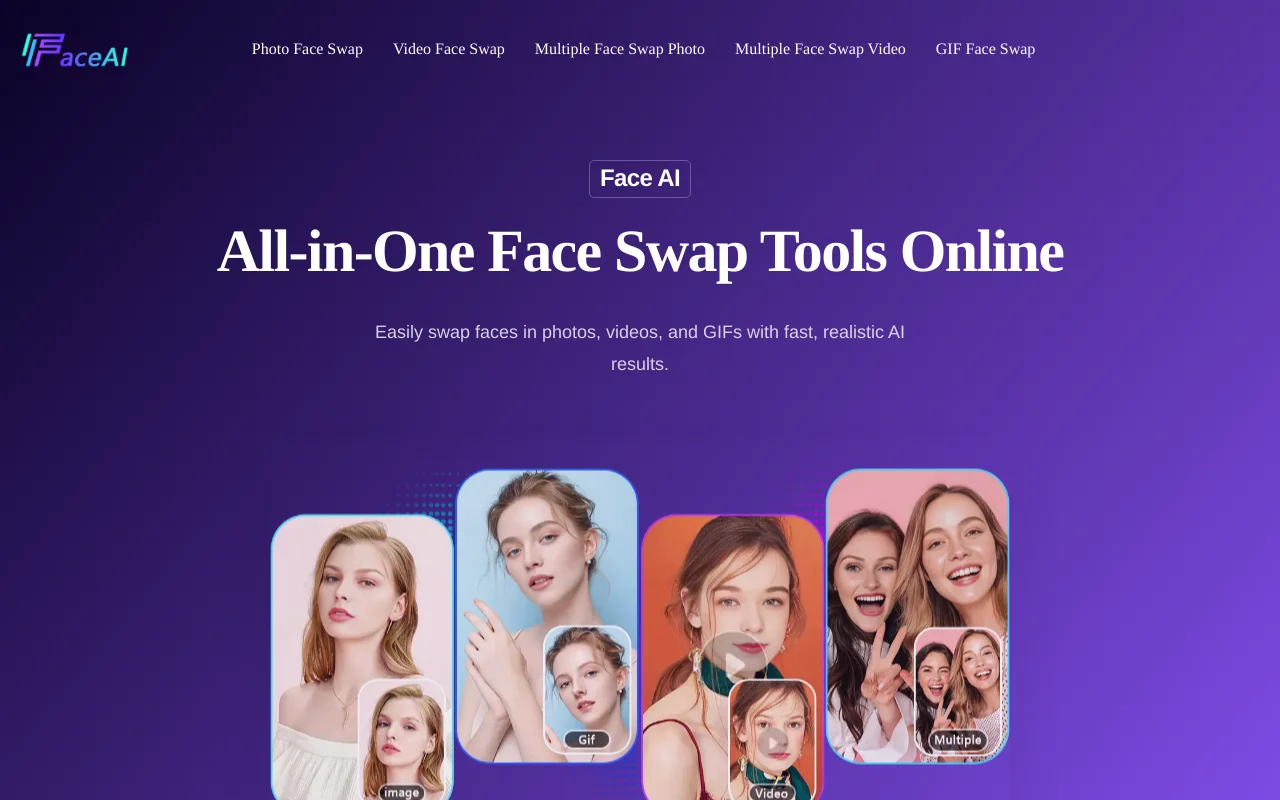
Screenshot archived from the listing page, for preview only.











