EzVoice AI
Free AI voice generator with no sign-upOver 200 voices in 50 plus languages, exported as MP3
Highlights
What you can do with it
- Produce narration for a faceless YouTube channel and drop the MP3 straight into the edit
- Convert a blog article into an audio episode for a podcast feed
- Regenerate a course paragraph after updating the script instead of re-recording a whole video
- Create English, Spanish and Japanese versions of the same ad copy for different regions
How to use it
- 1 Open the EzVoice AI site and paste a script into the text box, or drag in a PDF, PPT, DOCX, book, image, audio or video file
- 2 Check the character count, which runs from zero to 100,000, and switch the interface language if needed
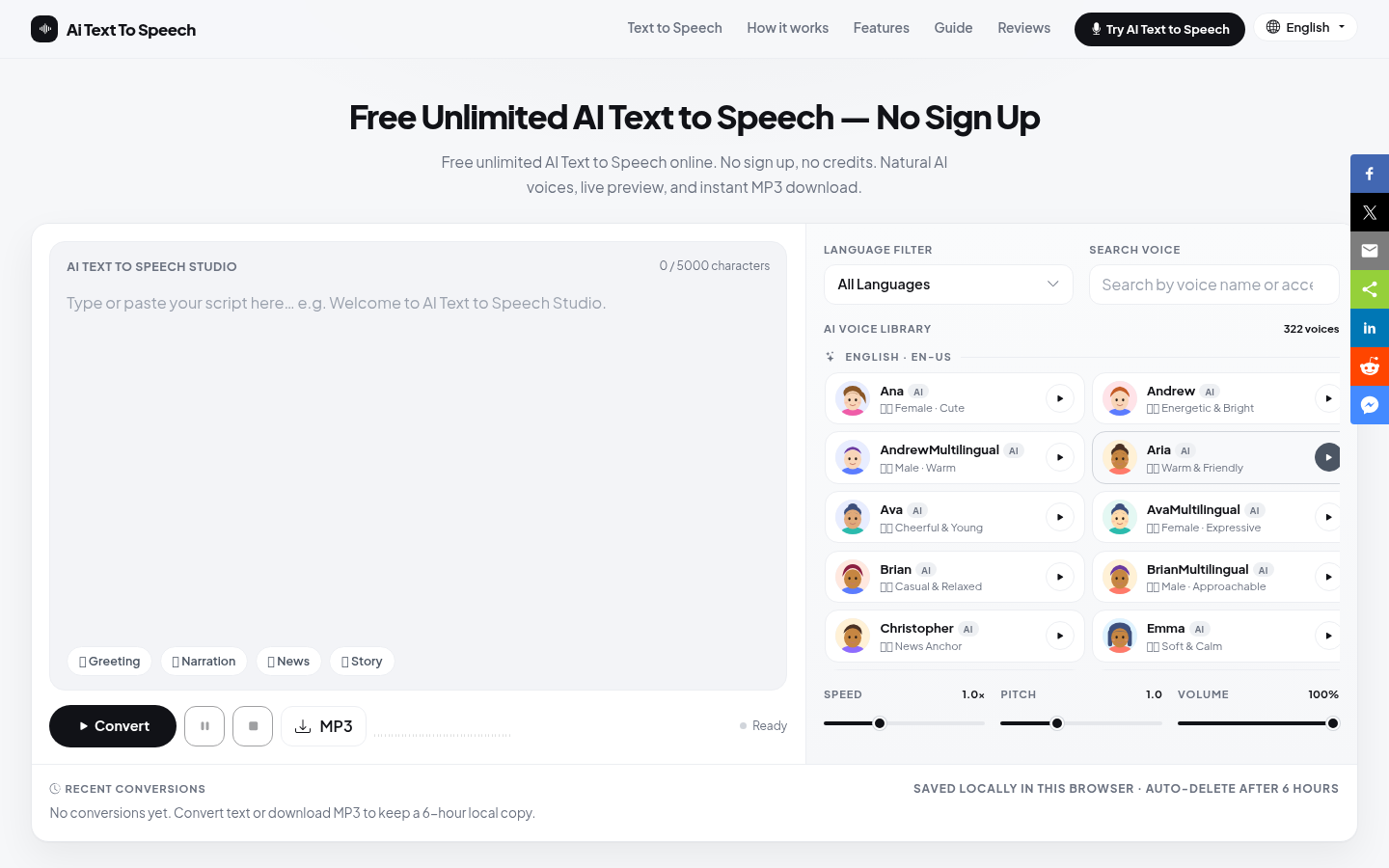
- 3 Filter the voice library by language, gender, age and style, then preview the options
- 4 Click the generate button and wait for the neural voice model to render the audio
- 5 Listen back, then adjust the text, change the voice or tune the style and regenerate
- 6 Download the high-bitrate MP3 for your editor, podcast host, course platform or campaign
Who it is for
Pros
- Free access with no registration required, which makes testing quick
- Large voice and language library with filtering and preview
- File upload support removes manual copying for long documents
- Brand voice tuning helps keep a consistent narrator across content
Limitations
- The page states free and no registration, but detailed limits and commercial terms are not spelled out
- Voice quality varies by language, and smaller languages usually sound less natural
- Uploading unpublished scripts to any online service carries some risk, so review the privacy terms
- Free access rules can change, so confirm current conditions before building a workflow on it
What EzVoice AI is
EzVoice AI is an online AI voice generator aimed at content creation and commercial voiceovers. It uses deep learning and neural network models to analyse human speech patterns, and the synthesis keeps details such as breathing, emotional fluctuation, pauses and emphasis, so the result is closer to a studio read than to older mechanical text to speech. The library contains more than 200 natural voices in more than 50 languages, and you can filter and preview by age, gender, style and language. Warmth, strength and texture can be tuned, which makes it practical to keep one recognizable narrator across a whole content library. Input can be pasted text of up to 100,000 characters or uploaded files including PDF, PPT, DOCX, books, images, audio and video, with documents and images up to 50MB and media up to 10MB. Output is a high-bitrate MP3, and the page states that no registration is required.
What you can do with it
- Generate narration for videos, podcasts and courses without a microphone.
- Choose from more than 200 voices across more than 50 languages and preview before committing.
- Upload documents and media instead of copying long text by hand.
- Tune warmth and texture to build a consistent brand narrator.
- Produce multilingual versions of the same script for different markets.
Who it is for
- YouTube and short video creators producing narration at volume.
- Podcast creators turning written articles into episodes.
- Educators and trainers who update course narration frequently.
- Marketing teams producing multilingual voiceovers.
- Corporate training and customer service content teams.
What to watch out for
The page markets free access with no registration but does not spell out usage limits or commercial licensing, so do not assume unlimited output or automatic commercial rights. Quality varies across the language list, and less common languages and voices generally sound less natural than the flagship ones, so preview carefully. Because you are uploading scripts to an online service, review the current privacy terms before sending unpublished or confidential material. Automatic pacing and pronunciation will still need fixes for names, brands and technical terms. Free access rules can change at any time, so confirm current conditions before making the tool part of a production schedule.
FAQ
Do I need to register?
The page emphasizes that EzVoice AI is free and can be used without registration, although detailed limits are not stated there.
How many voices and languages are available?
More than 200 natural voices covering more than 50 languages, filterable by age, gender, style and language.
What can I upload?
PDF, PPT, DOCX, books, images, audio and video files, with documents and images up to 50MB and audio and video up to 10MB.
What format do I get?
High-bitrate MP3 files that can be previewed and downloaded for video, podcast and course use.
Can I create a consistent brand voice?
Yes. Warmth, strength or texture can be tuned so a brand specific narrator stays consistent across content.
Why it is free
What the official page says: 免费无需注册
Free limits, trial length and features are decided by the official site and can change at any time.