
EzEditor
Free online AI image editor you drive with text promptsEdit images by describing the change, no signup needed
Highlights
What you can do with it
- A store owner updates product backgrounds weekly for her shop
- An illustrator adjusts concept art through text prompts
- A designer exports clean, watermark-free menu and poster art
How to use it
- 1 Upload a JPG, PNG, WEBP, or JPEG image
- 2 Describe the change you want and pick an aspect ratio
- 3 Generate, then refine with new prompts if needed
- 4 Download the high-resolution result with no watermark
Who it is for
Pros
- Free to use with no registration and daily free credits
- Text-prompt editing is simple and flexible
- High-resolution, watermark-free downloads
Limitations
- Only 5 free credits per day, so heavy use is limited
- Complex edits may take a few prompt tries
- Free credit rules and models can change over time
What EzEditor is
EzEditor is a free online AI image editor that you control with text prompts. You do not need to register, and each user gets 5 free credits per day that refresh the next day. Upload a JPG, PNG, WEBP, or JPEG, describe the change you want, and the AI edits, restyles, or enhances the image. It handles image-to-image and text-to-image work, offers multiple AI models and style transfer, and supports edits like object removal, background replacement, and image enlargement. Output is high resolution and watermark-free.
What you can do with it
- Edit an uploaded image by describing the change in plain text.
- Switch AI models and apply style transfer for different looks.
- Remove objects, swap backgrounds, and enlarge images.
- Download high-resolution results with no watermark.
Who it is for
- Creators and illustrators adjusting visual work quickly.
- Designers who need clean, high-resolution output.
- Marketers and e-commerce store owners updating product images.
What to watch out for
The free plan gives only 5 credits per day, so heavy or commercial use will hit the cap quickly. Complex edits may need several prompt tries to look right, and results depend on clear instructions. The free credit rules, available models, and features can change over time, so confirm the current offer before you build a regular workflow around it. Start with a small sample to confirm the output meets your expectations before processing the full batch. Free tiers and usage limits can change, so check the current rules on the official page before relying on it long term. Save a backup of the original file before large batch jobs, and keep an exported copy of key results in case the page or service becomes temporarily unavailable.
FAQ
Is EzEditor free?
Yes. It is free to use with no registration, and each user gets 5 free credits per day that refresh the next day.
How do I edit an image?
Upload an image and describe the change in a text prompt, then generate and refine until you like the result.
Are downloads watermarked?
No. Edited images are high resolution and downloaded without a watermark.
What should I keep in mind?
The free plan is limited to 5 credits a day, complex edits may need retries, and free rules and models can change.
Why it is free
What the official page says: free credits
Free limits, trial length and features are decided by the official site and can change at any time.
Product preview
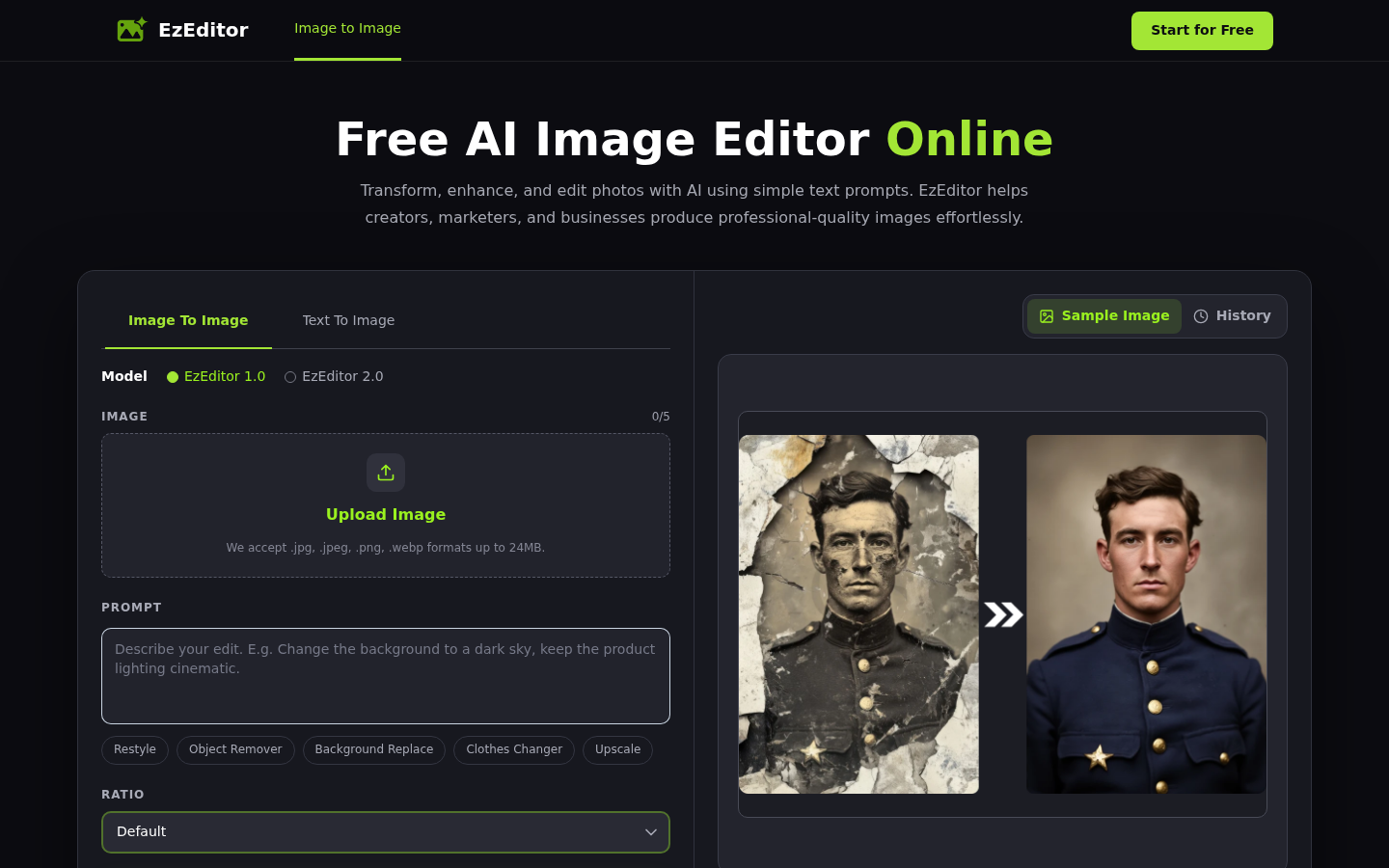
Screenshot archived from the listing page, for preview only.











