
Everygen
AI video generator with a creative studioPlan and produce video through a conversational agent
Highlights
What you can do with it
- Creators turn a written idea into a storyboarded short video
- E-commerce sellers animate product images into showcase clips
- Agencies generate multilingual ad variants via MCP integration
How to use it
- 1 Visit everygen-ai.com and register or log in
- 2 Open EveryGen Studio for a new project, or use standalone tools
- 3 Enter a creative brief and upload reference materials
- 4 Let the AI Video Agent plan scenes and assemble a draft
- 5 Adjust by conversation or manual edit, then export at your chosen settings
Who it is for
Pros
- One workflow from idea to assets to assembled video
- Several models available for different looks and budgets
- Free plan lets you test before subscribing
Limitations
- The free plan is only 10 one-time credits at 720p with a watermark
- Commercial use and watermark-free export require a paid plan
- AI drafts usually need editing before they are publishable
What Everygen is
Everygen is an online AI video generation and creative platform. You can start from text, images, or video references and generate clips using models such as Seedance, Veo, Kling, Wan, and MiniMax. Its AI Video Agent takes a creative brief, plans scenes, produces visual and audio assets, and assembles a draft you then refine by conversation or manual editing. Image generation, AI music, motion graphics, and MCP or API access round out the toolkit. The free plan gives 10 one-time credits at 720p with a watermark.
What you can do with it
- Generate video from text, images, or video references
- Let the agent build storyboards, assets, and a first-cut draft
- Create images, voiceovers, sound effects, and music in the same studio
- Export at chosen resolutions or integrate generation through MCP and API
Who it is for
- Content creators turning ideas into short videos fast
- Marketing and brand teams producing ad variants and social clips
- E-commerce sellers, agencies, educators, and developer teams
What to watch out for
The free plan is small: 10 one-time credits, 720p, and a watermark, with paid subscriptions required for watermark-free export and a commercial license. AI drafts are a starting point and need editing for pacing and accuracy. Output quality varies by model and prompt, so budget time for iteration. Free tiers and usage limits can change, so check the current rules on the official page before relying on it long term. Processing speed depends on file size and network conditions, so retry later if a task stalls during peak hours. Save a backup of the original file before large batch jobs, and keep an exported copy of key results in case the page or service becomes temporarily unavailable.
FAQ
What does the free plan include?
The free plan offers 10 one-time credits with 720p output and a watermark.
Which models can I choose?
Models such as Seedance, Veo, Kling, Wan, GPT Image, and MiniMax are integrated for different workflows.
Can developers integrate it?
Yes. Everygen provides MCP and API capabilities for embedding generation into external tools.
Why it is free
What the official page says: free plan
Free limits, trial length and features are decided by the official site and can change at any time.
Product preview
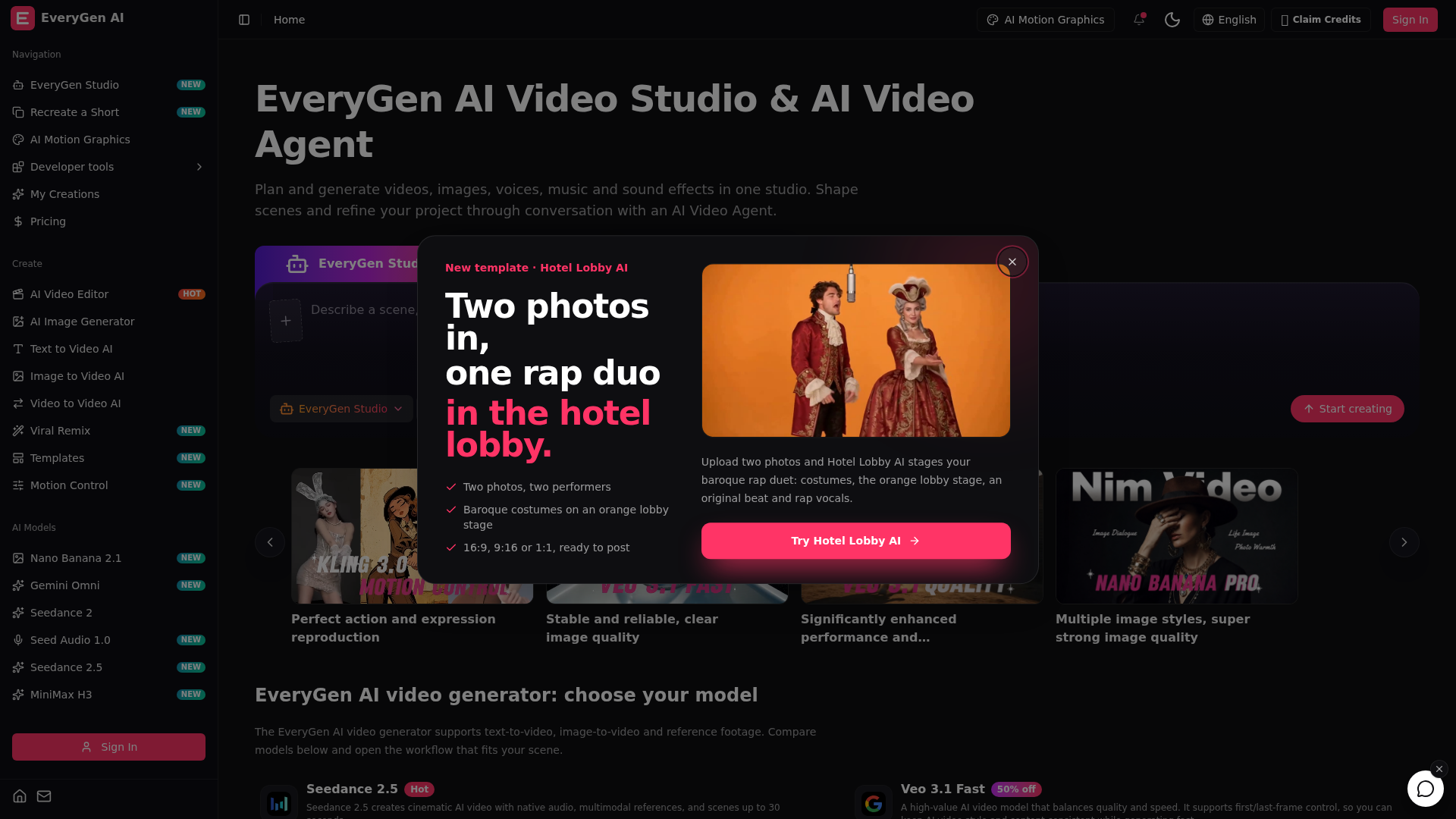
Screenshot archived from the listing page, for preview only.











