
EverLearns Studio
AI course creation in minutesTurn videos and notes into full courses
Highlights
What you can do with it
- A creator turns a lecture recording into a course
- An educator builds interactive lessons for students
- A busy parent makes a short course on a topic they know
How to use it
- 1 Open EverLearns Studio and start creating for free.
- 2 Describe the course content, topic, and audience you want.
- 3 Let the AI generate the lessons and structure.
- 4 Edit with the AI assisted editor and add interactive elements.
- 5 Export as PDF or publish online with one click.
Who it is for
Pros
- Start for free
- Very fast course generation and publishing
- Turns existing video and audio into structured courses
Limitations
- Free status and limits can change over time
- Generated content still needs editing and fact checking
- Course quality depends on the source material
What EverLearns Studio is
EverLearns Studio is an AI powered course creation tool, and you can start for free. It is built to generate a high quality course in about five minutes. You describe the content, topic, audience, and language you want, and the AI assembles the lessons and structure for you. One of its strengths is turning material you already have, such as YouTube videos and lecture recordings, into structured courses. From there you can edit with an AI assisted editor, add interactive elements, and then either export the course as a PDF or publish it online with a single click so students can start right away.
What you can do with it
- Generate a full course in about five minutes.
- Turn videos and recordings into structured lessons.
- Edit with an AI assisted editor and add interactive elements.
- Export to PDF or publish online in one click.
Who it is for
- Content creators packaging knowledge into courses.
- Educators building interactive lessons quickly.
- Busy people who want fast course production.
What to watch out for
You can start for free, but free status and limits can change, so check the current terms before you rely on it. Generated courses are a strong starting point, not a finished product, so the content still needs editing and fact checking. Final quality also depends on your source material, because thin or messy input will produce a thinner course no matter how good the tool is. Processing speed depends on file size and network conditions, so retry later if a task stalls during peak hours. Run one full task end to end first, then expand once you are comfortable with the workflow and the result quality.
FAQ
Can I start for free?
Yes, you can start creating courses for free.
How fast is course generation?
It is designed to generate a high quality course in about five minutes.
What can I turn into a course?
You can turn material like YouTube videos and lecture recordings into courses.
Why it is free
What the official page says: for free
Free limits, trial length and features are decided by the official site and can change at any time.
Product preview
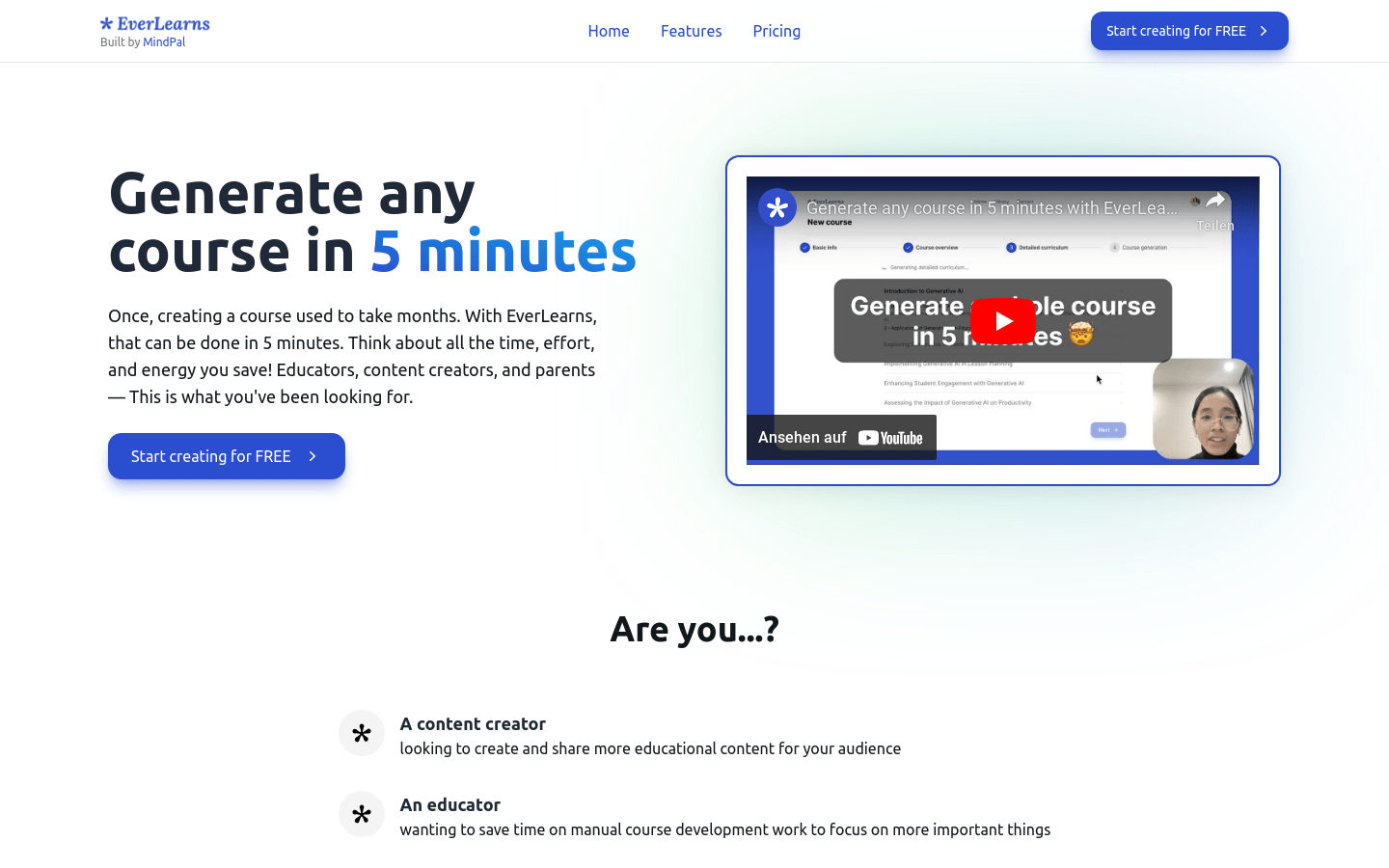
Screenshot archived from the listing page, for preview only.











