Eraserbot
Automated codebase diagram updates from GitDiagrams that follow your code changes
Highlights
What you can do with it
- Keep a microservice architecture diagram current
- Visualize infrastructure configuration for a team
- Generate a project architecture diagram for contributors
How to use it
- 1 Register on Eraser.io and select Eraserbot.
- 2 Connect your Git repository and grant access.
- 3 Set the files or directories to monitor and the diagram rules.
- 4 Commit code and let Eraserbot update the diagrams.
- 5 Review changes in version history and share with your team.
Who it is for
Pros
- Automation removes a recurring manual chore
- Git integration fits existing workflows
- Free plan covers individuals and small teams
Limitations
- Diagram accuracy depends on code structure and rules
- Enterprise features sit behind paid plans
- Repository access must be granted to a third party
What Eraserbot is
Eraserbot is an automated tool for development teams that generates and updates codebase diagrams. It integrates with Git, so when code changes, the relevant diagrams are regenerated and documentation stays in step with the repository. It records version history so you can trace how a diagram evolved, and it can watch specific files or directories so updates only fire when something relevant moves. It also visualizes Terraform, CloudFormation, and Kubernetes YAML configuration. A free plan covers individuals and small teams, with paid plans for enterprise needs.
The reason this matters is that architecture diagrams rot almost immediately. A diagram drawn at the start of a project is wrong within a month, and nobody enjoys being the person who redraws it after every merge. Automating the regeneration means the diagram reflects the repository rather than someone's memory of it, and the version history gives you a record of when the picture changed.
What you can do with it
- Generate architecture diagrams from a repository
- Keep diagrams updated automatically after each change
- Visualize infrastructure configuration files
- Track diagram history and review past versions
- Share a single place for team documentation
Who it is for
- Development teams whose diagrams go stale within weeks
- Platform engineers documenting cloud infrastructure
- Open-source maintainers who need an architecture overview
- Teams preparing for an architecture review or audit
What to watch out for
Diagram quality depends on how the code and the monitoring rules are structured, so a messy repository can produce a messy diagram, and an automatically generated picture is not automatically a readable one. Granting repository access to a third party is a security decision that needs approval, especially for private code. Enterprise features such as larger team support sit behind paid plans, and the boundary between free and paid can move. Generated diagrams still deserve a human read before they are used in an audit or an external document.
FAQ
What does Eraserbot do?
It automatically generates and updates codebase diagrams as code changes.
Which config formats can it read?
Terraform, CloudFormation, and Kubernetes YAML.
Is there a free plan?
Yes, a free plan suits individuals and small teams, with paid plans for enterprise needs.
Why it is free
What the official page says: free plan
Free limits, trial length and features are decided by the official site and can change at any time.
Product preview
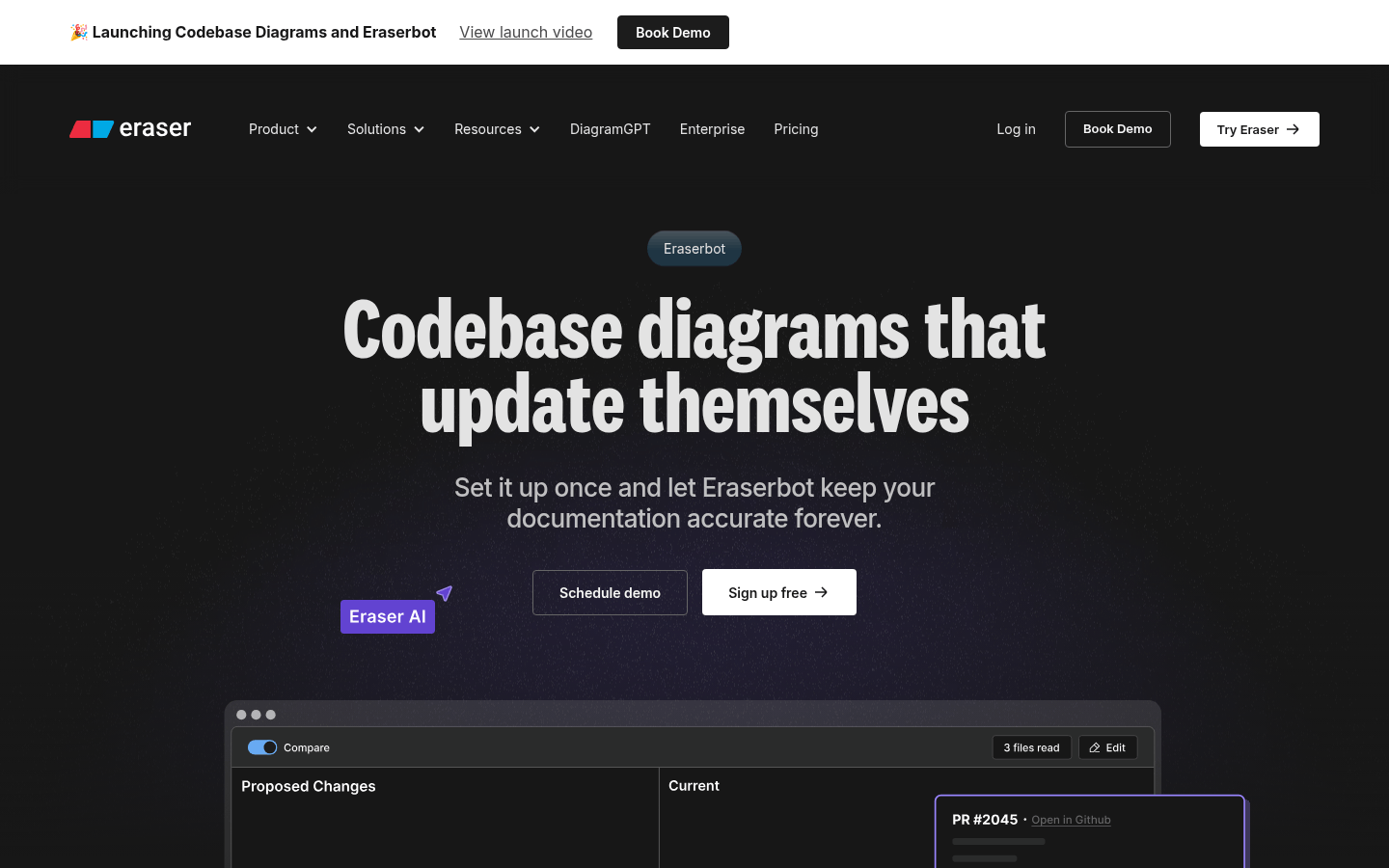
Screenshot archived from the listing page, for preview only.











