
Epilude
Mac voice dictation that writes formatted textSpeak naturally, get clean formatted text on Mac
Highlights
What you can do with it
- Business meetings get automatic notes and summaries after the call
- Email writing becomes faster with voice and tone adjustment
- Customer service staff record feedback in real time accurately
How to use it
- 1 Download and install Epilude from epilude.com
- 2 Register and set up, and turn on local mode for privacy if you want
- 3 Put your cursor where you want to type and press the hotkey
- 4 Speak naturally, then release the hotkey to insert formatted text
- 5 For meetings, start note-taking before the call to get a summary after
Who it is for
Pros
- Free version available to try dictation and note-taking
- Local mode keeps voice and text on the device for privacy
- Works across applications with automatic tone adjustment
- Meeting notes and summaries save time after calls
Limitations
- It is a Mac app, so Windows and Linux are not covered
- Free version limits and paid pricing may change over time
- Transcription accuracy depends on audio quality and accents
- Local mode performance depends on your Mac hardware
What Epilude is
Epilude is a voice productivity application designed for Mac. Its core is voice dictation combined with AI cleaning that turns natural speech into formatted text. You press a hotkey, speak the way you normally would, and Epilude transcribes the words and then cleans them up by removing filler words, correcting grammar, and adjusting the tone to fit the app you are using, professional for email and more casual for chat. It works in any application, detects and transcribes about 30 languages, and can record from the Mac side to produce meeting notes and summaries. A local mode runs the model entirely on your Mac so voice and text are not uploaded. There is a free version, and paid tiers are listed at 12 and 59 dollars.
What you can do with it
- Dictate into any app and get formatted text without heavy typing.
- Record meetings from the Mac side and receive clear notes and summaries.
- Switch between about 30 languages with automatic detection.
- Keep everything on-device with local mode for stronger privacy.
Who it is for
- Business people who handle heavy email, report, and note workloads.
- Meeting participants who need clean records and summaries afterward.
- Customer support staff who log conversations accurately in real time.
What to watch out for
Epilude is a Mac app, so it does not cover Windows or Linux. Transcription accuracy depends on audio quality, background noise, and accents, so review important text before sending. Local mode performance depends on your Mac hardware, and cloud features assume a connection. The free version has limits and paid pricing can change over time, so confirm current terms. Because it listens to produce text, follow your organization's rules about recording meetings and handling voice data.
FAQ
What is Epilude?
Epilude is a voice productivity app for Mac that turns natural speech into formatted text, with note-taking and tone adjustment.
Does it keep my voice private?
You can enable local mode so the model runs on your Mac and voice and text are not uploaded to the cloud.
How much does it cost?
There is a free version, and paid tiers are listed at 12 and 59 dollars. Confirm current pricing on the official site.
Why it is free
What the official page says: free version
Free limits, trial length and features are decided by the official site and can change at any time.
Product preview
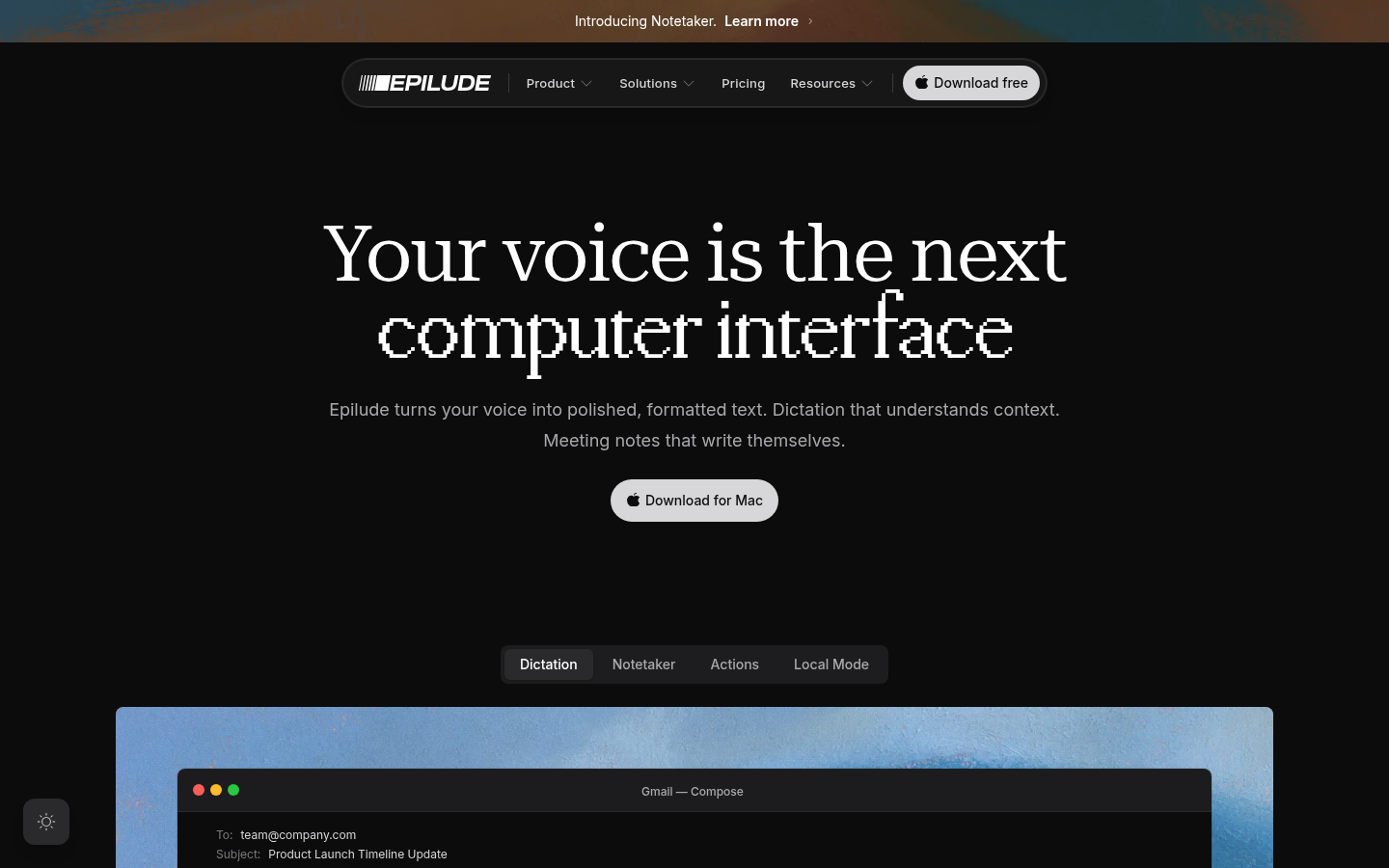
Screenshot archived from the listing page, for preview only.











