
Embed Generator
Discord embedded message creatorDesign rich Discord embeds easily
Highlights
What you can do with it
- Personalizing embeds for a Discord gaming server
- Adding interactive components to a community server
- Using the AI assistant to write new messages
How to use it
- 1 Visit the Embed Generator website
- 2 Choose to create a new embedded message
- 3 Customize text, colors, and components
- 4 Add interactive elements if needed
- 5 Save the message and copy it to Discord
Who it is for
Pros
- Free version available
- Rich customization and components
- AI assistant speeds up writing
Limitations
- Focused only on Discord embeds
- Paid version needed for some features
- Depends on Discord message limits
What Embed Generator is
Embed Generator is a tool for creating rich embedded messages that personalize Discord servers. It lets users build custom embeds with unique flair instead of relying on plain text posts. Key features include saving messages for reuse, customized branding, interactive components, white label options, custom commands, and a built-in AI assistant that helps write new content. The tool suits personal users, communities, and gaming servers that want a more polished look. Both free and paid versions are available, with detailed pricing on the official website.
What you can do with it
- Create rich embedded messages for Discord
- Add interactive components to boost engagement
- Apply custom branding and white label styling
- Use the AI assistant to draft new messages
- Save messages for consistent reuse
Who it is for
- Discord server owners and administrators
- Gaming community managers customizing servers
- Anyone who wants richer, branded Discord messages
What to watch out for
The tool only creates Discord embeds, so it will not help with other platforms. Some features, such as white label or custom commands, likely require the paid version, so check pricing before committing. Discord enforces its own message and embed limits, so very complex embeds may be trimmed by the platform. AI-written message text should be reviewed for tone and accuracy before posting to a public server. Name and archive exported files consistently so you can find and reuse them, and keep a backup copy of key data. When quality matters, export a small draft first to confirm the result before producing the final file. Run one full task end to end first, then expand once you are comfortable with the workflow and the result quality.
FAQ
What is Embed Generator?
It is a tool for creating rich embedded messages for Discord servers.
Is there a free version?
Yes, the product offers both free and paid versions.
What features does it include?
It includes custom branding, interactive components, white label, custom commands, and an AI assistant.
Why it is free
What the official page says: 免费
Free limits, trial length and features are decided by the official site and can change at any time.
Product preview
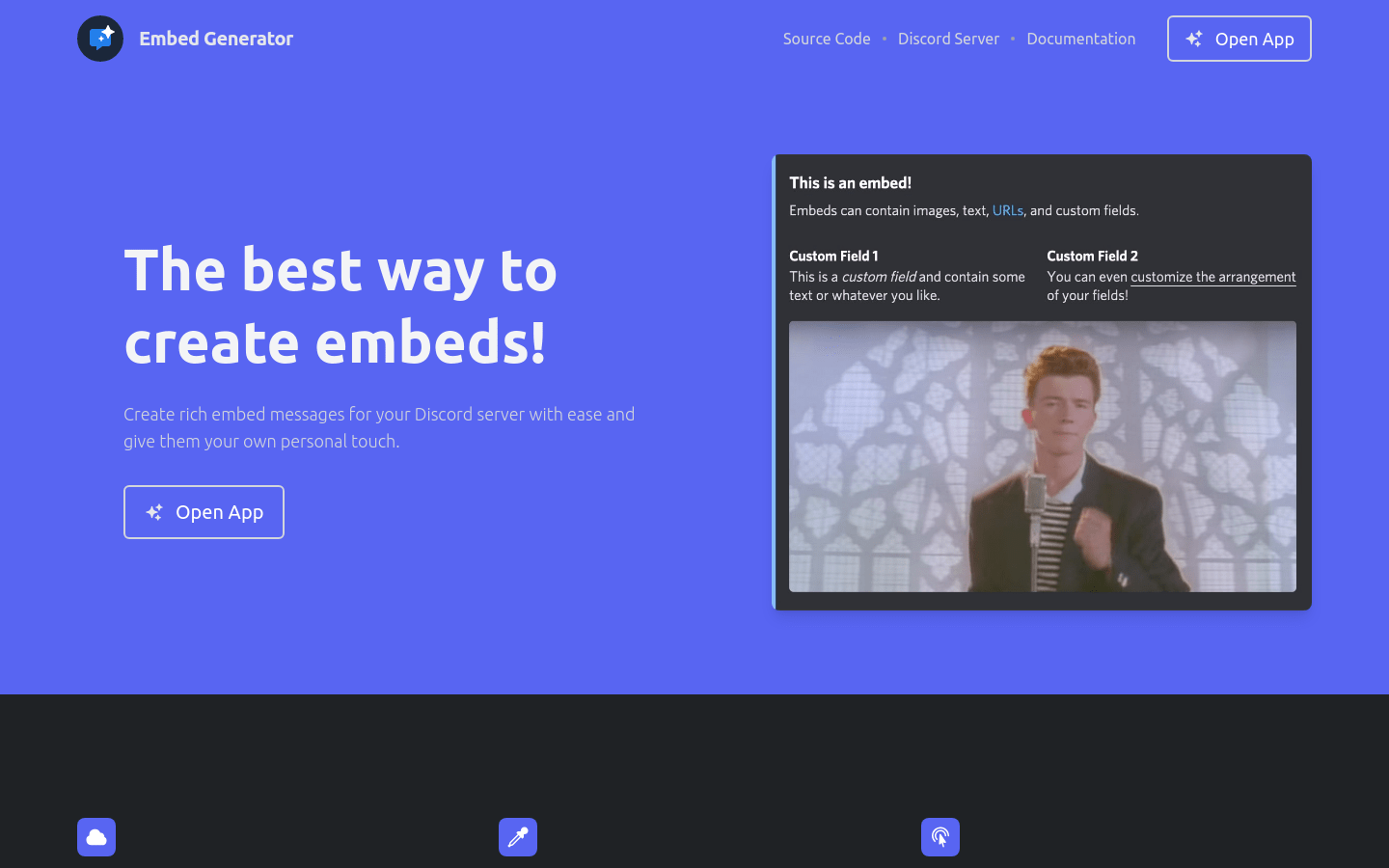
Screenshot archived from the listing page, for preview only.











