
Eigent AI
Open source desktop multi-agent workforceLet agents run your browser and desktop apps
Highlights
What you can do with it
- Automate repetitive browser research and data entry
- Let agents operate desktop software across multi-step tasks
- Experiment with agent-based workflows on your own computer
How to use it
- 1 Download the open source desktop app from the Eigent website
- 2 Install it and launch the cowork desktop on your machine
- 3 Connect the context and access the agents will need
- 4 Describe a task in plain language and let the agents work
Who it is for
Pros
- Runs locally as a desktop application
- Source code is open for review and modification
- Agents act on real browsers and desktop programs
Limitations
- Open source projects can change scope, pace, or maintenance over time
- Desktop automation can break when target apps update their interfaces
- Multi-agent setups need time to learn and tune
What Eigent AI is
Eigent AI, also described as Eigent Open Source Cowork Desktop, is a desktop platform built around a multi-agent workforce. Instead of one assistant handling a single prompt, several agents cooperate to finish complex jobs end to end. The software connects to your context, meaning it can work with the information and applications already on your machine, and it can drive both the browser and desktop applications. That turns tasks like research, form filling, and file handling into automated sequences rather than manual work. It is an open source collaboration tool, and the listing presents it as free to use, aimed at developers and anyone with automation needs. The name cowork desktop reflects the positioning: agents sit beside you on the same machine, handling the tedious parts of a task while you stay in control of the outcome.
What you can do with it
- Hand multi-step tasks to a group of agents that share your context
- Let agents click through browsers and operate desktop software
- Automate repetitive work without scripting every click by hand
- Review and modify the open source code to fit your own workflow
- Keep data local because the agents run on your own computer
Who it is for
- Developers comfortable running and editing open source desktop software
- Anyone with repetitive browser or desktop work that eats the day
- Teams that want to test agent automation locally before paying for a service
- Privacy minded users who prefer processing on their own machine
What to watch out for
Because the project is open source and currently free, the offering, update pace, and support model can change over time, so check the repository before you build a process around it. Desktop and browser automation depends on the interfaces of other applications, and those interfaces change with updates, which can break an agent flow that worked last week. Multi-agent systems also take patience: expect to spend time describing tasks clearly and correcting early mistakes. Treat early runs as experiments rather than production automation, start with small low-risk tasks such as gathering information from a page, and keep a human check on anything that touches real data.
FAQ
Is Eigent AI free to use?
It is an open source desktop project and the listing marks it as free; check the repository for current terms.
What can the agents control?
Browser windows and desktop applications on your computer.
Who is it built for?
Developers and anyone with automation work needs.
Does it run in the cloud?
No, it is a desktop application, so agents run on your own machine.
Why it is free
What the official page says: 免费
Free limits, trial length and features are decided by the official site and can change at any time.
Product preview
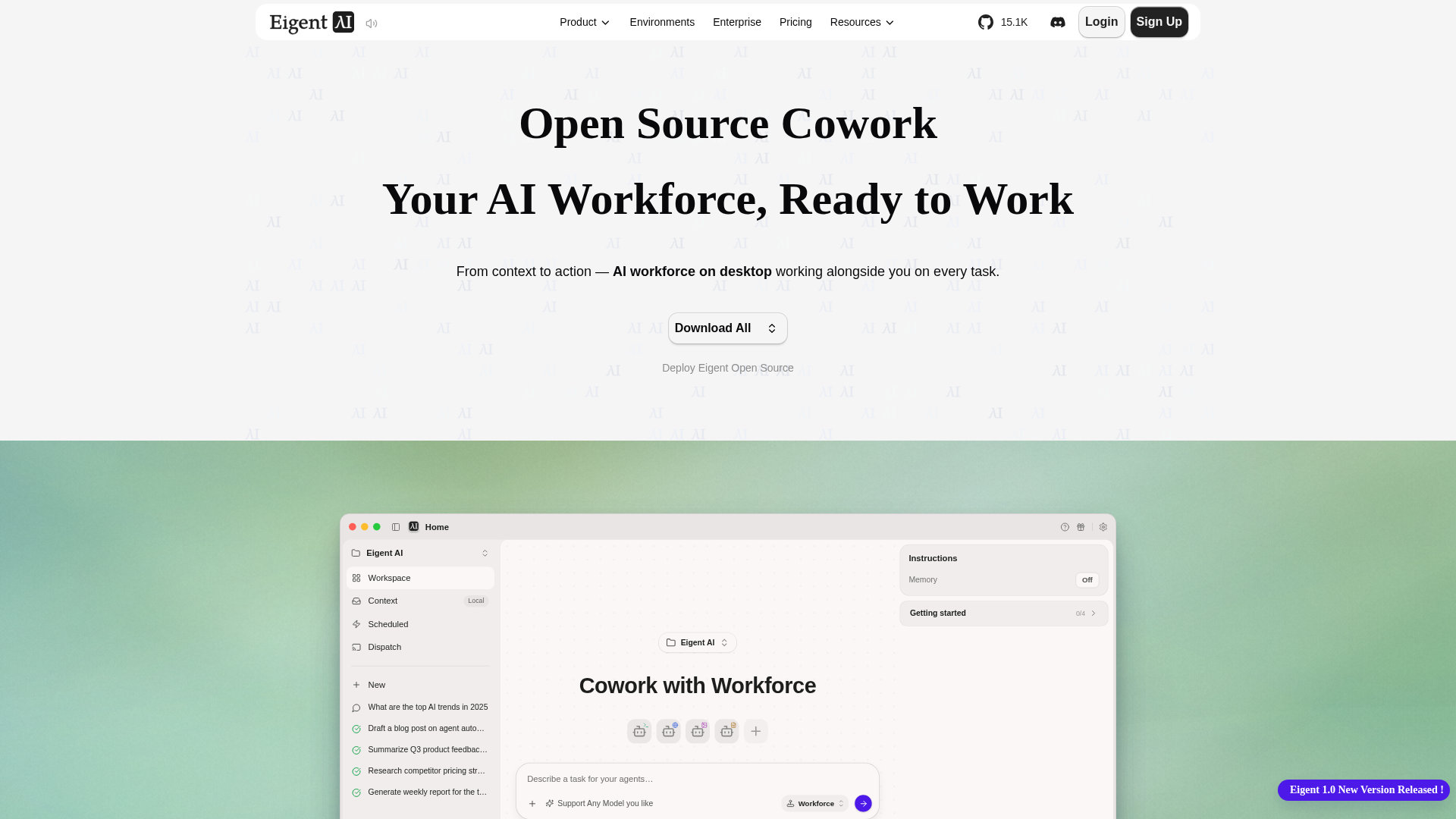
Screenshot archived from the listing page, for preview only.