
EditWithAva
AI video editing for complete beginnersMake videos without editing experience
Highlights
What you can do with it
- A first-time user turns raw clips into a finished video without learning a complex editor
- A small business creates promotional videos in-house
- A content creator drafts a script and lets AI help build the video
How to use it
- 1 Go to editwithava.com and open the platform
- 2 Describe your idea or upload your material
- 3 Let Ava generate a script and a first edit
- 4 Review the result, adjust it with AI help, then export
Who it is for
Pros
- No editing experience required
- Automatic script generation speeds up the first draft
- Currently free to use
Limitations
- Free status is described as current, so pricing may change later
- AI edits and scripts still need human review for accuracy and tone
- Fine control is more limited than a full manual editor for complex projects
What EditWithAva is
EditWithAva offers Ava, an AI video creation platform developed by Avlana. The site says it is designed to break the technical barriers of traditional video editing, letting users without experience produce professional-level videos. Listed strengths include AI-driven video editing, automatic script generation, content analysis and understanding, and collaborative creation with an AI assistant. The platform is currently available for free, according to the site. It targets ordinary users, content creators, and small businesses.
What you can do with it
- Turn raw ideas or footage into edited videos with AI help
- Generate a script automatically instead of starting from a blank page
- Use content analysis to shape what the final video emphasizes
- Work alongside an AI assistant that helps refine the edit
Who it is for
- Complete beginners with no editing background
- Content creators who want a faster first draft
- Small businesses that need video content without a production team
What to watch out for
The site describes the platform as currently free, but that status can change and no long-term pricing promise is made. AI-generated edits and scripts should be reviewed by a human before publishing, since tone and facts may need correction. If your project needs frame-accurate control or complex effects, a traditional editor may still be a better fit, because the tool trades fine control for speed. For best results, start with a small test file and review the output carefully before working on anything important. Free tiers can change over time, so it is worth checking the current limits on the official page before you rely on the tool daily. If the result is not quite right, try adjusting your input description or settings and run the task again.
FAQ
Do I need video editing experience?
No. The platform is built so people without experience can create videos.
Does it write scripts?
Yes, automatic script generation is listed among its features.
Is it free?
The site says it is currently available for free, though that can change.
Why it is free
What the official page says: 免费使用免费
Free limits, trial length and features are decided by the official site and can change at any time.
Product preview
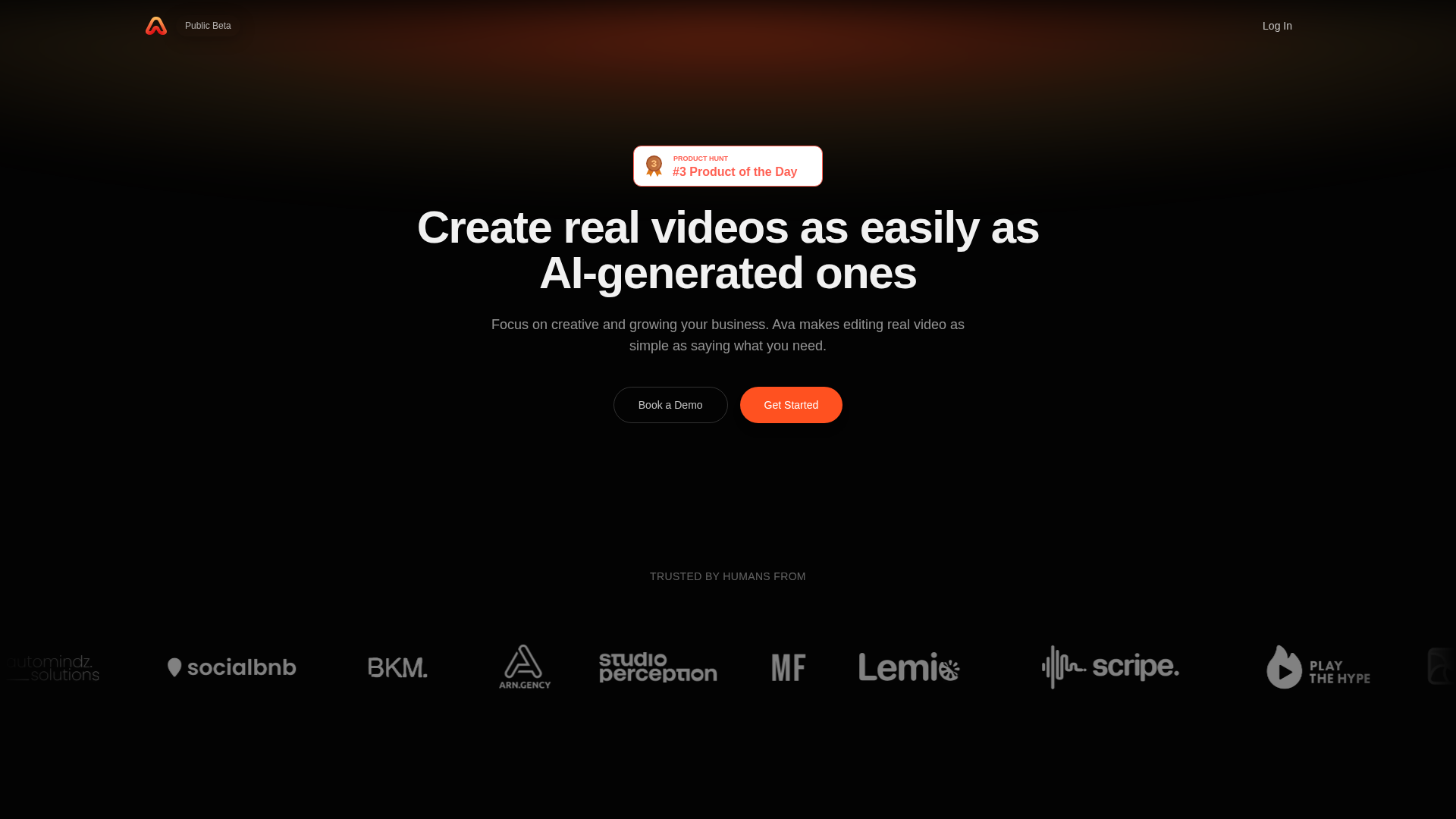
Screenshot archived from the listing page, for preview only.