
EditTexImage
AI image text replacementEdit text inside an image without Photoshop
Highlights
What you can do with it
- Fixing a document when you only have a screenshot
- Updating a poster's date, speaker or venue
- Localising app store screenshots into other languages
How to use it
- 1 Upload the image you want to edit
- 2 Type the original text and the replacement text
- 3 Let the AI find and swap it in context
- 4 Download the 2K result
Who it is for
Pros
- One free credit to test before buying
- Preserves the look of the original text
- Fast turnaround, around 12 seconds per edit
- Credits do not expire and include commercial rights
Limitations
- Only one free credit; real use means buying credits
- Images are capped at 10MB and three formats
- Automatic refund on failure suggests edits do not always land
What EditTextImage is
EditTextImage is an online tool for changing text that is baked into an image. You upload a PNG, JPEG or WebP file, type the text that is there and the text you want instead, and the AI swaps it while keeping the original font, colour, size and perspective. The site says edits average around twelve seconds and output at 2K. New users get one free credit to try it.
What you can do with it
- Upload an image and replace specific text without design software.
- Keep the original typography so the edit does not stand out.
- Fix documents when only a screenshot or scan survives.
- Update posters, flyers and app store screenshots in other languages.
- Download 2K output with commercial use rights on paid credits.
Who it is for
People who have lost a source file and only have an image, designers handling last-minute copy changes, e-commerce teams refreshing product labels, and studios that edit image text often enough to want a credit pack.
What to watch out for
One free credit is a taste, not a working allowance; real use means buying credits, priced in packs from about ten to thirty dollars. Files are limited to 10MB and three formats. The automatic refund on failure is an honest admission that not every edit works, so keep the original image and expect to retry on tricky backgrounds or unusual fonts. When quality matters, export a small draft first to confirm the result before producing the final file. Generated suggestions are for reference only, so verify anything that affects professional judgment or important data. Run one full task end to end first, then expand once you are comfortable with the workflow and the result quality.
FAQ
Is there a free try?
New users get one free credit when they register, with no credit card required, which covers a single 2K text replacement.
What does it preserve?
The original font, colour, size and perspective of the text being replaced.
How large can my image be?
PNG, JPEG or WebP up to 10MB.
What happens if the edit fails?
The system says it detects unsatisfactory results automatically and refunds the credit to your balance.
Why it is free
What the official page says: free trial
Free limits, trial length and features are decided by the official site and can change at any time.
Product preview
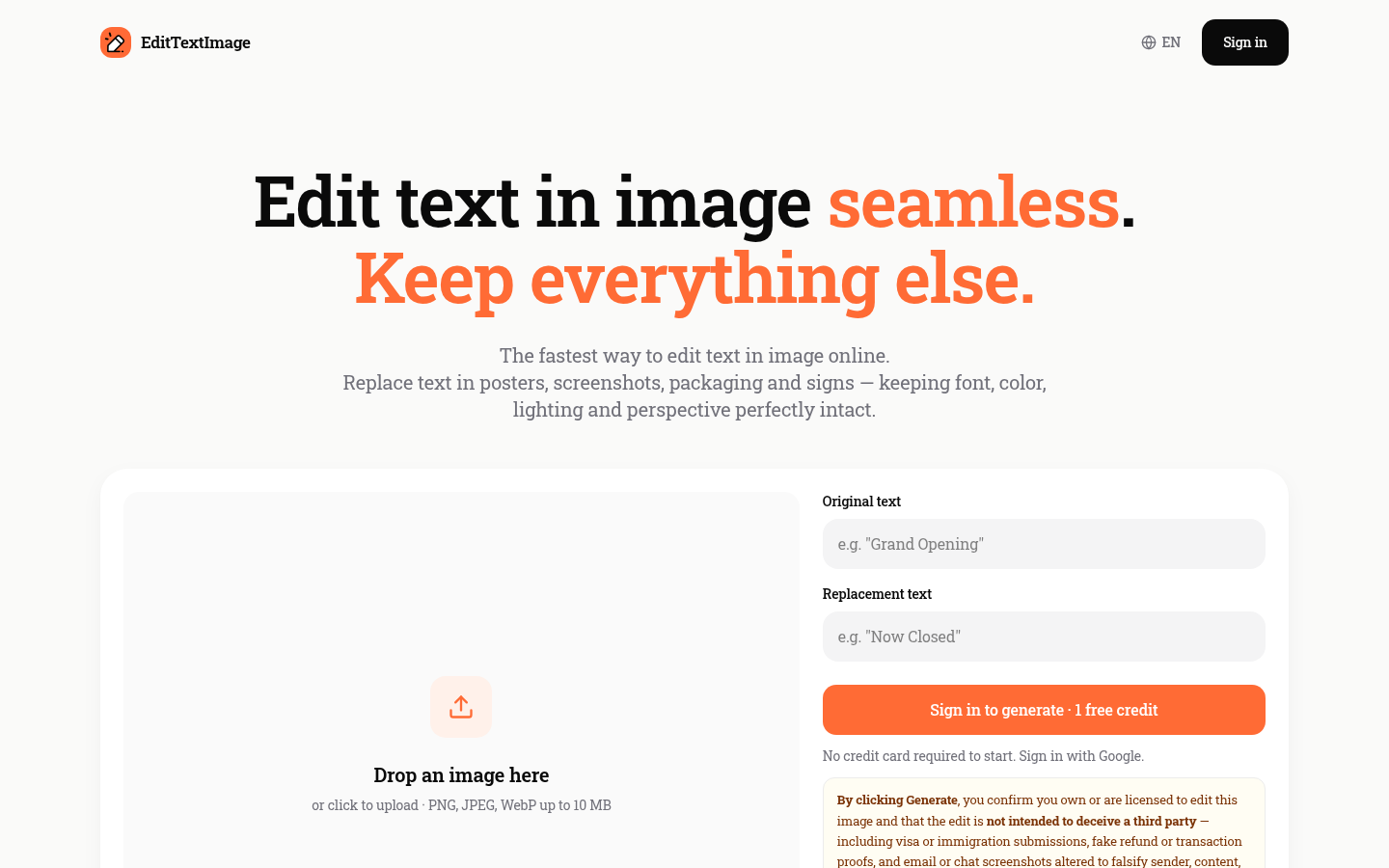
Screenshot archived from the listing page, for preview only.











