
EditItAll
Free browser editor for photos, vector, and PDFEdit images, vector art, and PDFs with no upload
Highlights
What you can do with it
- A designer builds and exports an SVG icon for a website.
- A student converts an HEIC photo to JPG for a paper.
- An office worker reorders and annotates a PDF before sharing.
How to use it
- 1 Open edititall.com in a modern browser.
- 2 Pick the editor you need: photo, vector, PDF, and more.
- 3 Click Open free and choose a local file.
- 4 Edit with the available tools and filters.
- 5 Export and save the file locally in the format you want.
Who it is for
Pros
- Completely free with no account, watermark, or file limits.
- Files are processed locally, which supports privacy.
- No install; the editor caches for faster later loads.
Limitations
- It runs in the browser, so it needs a capable device and connection.
- The feature set is lighter than full desktop suites like Photoshop.
- Local processing means very large files may strain memory.
What EditItAll is
EditItAll is a free editing suite developed by Subcue AI LLC in the United States. It runs entirely inside a web browser, so there is nothing to install. It brings together several kinds of editors in one place: photo editing similar to Photoshop, vector design similar to Illustrator, and PDF editing similar to Acrobat, along with image conversion and compression for more than 20 formats. The photo editor offers layers, blend modes, brushes, selections, curves, and 15 filters. The vector editor adds the pen tool, Pathfinder boolean operations, layers, and smart guides, and it imports and exports SVG. The PDF editor can reorder, rotate, and merge pages, highlight and annotate text, and export real PDF files. There are also spreadsheet, document, and presentation editors. The page states it is completely free, with no account, watermark, trial-time limit, or per-file charges.
What you can do with it
- Retouch photos with layers, blend modes, curves, and filters.
- Create and edit SVG vector graphics with pen and boolean tools.
- Reorder, merge, and annotate PDF pages, then export real PDFs.
- Convert and compress 20-plus image formats, including HEIC and RAW.
- Work on spreadsheets, documents, and slides in the browser.
Who it is for
- Designers who want pro-style tools without a desktop install.
- Students editing and converting files for coursework.
- Office workers who handle PDFs, images, and documents daily.
What to watch out for
Because everything runs in the browser, you need a reasonably capable device and a current browser; very large images or PDFs can strain memory and slow down. The tools are capable but lighter than full desktop suites, so advanced color management and complex print workflows may fall short. Privacy comes from local processing, but that also means there is no cloud backup, so save your work as you go. The page promises it is free today, yet any free service can change its terms, so keep local copies of important files.
FAQ
Is EditItAll really free?
The page states it is completely free, with no account, watermark, trial-time limit, or per-file charges.
Do my files get uploaded?
No. The page says files are processed on your local device and are not sent to a server.
What formats can it convert?
It compresses JPEG, PNG, WebP, and AVIF, and converts more than 20 formats including HEIC, RAW, TIFF, and PSD.
Do I need to install anything?
No install is required. The editor is downloaded and cached after your first visit for faster loading later.
Why it is free
What the official page says: completely free
Free limits, trial length and features are decided by the official site and can change at any time.
Product preview
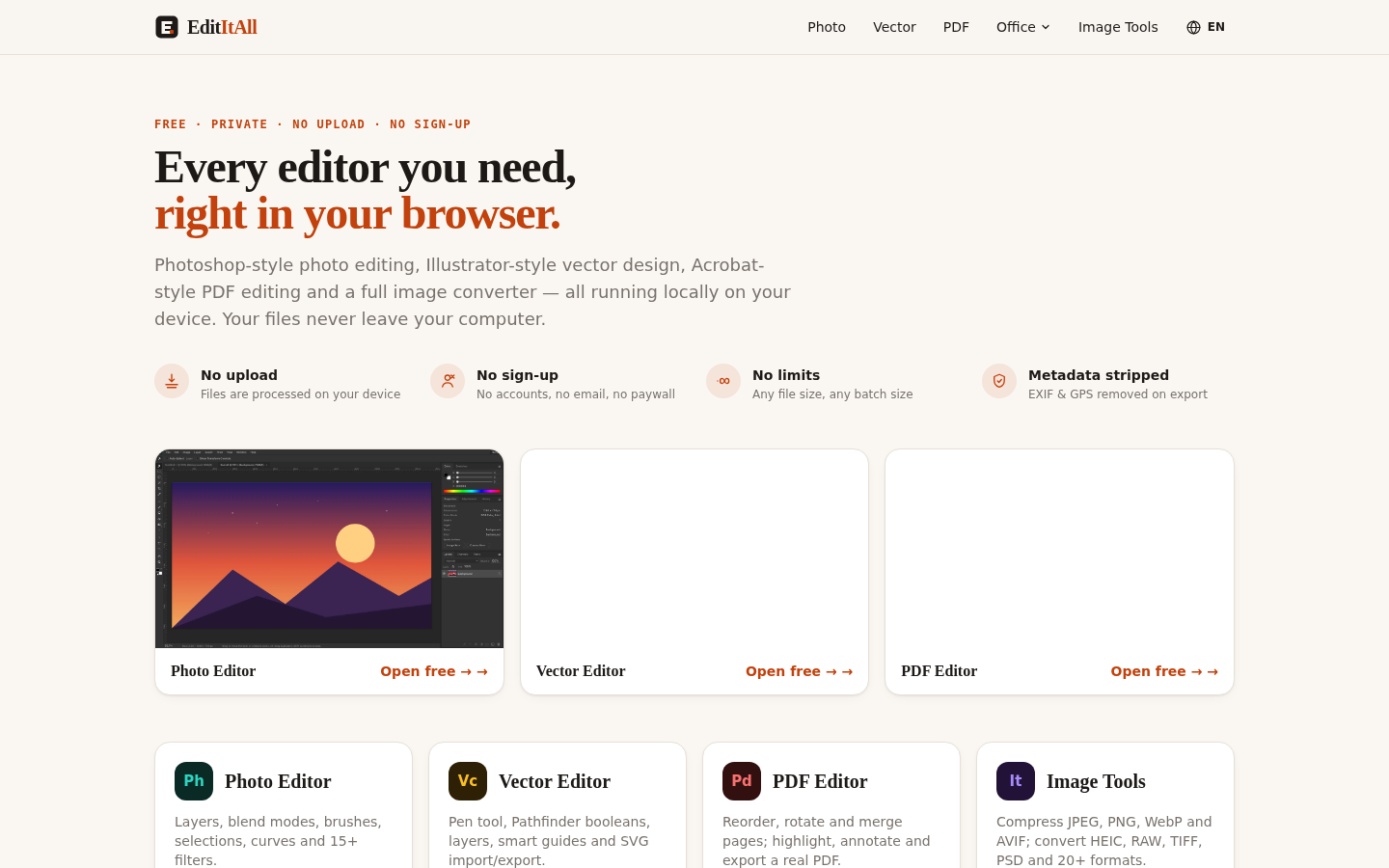
Screenshot archived from the listing page, for preview only.











