
Editimg AI
Online AI image editor and generatorEdit, generate, and fix images with AI.
Highlights
What you can do with it
- Designers build promo posters from a product description.
- Creators turn a landscape photo into art with style conversion.
- Marketers swap product backgrounds and fix color.
How to use it
- 1 Upload an image in JPG, PNG, or WebP.
- 2 Pick a tool or describe the edit you want.
- 3 Download the result and share it.
Who it is for
Pros
- Many AI tools in one online editor.
- Supports common image formats.
- Generate and edit without switching apps.
Limitations
- Pricing and free limits are not clearly stated and may change.
- AI edits still need review for accuracy.
- Online-only, so it needs a stable connection.
What Editimg AI is
Editimg AI is an online AI image editing tool that brings several models into one place. Instead of switching between apps, you can upload an image and handle many tasks in one workflow. You can move from a rough idea to a shareable image in a few steps, all in the browser. You can edit an image by describing the change you want, generate a new image from text, remove a background, correct color, upscale to 4K, expand the frame, remove a watermark, or apply an artistic style. It supports common formats such as JPG, PNG, and WebP, and you can download and share the result. It is aimed at designers, creators, and marketers who want to speed up visual work.
What you can do with it
- Describe an edit and let the AI apply it to your image.
- Generate new images from a text description.
- Remove backgrounds and watermarks for clean assets.
- Upscale to 4K, expand the frame, and correct color.
- Apply style conversion to make a photo look like art.
Who it is for
- Designers who need quick edits and fresh assets.
- Creators who turn ideas into finished images.
- Marketers who make product visuals for campaigns.
What to watch out for
The page does not clearly spell out full pricing, and some functions are listed as free to use, so confirm what is free and what costs before you depend on it; free rules can also change. AI edits are a starting point, so review results for accuracy, especially on detailed product shots. Because it runs online, you need a steady connection and should keep local copies of important files rather than relying only on the service. Keep backups of originals, because once you overwrite a file with an edited version you may lose the untouched copy.
FAQ
Is Editimg AI free?
Some functions are listed as free to use, but full pricing details are not clearly stated on the page.
What formats does it support?
Common formats including JPG, PNG, and WebP.
What can I do with it?
Edit, generate, upscale, expand, remove backgrounds and watermarks, correct color, and apply styles.
Why it is free
What the official page says: 免费使用免费
Free limits, trial length and features are decided by the official site and can change at any time.
Product preview
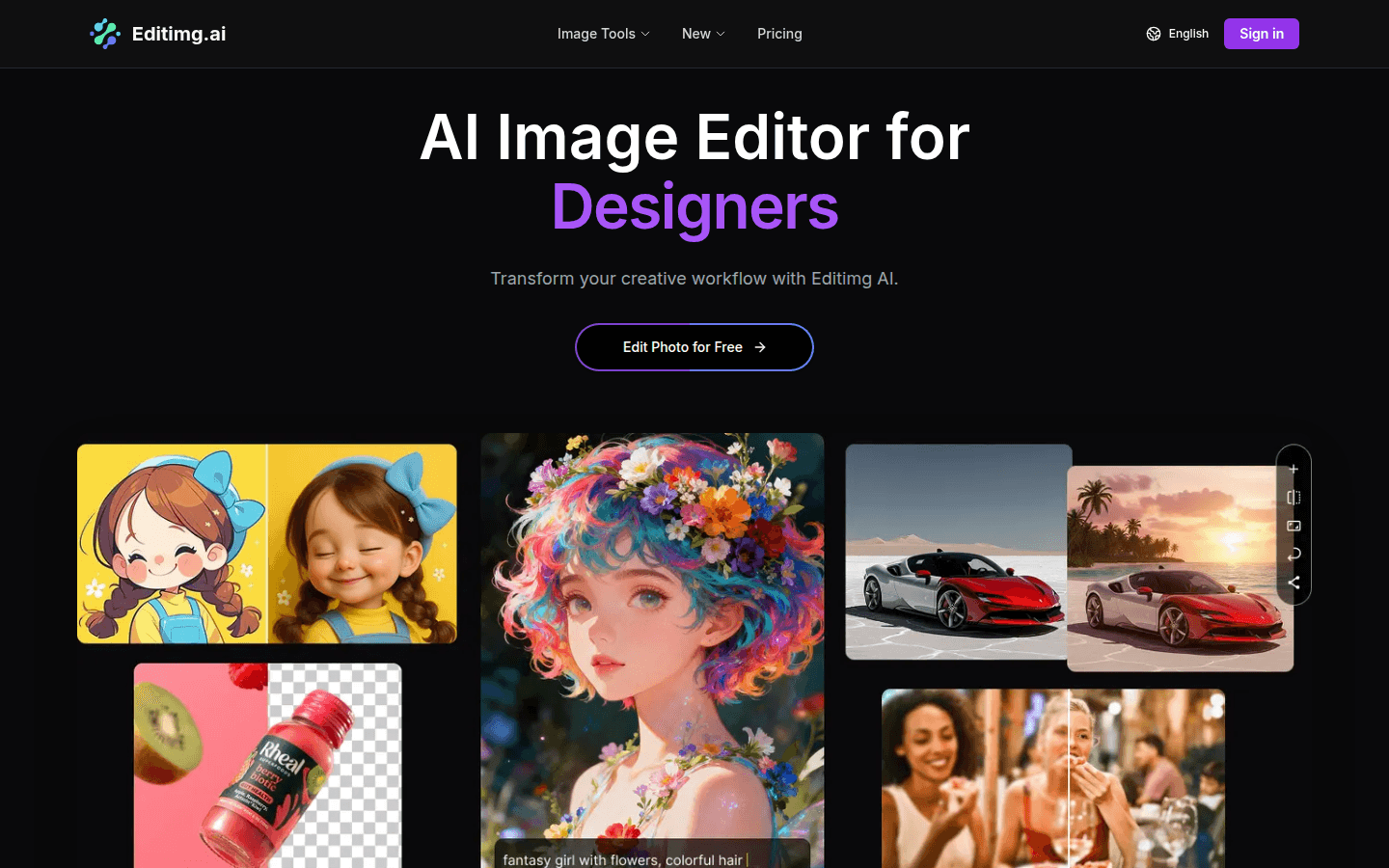
Screenshot archived from the listing page, for preview only.











