
editGPT
Free proofreading extension for ChatGPTEdit and track changes in ChatGPT
Highlights
What you can do with it
- Clean up drafts generated in ChatGPT
- Fix grammar and spelling before sending
- Track edits while polishing an article
How to use it
- 1 Install the editGPT browser extension
- 2 Open ChatGPT and generate or paste content
- 3 Run the proofread and edit check
- 4 Review tracked changes and accept edits
Who it is for
Pros
- Free browser extension
- Proofreads and edits without leaving ChatGPT
- Tracks changes and checks grammar and spelling
Limitations
- Only works in the browser on the ChatGPT page
- Style support is limited to APA guidelines
- Depends on the ChatGPT interface staying stable
What editGPT is
editGPT is a free browser extension. According to the site, it conveniently allows users to proofread, edit, and track changes made to ChatGPT content, and it helps improve the clarity and fluency of articles before you send or publish them. Features include online proofreading and editing of ChatGPT content, tracking the changes made to the text so you can see what moved, grammar and spelling checks, and support for APA style guidelines for academic writing. It is built for people who draft inside ChatGPT and want a cleanup pass without copying text into a separate editor and back again. Because it is a browser extension, its scope is narrow: it works where ChatGPT works, and it depends on that page staying stable over time.
What you can do with it
- Proofread and edit ChatGPT content right where you wrote it
- Track every change made to the text for easy review
- Catch grammar and spelling issues before you publish
- Keep academic drafts aligned with APA style guidelines
Who it is for
- Writers who draft long content inside the ChatGPT page
- Students and researchers who need APA style compliance
- Anyone who wants a quick cleanup pass on rough drafts
- Users who prefer editing in place over exporting files
What to watch out for
The extension only works in the browser on the ChatGPT page, so it does nothing inside other apps, desktop word processors, or offline documents, which limits where you can use it. Style support is limited to APA guidelines, so other citation styles such as MLA or Chicago are not covered and you will need another tool for those. It depends on the ChatGPT interface staying stable, and changes to that page can break how the extension reads or edits text, sometimes without warning. Free extensions can also change or stop being maintained, so keep a backup of important drafts rather than relying on one tool for critical work.
FAQ
What does editGPT do?
It proofreads, edits, and tracks changes in ChatGPT content.
Does it check grammar and spelling?
Yes. The site lists grammar and spelling checks among its features.
Which style does it support?
The site says it supports APA style guidelines.
Why it is free
What the official page says: 免费
Free limits, trial length and features are decided by the official site and can change at any time.
Product preview
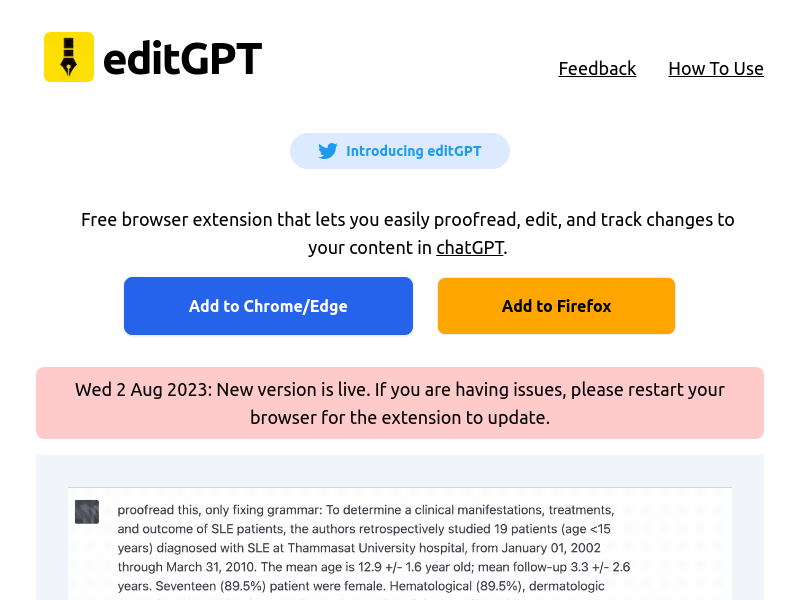
Screenshot archived from the listing page, for preview only.











