
ecommerce
Free AI product photo generatorTurn product snapshots into showcase images
Highlights
What you can do with it
- Turn a sofa photo into a professional product advertisement image
- Create a clean showcase image from a wine bottle snapshot
- Produce realistic product photos from a simple candle picture
How to use it
- 1 Open the ecommerce AI site.
- 2 Upload a product image from your phone or computer.
- 3 Let the AI generate showcase versions.
- 4 Review the results and pick the ones you like.
- 5 Download the images for your listing or ad.
Who it is for
Pros
- Free to use for basic product image generation
- Turns a simple snapshot into a more polished shot
- No photography studio or team required
Limitations
- Free tool, so access and limits can change
- Result quality depends on the uploaded photo
- Generated images should be checked for accuracy before publishing
What ecommerce is
ecommerce is a free AI tool for generating product photos. You upload a product image and it creates many near-professional showcase images for an online store or other business. It uses GPT-optimized prompts to produce realistic photo effects, and the pitch is that you can get professional-looking product photos without hiring a photography team. For sellers who need a steady stream of listing and advertising images, that removes a common bottleneck. The tool is aimed squarely at e-commerce, and the workflow is short: upload, generate, review, and download. As with any AI image tool, the output builds directly on the photo you start with, so a clean source picture matters.
What you can do with it
- Turn one product photo into many showcase variations
- Create cleaner listing and advertisement images
- Get professional-style shots without a studio
- Refresh product visuals for an online store quickly
Who it is for
- E-commerce sellers who need many listing images
- Small businesses without a photography team
- Marketplace vendors making ad and promo visuals
What to watch out for
It is a free tool, so availability and any limits can change without notice. The output is only as good as the photo you upload, and generated images should be checked so the product still looks accurate before you publish. Do not use results that misrepresent the item, since that can mislead buyers and break marketplace rules. For team use, agree on naming and editing conventions in advance to avoid version conflicts or duplicated work. Name and archive exported files consistently so you can find and reuse them, and keep a backup copy of key data.
FAQ
What does the ecommerce AI tool do?
It generates near-professional product showcase images from photos you upload.
Is it free?
It is offered as a free way to generate product photos for your e-commerce business.
What kind of photo should I upload?
A clear product image works best, since the output builds on the picture you provide.
Why it is free
What the official page says: for free
Free limits, trial length and features are decided by the official site and can change at any time.
Product preview
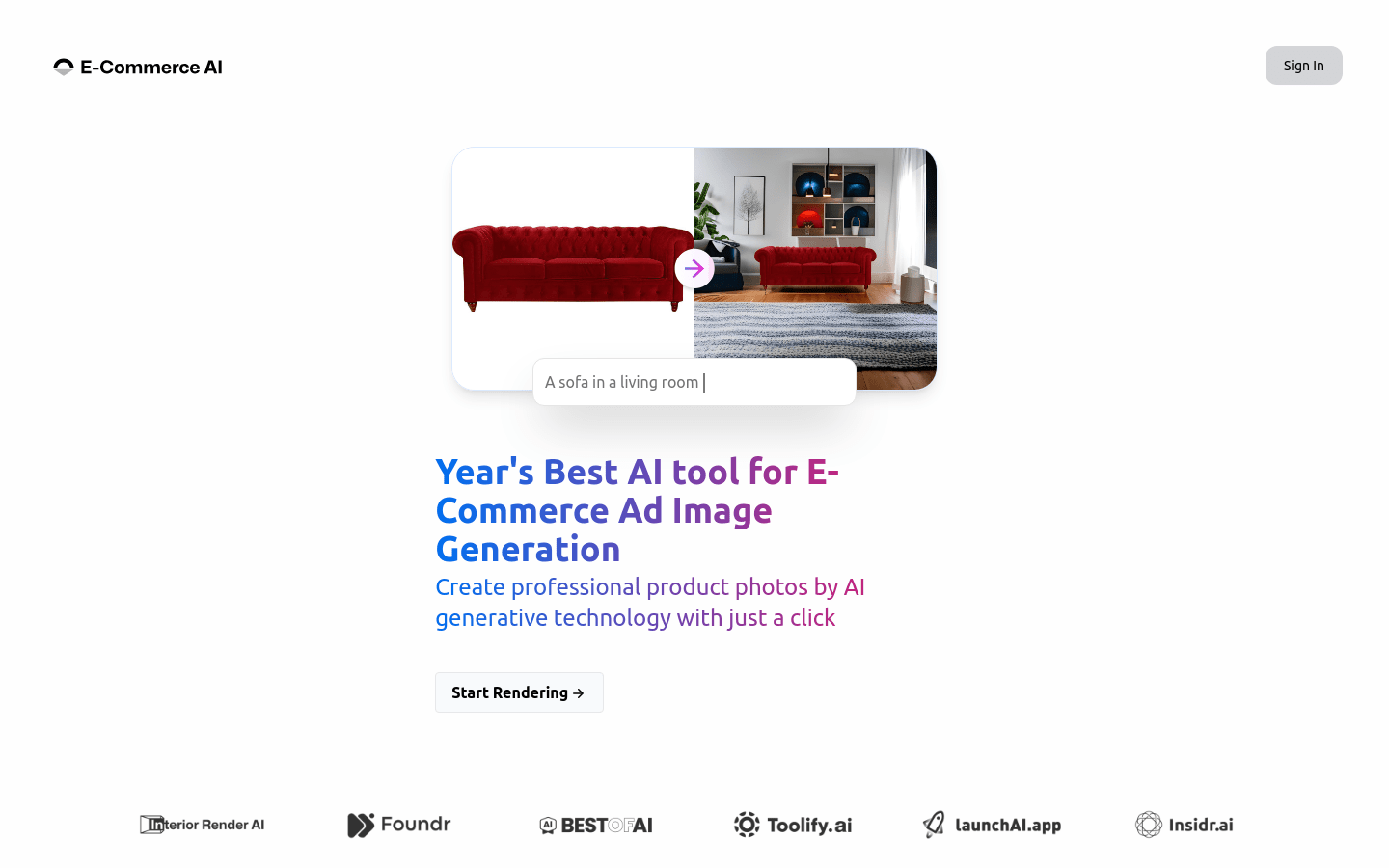
Screenshot archived from the listing page, for preview only.











