
EazyCaptions
AI subtitles for videosAdd captions, emojis, and B-Roll fast
Highlights
What you can do with it
- A blogger adds captions and emojis to personal story videos
- An educator captions a lesson video so students can follow along
- A reviewer cuts a product video with B-Roll and sound effects
How to use it
- 1 Sign up on the EazyCaptions site and start the free trial.
- 2 Upload or import the video you want to caption.
- 3 Let the AI generate subtitles, then review the highlighted key words and emojis.
- 4 Add B-Roll, sound effects, or stock footage with the quick-edit tools.
Who it is for
Pros
- No editing experience needed to get usable captions
- Built-in stock footage and sound effects reduce tool hopping
- A free trial lets you test output quality before paying
Limitations
- The free trial is limited; paid plans are needed for regular use and details are not listed
- Subtitle accuracy still needs a human pass before publishing
- Best suited to short-form social video rather than long broadcast edits
What EazyCaptions is
EazyCaptions is a video creation tool for people who do not want to learn a full editor. Its main job is captions: the AI generates accurate subtitles automatically, then highlights key words and adds emojis so viewers stay engaged through the whole clip. Around that, the tool supplies sound effects, B-Roll footage, and a library of stock footage, plus quick-edit functions that keep turnaround short. It is aimed at bloggers, educators, reviewers, and media outlets, or anyone who publishes video on a schedule. A free trial is available next to flexible paid plans, so you can check the output quality on your own footage before spending money.
What you can do with it
- Generate subtitles automatically with AI instead of typing them by hand.
- Highlight key words and add emojis to keep viewers watching.
- Layer in B-Roll, sound effects, and stock footage without leaving the tool.
- Use quick-edit functions to finish videos faster and publish more often.
Who it is for
- Bloggers and vloggers who post personal stories and talking-head clips.
- Educators who want lessons and explainers easier to follow.
- Product reviewers and media outlets working on tight deadlines.
What to watch out for
The free trial is limited and the paid plan details are not listed on the page, so budget questions stay open until you check the pricing section. Automatic subtitles are a strong starting point, but you should still read them before publishing, since names and jargon are easy to miss. The tool fits short and mid-length social video better than long broadcast edits. Stock footage and sound libraries come from the provider and can change over time, so a clip you rely on today may not be there later.
FAQ
Do I need editing skills?
No. EazyCaptions is designed so you can create videos without editing expertise; the AI handles subtitles and much of the styling.
What does it add besides captions?
It highlights key words, adds emojis, and provides sound effects, B-Roll footage, and stock footage, plus quick-edit functions.
Is there a free trial?
Yes. EazyCaptions offers a free trial along with flexible paid plans.
Why it is free
What the official page says: free trial
Free limits, trial length and features are decided by the official site and can change at any time.
Product preview
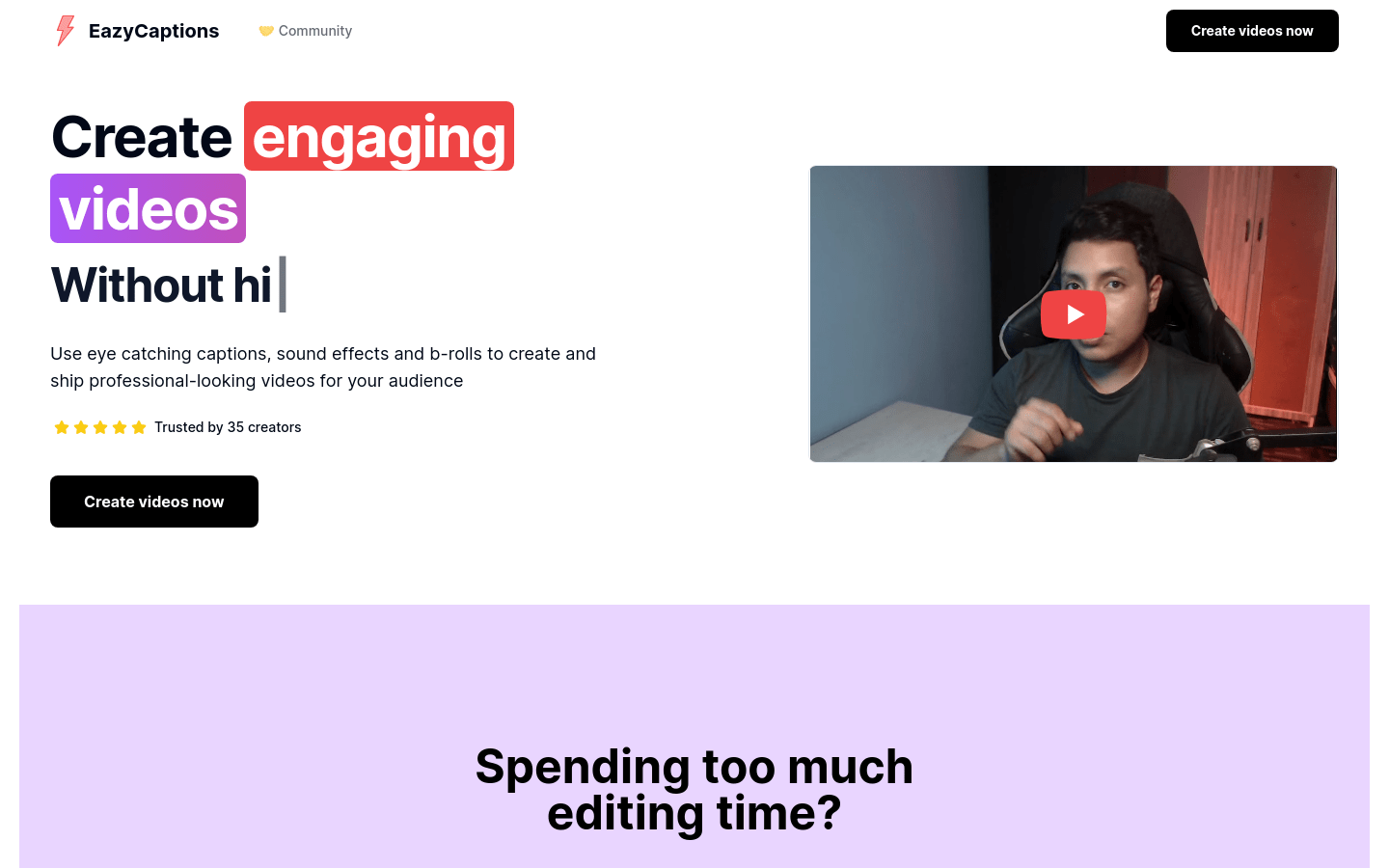
Screenshot archived from the listing page, for preview only.











