
EasySub
Automatic subtitle generator and translatorSubtitles for videos in minutes
Highlights
What you can do with it
- Add subtitles to a YouTube video
- Translate an existing subtitle file into another language
- Produce caption files for social clips
How to use it
- 1 Open EasySub and paste a video or YouTube link
- 2 Let it transcribe and generate the subtitle track
- 3 Edit the text and timing where needed
- 4 Translate and download the subtitle file
Who it is for
Pros
- Handles both local files and YouTube links
- Translation covers more than 150 languages
- Free download of the finished subtitles
Limitations
- Transcription accuracy depends on audio quality and accents
- Timing and line segmentation often need manual cleanup
- Long videos take longer and may hit usage limits
- Free limits and any paid options can change
What EasySub is
EasySub is an online automatic subtitle generation and editing tool. You give it a video file or a YouTube link, and it transcribes the audio and produces a subtitle track you can then edit. The editing happens in the same tool, so you can fix wording and timing without exporting to another program. On top of generation it handles translation, with stated support for more than 150 languages, which is the main reason a creator would pick it over a plain transcriber. The product emphasizes high transcription accuracy, straightforward operation, and free subtitle download and translation, all delivered through the browser with nothing to install.
What you can do with it
- Generate subtitles automatically from a video file or YouTube link
- Edit caption text and timing inside the tool
- Translate subtitles into more than 150 languages
- Download the finished subtitle file for free
Who it is for
- YouTubers and video creators adding captions to uploads
- Creators publishing the same video to audiences in different languages
- Social media editors producing caption files for short clips
- Anyone who needs a usable subtitle file without a full editing suite
What to watch out for
Transcription accuracy is not uniform. Clear speech in a quiet room works well; background music, crosstalk, and strong accents all degrade results, so plan on reviewing the text. Timing and line breaks also usually need manual cleanup, particularly for fast dialogue, and that editing time is the real cost of using an automatic tool. Long videos take longer to process and may run into usage limits. Finally, the free download and translation offer is the current description, not a permanent guarantee, so check the site for present terms.
FAQ
What input does EasySub accept?
Video files and YouTube links.
How many languages can it translate?
The description states support for more than 150 languages.
Will the subtitles need editing?
Usually yes. Timing and line breaks commonly need manual adjustment, especially on fast speech.
Why it is free
What the official page says: 免费
Free limits, trial length and features are decided by the official site and can change at any time.
Product preview
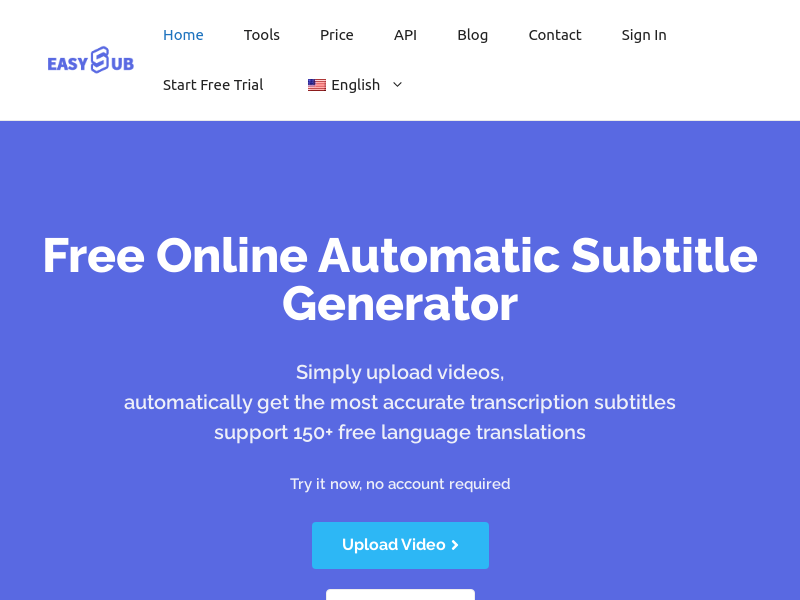
Screenshot archived from the listing page, for preview only.











