
EasyDiffusion Online
Free AI image generatorText to images with Stable Diffusion
Highlights
What you can do with it
- Turning a written prompt into an illustration or concept art
- Exploring visual ideas quickly and rewording prompts
- Testing text to image generation before paying for a larger tool
How to use it
- 1 Open the EasyDiffusion Online site in your browser.
- 2 Type the prompt that describes the image you want.
- 3 Let the model render the image from your description.
- 4 Look at the result and adjust the wording if needed.
- 5 Keep the output you like and save the prompt for reuse.
Who it is for
Pros
- Free to use, which lowers the barrier to trying the tool
- Runs on Stable Diffusion rather than an unnamed model
- Simple text input workflow with no setup described
- Fits the image generation and AI design tool categories
Limitations
- Free rules and generation limits can change at any time
- No paid plans or quotas are described, so capacity is unclear
- Image quality depends heavily on how the prompt is written
- No stated license information for commercial use of the output
What EasyDiffusion Online is
EasyDiffusion Online is a free AI image generation tool powered by Stable Diffusion. You type a description and it returns an image, which is the standard text to image workflow. The page lists the core functions as text to image, an AI generator and an image making tool, and it describes the service as free to use. There is no install step described, no account tier breakdown and no published price list, so the simple reading is that you open the site, enter a prompt and generate. Treat that as the current state of the page rather than a long term promise.
What you can do with it
- Turn a written prompt into an image without setting up local software.
- Explore visual ideas quickly and iterate on the wording.
- Produce illustrations and concept art for personal projects.
- Test text to image generation before paying for a bigger tool.
Who it is for
- Hobby creators who want a free way to try text to image.
- Designers who need quick visual drafts to react to.
- Anyone curious about Stable Diffusion without a local setup.
What to watch out for
Free access is the main selling point and also the main risk. Free rules, generation limits and availability can change at any time, and the page does not describe paid plans or quotas. Image quality depends heavily on how you write the prompt, so expect to spend time rewording. There is also no stated license information for commercial use, so check the terms before you put generated images into client or paid work. For best results, start with a small test file and review the output carefully before working on anything important.
FAQ
Is EasyDiffusion Online really free?
The page describes it as a free AI image generation tool. No pricing tiers or usage limits are published, so treat the free access as the current state of the page.
What model does it use?
It is described as powered by Stable Diffusion, with text to image as the main function.
Do I need to install anything?
The page presents it as an online tool and does not mention an install step, so opening the site is the described starting point.
Can I use the images commercially?
The page does not state license terms for output. Check the site terms before using generated images in client or paid work.
Why it is free
What the official page says: free to use
Free limits, trial length and features are decided by the official site and can change at any time.
Product preview
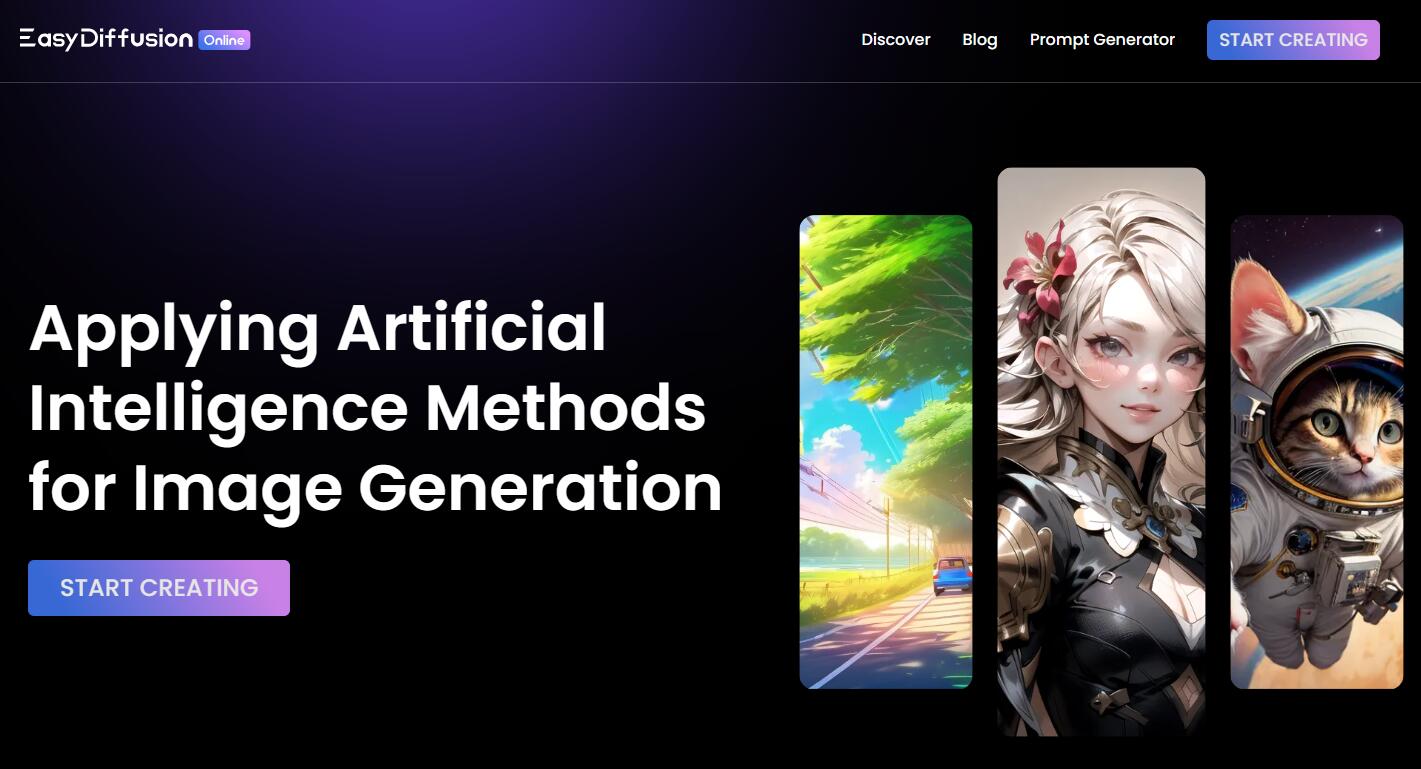
Screenshot archived from the listing page, for preview only.











