
Easy
One-stop AI platform for content, image, audioMany AI tools in one place
Highlights
What you can do with it
- A blogger drafts articles and generates matching images in one workflow
- A brand team produces audio content alongside written copy
- A publisher transcribes interviews and turns them into publishable text
How to use it
- 1 Visit easy-peasy.ai and create an account
- 2 Start on the free plan to test the service
- 3 Pick the tool you need, such as writing, image, audio, or transcription
- 4 Enter your prompt or upload your file and generate results
Who it is for
Pros
- Multiple AI functions on one platform reduce tool switching
- Free plan lets you test the service before paying
- Access to several well-known AI models
Limitations
- Free plan limits are not spelled out on the page, so check current terms before relying on it
- Output quality depends on the underlying third-party models and can change without notice
- Paid tiers add cost over time if you need higher volume
What Easy-Peasy.AI is
Easy-Peasy.AI is a one-stop AI platform that brings several AI tools together in one service. It covers content creation, image generation, audio generation, and AI transcription, so you can handle text, pictures, sound, and speech-to-text work without switching between separate products. According to the site, it supports multiple AI models, including Claude, OpenAI, and Gemini. Pricing ranges from a free plan to paid tiers, with custom plans for different scales and budgets. The platform is positioned for creators, brands, and publishers who need a broad AI toolkit in one place.
What you can do with it
- Write and edit marketing copy, articles, and other text content
- Generate images from prompts for posts and campaigns
- Create audio content such as voice or sound material
- Transcribe recordings into text with AI
Who it is for
- Content creators who need text, images, and audio in one workflow
- Brands and marketing teams producing assets across formats
- Publishers who turn interviews and recordings into text
What to watch out for
The free plan is a useful way to test the platform, but the page does not spell out its exact limits, so check current terms before you depend on it. Because the service runs on third-party models such as Claude, OpenAI, and Gemini, output quality and availability depend on those upstream providers and can change without notice. Paid tiers add cost over time, so compare plans if you expect heavy or commercial use. For best results, start with a small test file and review the output carefully before working on anything important. Free tiers can change over time, so it is worth checking the current limits on the official page before you rely on the tool daily.
FAQ
Is there a free plan?
Yes, the site lists a free plan alongside paid tiers and custom plans.
Which AI models does it use?
The site mentions support for models such as Claude, OpenAI, and Gemini.
What can I create with it?
It covers content creation, image generation, audio generation, and AI transcription.
Why it is free
What the official page says: 免费计划免费
Free limits, trial length and features are decided by the official site and can change at any time.
Product preview
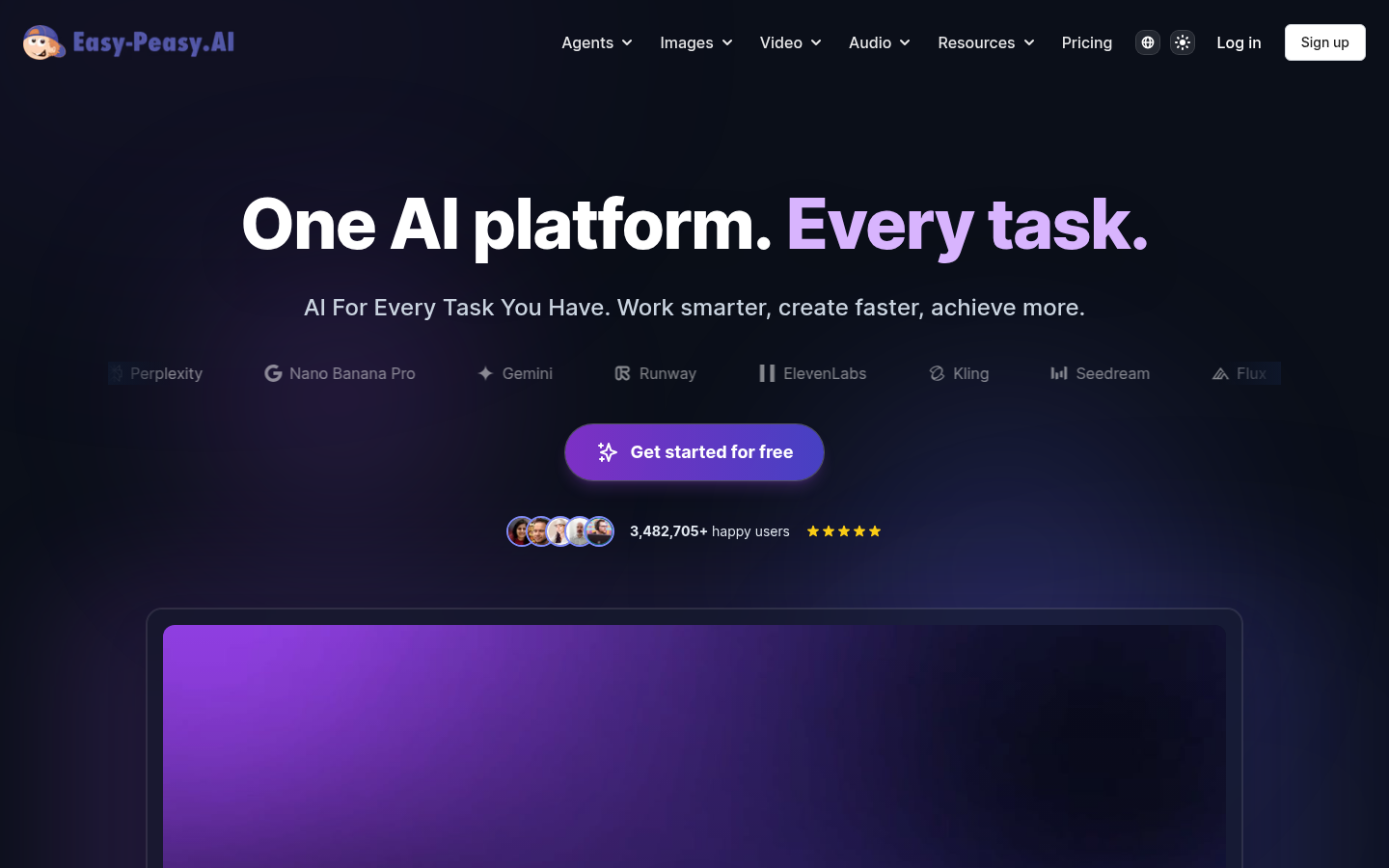
Screenshot archived from the listing page, for preview only.