
Dyad
Free open-source tool for building AI appsBuild and customize AI apps locally, free and open source
Highlights
What you can do with it
- Build an intelligent recommendation app
- Develop a voice recognition tool
- Apply it to data analysis and predictive models
How to use it
- 1 Open the Dyad website
- 2 Register a free account or start directly
- 3 Select the AI models and functions you need
- 4 Develop and debug locally
- 5 Deploy the app to your production environment
Who it is for
Pros
- Free and open source to use and modify
- Local development keeps data under your control
- Pluggable design with models and extensions
Limitations
- Requires development skill to build real apps
- Local setup and compute are on you
- Open-source project terms can change over time
What Dyad is
Dyad is a free, local, open-source tool for building AI applications. It uses open-source technology to let you freely customize and assemble AI apps, and it provides a library of AI models and algorithms to cover different needs. Because it supports local development and deployment, your data can stay on your own machines, which matters when security or privacy is a concern. It also supports multiple languages and platforms, offers customizable interfaces and functions, and includes plugins and extensions so you can expand what you build. Dyad is free to use.
What you can do with it
- Build and customize AI applications locally
- Pick from a library of AI models and algorithms
- Keep development and data on your own machines for security
- Extend functionality with plugins and add-ons
- Deploy finished apps to your own production environment
Who it is for
- Developers building custom AI applications
- Teams that need private, local development
- People who want open-source flexibility and control
- Anyone comfortable coding who wants to avoid vendor lock-in
What to watch out for
Dyad is a builder, not a finished product, so you need real development skill to turn it into a working app, and local compute and setup are your responsibility. As an open-source project, its features, documentation, and terms can change between versions, so pin the version you depend on and read the docs carefully. Building locally helps with data security, but you are still in charge of securing your own environment and following the licenses of any models or plugins you use. Free tiers and usage limits can change, so check the current rules on the official page before relying on it long term.
FAQ
Is Dyad free?
Yes. It is described as a free, local, open-source tool for building AI applications.
Does it run locally?
Yes. It supports local development and deployment, which helps with data security.
Who is it for?
It is aimed at developers who want to customize and build AI applications with flexibility.
Why it is free
What the official page says: 免费
Free limits, trial length and features are decided by the official site and can change at any time.
Product preview
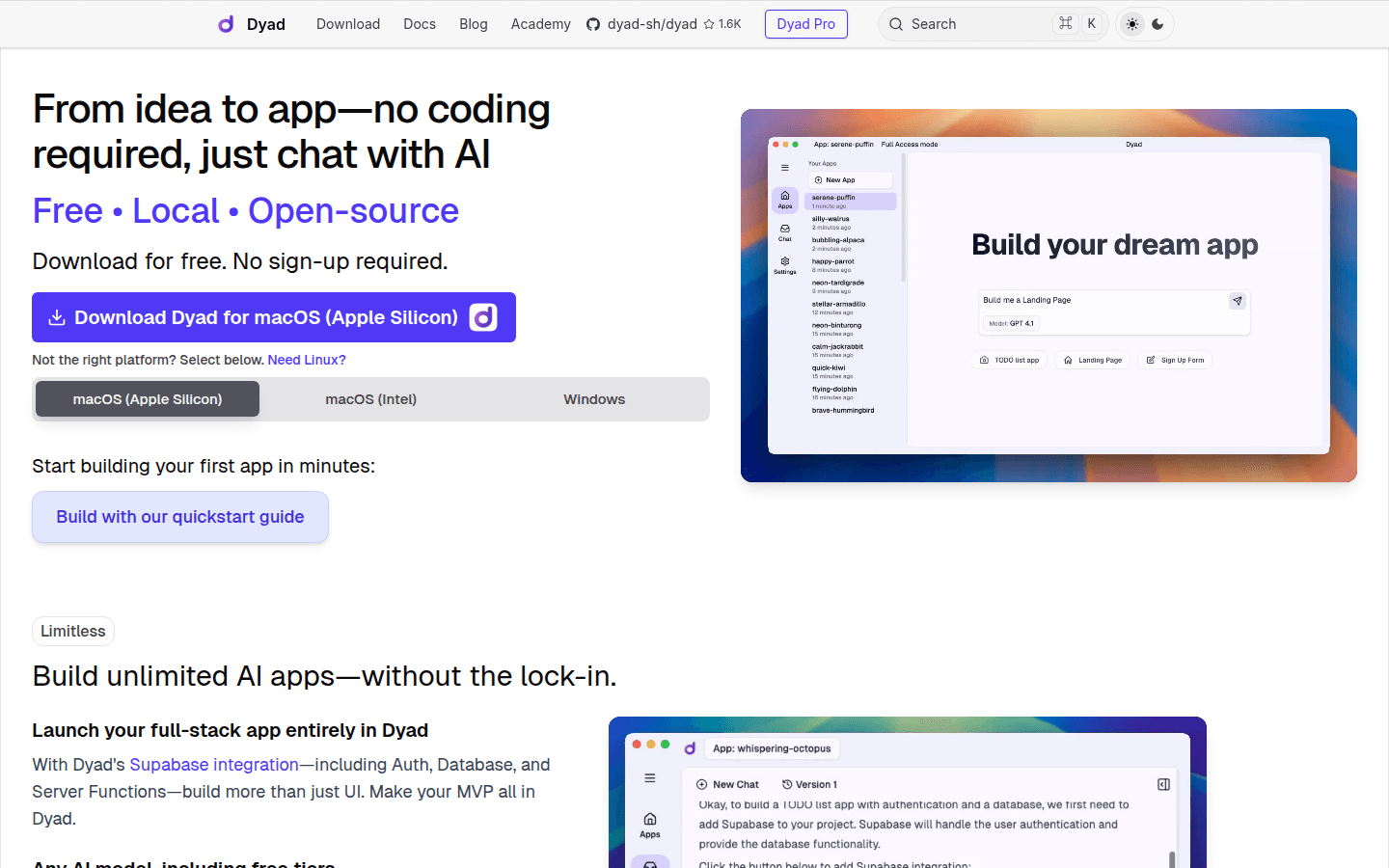
Screenshot archived from the listing page, for preview only.











