
Dumble
No-code builder for sites, apps and documentsFrom idea to launch without writing code
Highlights
What you can do with it
- Building an e-commerce site by describing the business
- Importing contracts and reports and exporting compliant documents
- Analysing competitor sites and producing strategy suggestions
How to use it
- 1 Download the Dumble app for Mac or Windows
- 2 Choose Autopilot for sites and apps, or the document mode for files
- 3 Describe the requirements and pick options such as style and domain
- 4 Let Dumble generate, verify and correct the code, using preview to check
- 5 Deploy to your target such as a VPS, PHP hosting or Netlify
Who it is for
Pros
- No code required to reach a working site or app
- Document handling covers analysis through to export
- Preview across devices catches layout problems early
- Free hosting and domain configuration lower launch cost
Limitations
- Generated code still needs review for security and edge cases
- Free hosting is offered, but other costs and plan limits are not itemised
- Complex or unusual requirements will hit the no-code ceiling
- Desktop apps for Mac and Windows mean no browser-only option
What Dumble is
Dumble is an all-in-one AI assistant that takes a project from idea to launch without asking you to write code. You describe what you want, and it plans the files, generates the code, verifies and corrects it, and then deploys. A chat mode handles questions and fixes, while a developer mode connects to more advanced models and pulls in Git, web search and image analysis. Permanent memory means the assistant keeps context between sessions instead of starting cold each time. Alongside building, it processes documents: resumes, contracts, invoices and reports can be analysed, translated, summarised and classified, then exported as PDF, Word or HTML. Multi-device preview shows how a site looks on desktop, tablet and phone, and competitor URLs can be turned into a full analysis report. The vendor advertises free website hosting and domain configuration, and the app runs on Mac and Windows.
What you can do with it
- Generate websites and applications from a plain description
- Analyse, translate, summarise and classify documents, then export them
- Preview a site on desktop, tablet and mobile in real time
- Connect Git, web search and image analysis through developer mode
- Turn competitor URLs into design, pricing and strategy reports
Who it is for
- Beginners with no programming experience who need something shipped
- Professional developers automating routine build and refactor work
- Enterprises that need sites, dashboards or internal tools quickly
- Lawyers, accountants and similar roles handling document volume
What to watch out for
Generated code should still be reviewed, especially for authentication, payments and anything user-facing, because automated correction does not guarantee security. Free hosting and domain configuration are advertised, but other limits and costs are not itemised, so ask before committing to a project. Complex or unusual requirements will eventually hit the ceiling of what a no-code flow can express. Finally, it is a desktop application for Mac and Windows, so there is no browser-only option if you work across machines.
FAQ
Do I need to know how to code?
No. The product is built for users from beginners to professional developers, and code generation, verification and correction are handled for you.
Is hosting included?
The vendor advertises free website hosting and domain configuration. Deployment targets mentioned include a VPS, PHP hosting and Netlify.
Which platforms does it run on?
Mac and Windows desktop apps. A developer mode adds API access to more advanced models plus Git, web search and image analysis.
Why it is free
What the official page says: 免费
Free limits, trial length and features are decided by the official site and can change at any time.
Product preview
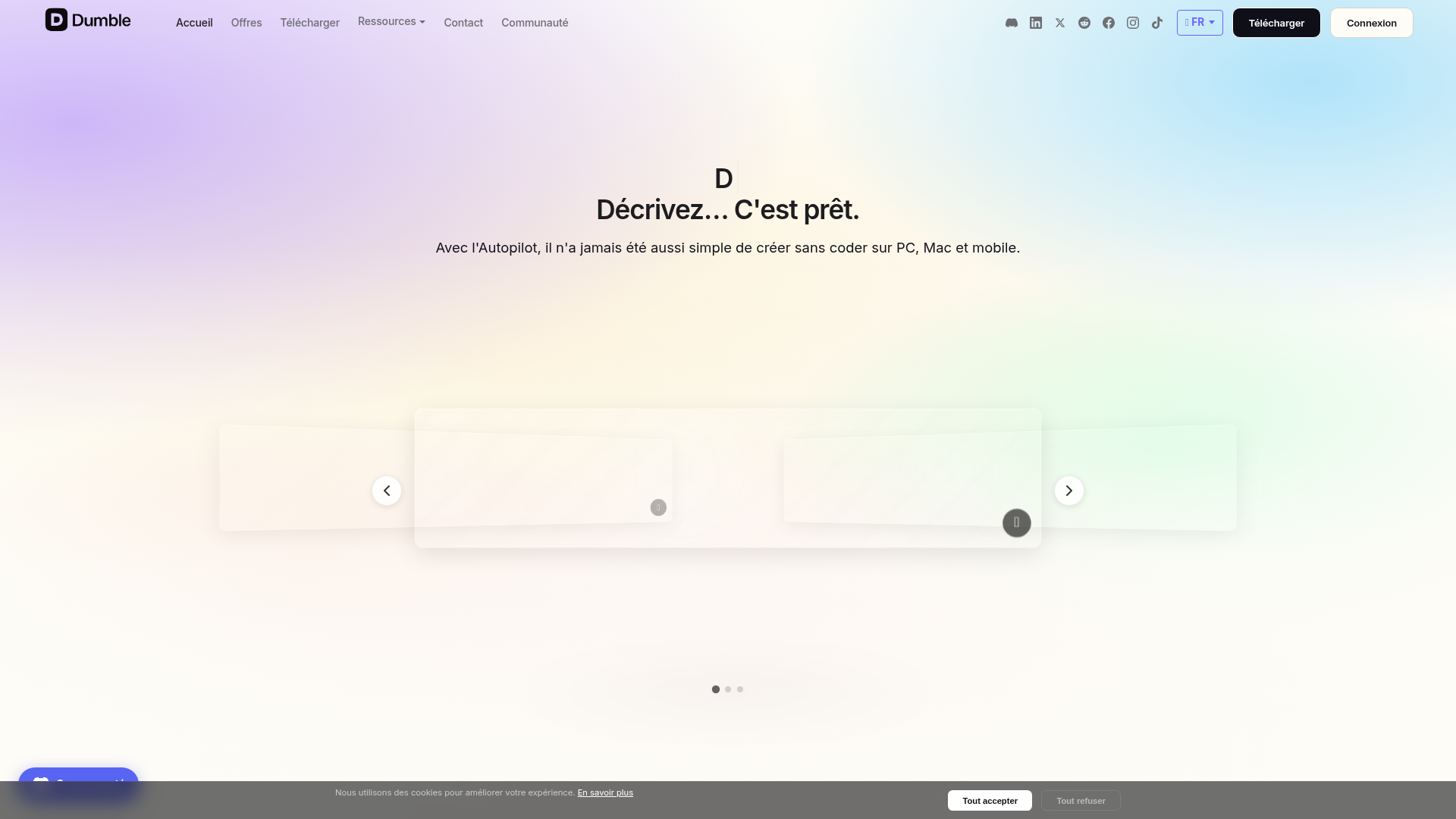
Screenshot archived from the listing page, for preview only.











