
Duck.ai
Anonymous AI chat that skips saving your conversationsChat with AI models without an account
Highlights
What you can do with it
- Asking an AI a question without tying it to your identity
- Comparing how different models answer the same prompt
- Getting quick learning help or writing inspiration
How to use it
- 1 Open Duck.ai in your browser
- 2 Type your question into the box to start chatting
- 3 Switch between the available AI models
- 4 Adjust the safe search level if you want stricter filtering
- 5 Delete the chat when you finish to protect your privacy
Who it is for
Pros
- Anonymous use with no saved logs or training on chats
- Multiple models available from one simple page
- Free to use and quick to open
Limitations
- Model lineup and features can change without notice
- No saved history means you must copy anything you want to keep
- Anonymous chat still needs sensible use; accuracy is not guaranteed
What Duck.ai is
Duck.ai is a web-based anonymous AI chat tool from the team behind the privacy-focused search engine DuckDuckGo. It gathers several popular AI models into one page so you can talk to them without revealing personal information. The service puts privacy first: it says it does not save your chat logs and does not use your conversation content to train AI. It offers multiple languages and a safe search filter you can adjust, and it is currently free to use. For anyone who wants a quick AI chat without handing over an email or an account, it is a straightforward option.
What you can do with it
- Ask an AI a question without tying it to your identity
- Switch between several models to compare their answers
- Filter inappropriate content with the safe search setting
- Use it in more than one language
- Delete the chat when you are done to protect your privacy
Who it is for
- Privacy-conscious users who avoid accounts and tracking
- People who want to test several AI models side by side
- Students and writers looking for quick answers or ideas
- Anyone who wants a no-sign-up AI chat in the browser
What to watch out for
Because chats are not saved, you need to copy out anything you want to keep before you close the page. The lineup of models and the exact features can change over time as the service updates, so what is available today may differ later. Anonymous use does not guarantee accuracy, so check important answers against reliable sources rather than trusting them outright. While the tool is free now, free access and model availability can change, and sensible, respectful use is still expected.
FAQ
Does Duck.ai save my chats?
No. The service states that it does not store user chat logs and does not use conversation content for AI training.
Which AI models can I use?
It brings together several popular models so you can switch between them and compare their answers.
Is Duck.ai free?
Yes. It is currently offered free to users, with a focus on privacy and anonymity.
Why it is free
What the official page says: free to use
Free limits, trial length and features are decided by the official site and can change at any time.
Product preview
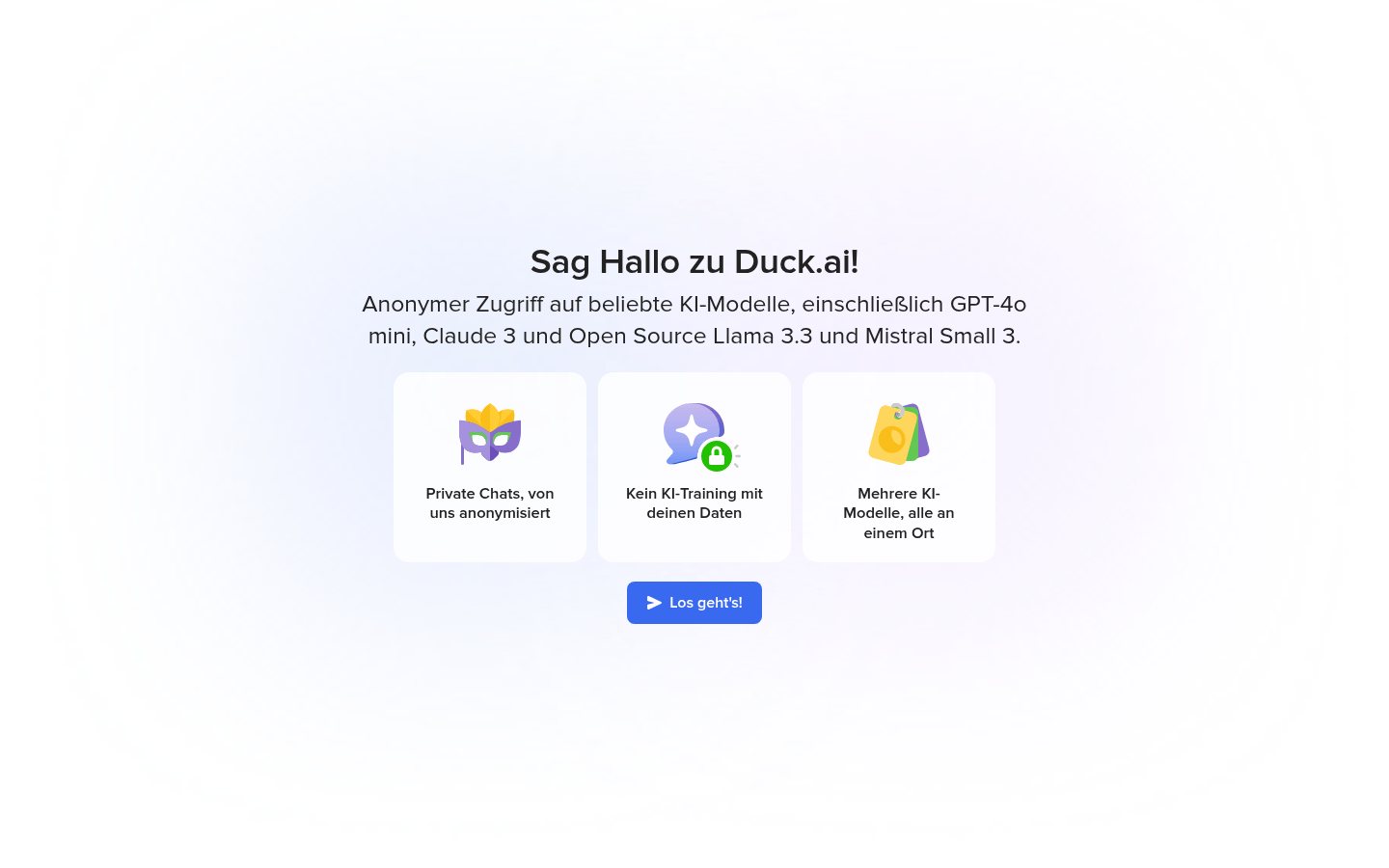
Screenshot archived from the listing page, for preview only.











