DubbingAI
Real-time AI voice changer for gamesSwap your voice live with low CPU use
Highlights
What you can do with it
- Using a character voice while gaming
- Varying your voice during a live stream
- Trying effects while chatting with friends
How to use it
- 1 Download and install DubbingAI on Windows or macOS
- 2 Pick your input and output audio devices
- 3 Choose a voice from the library
- 4 Set it as your microphone inside the game or app
- 5 Adjust settings if the effect lags or distorts
Who it is for
Pros
- Live processing with low latency
- A wide selection of voices and languages
- Free to use according to the listing
Limitations
- Impersonating a real person can violate platform rules or the law, and the consequences are yours
- Some games and apps block virtual audio devices entirely
- Free availability, the voice library and system requirements can change
What DubbingAI is
DubbingAI is a real-time AI voice transformation tool for Windows and macOS. It converts your voice into a different effect as you speak, with a library of more than a thousand voices covering a hundred or more languages. The listing claims very low latency and low resource use compared with similar software, which matters because the effect has to keep up with live speech in a game or a stream. It is described as compatible with various games, software and social media platforms, and it is aimed at gamers, streamers and creators.
What you can do with it
- Change your voice in real time while playing a game
- Use different voices while live streaming
- Apply effects in chat and social apps
- Switch between character, anime and other voice styles
Who it is for
- Gamers who want a character voice during play
- Streamers who want audio variety without extra hardware
- Casual users trying effects while talking to friends
What to watch out for
Use it for clearly playful purposes only. Impersonating a real person, whether a friend, a public figure or a colleague, can violate platform rules and in some jurisdictions the law, and any consequences fall on you rather than on the software. Some games and applications actively detect and block virtual audio devices, so the effect may not work everywhere. Free availability, the size of the voice library and system requirements can all change. Keep the software updated and be transparent with the people you are talking to. Run one full task end to end first, then expand once you are comfortable with the workflow and the result quality.
FAQ
Is DubbingAI free?
The listing describes it as a free real-time AI voice transformation tool.
Which systems does it support?
Windows and macOS are listed, and it works with various games, software and social platforms.
Can I use any voice I like?
No. Using it to impersonate a real person can break platform rules or the law, and you carry the risk.
Why it is free
What the official page says: 免费
Free limits, trial length and features are decided by the official site and can change at any time.
Product preview
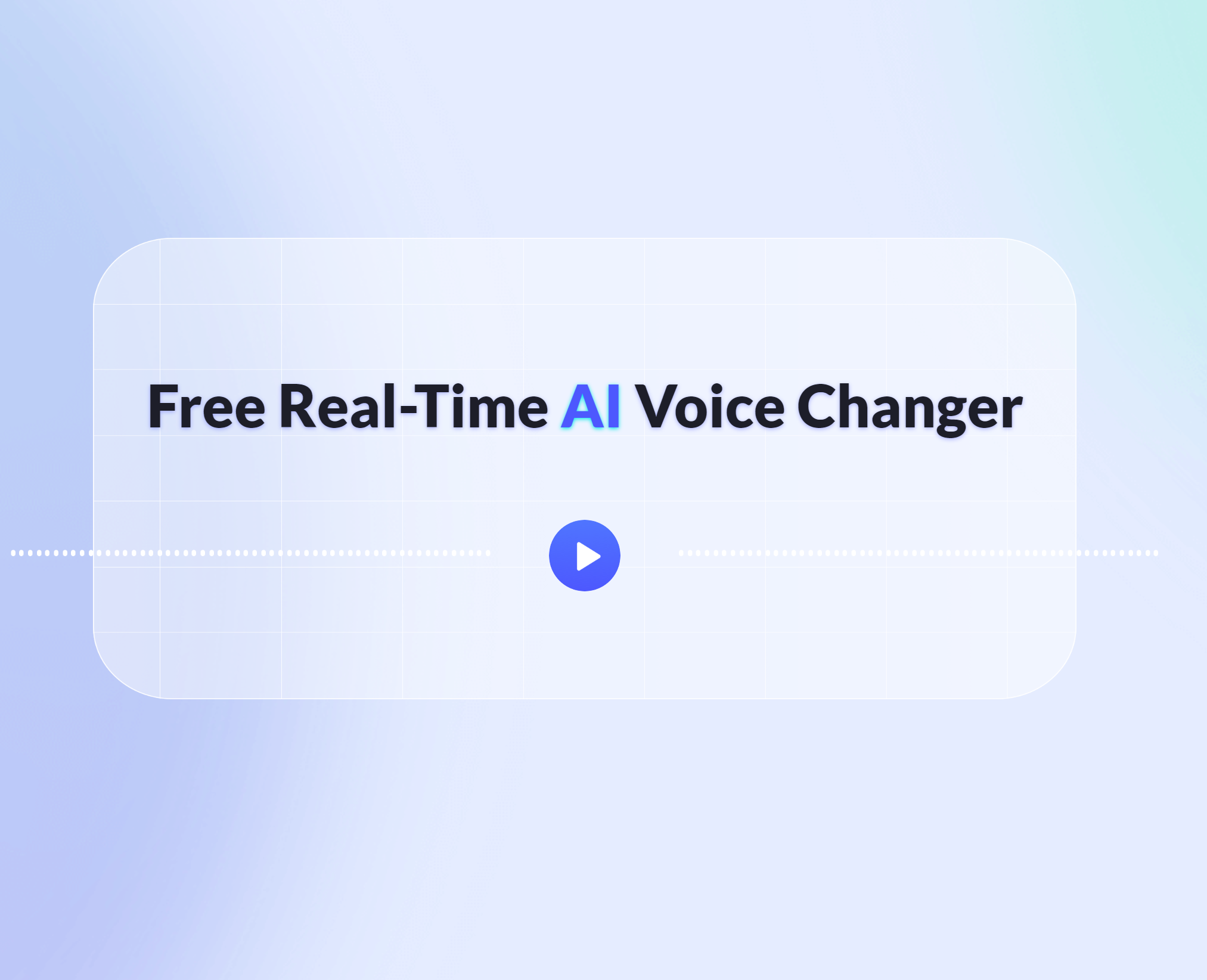
Screenshot archived from the listing page, for preview only.