
DryMerge
Natural language workflow automationDescribe the workflow, let AI build it
Highlights
What you can do with it
- A sales rep gets notified the moment a new lead lands in Salesforce
- Meeting highlights and action items are emailed to absent stakeholders
- A manager is alerted when a customer sends repeated angry emails
How to use it
- 1 Start a free trial and open the DryMerge chatbot
- 2 Describe the workflow you want in plain language
- 3 Let DryMerge handle the implementation and connections
- 4 Connect the SaaS tools involved, such as Slack, Gmail or Notion
- 5 Watch the automation run and check the analytics over time
Who it is for
Pros
- No engineering work needed to get an automation running
- Plain language descriptions instead of visual builders
- Analytics keep an eye on automations after they go live
Limitations
- Free access is a trial rather than a permanent tier
- Automations depend on integrations staying available
- Complex workflows may still need review before they run unattended
What DryMerge is
DryMerge automates internal workflows from plain descriptions. You tell its chatbot what should happen, and it handles the implementation, which is the whole point: operational, sales and support teams stop filing tickets and waiting for engineering to wire something together. The examples on the site are concrete. A new lead in Salesforce triggers a notification with the lead details so you can follow up quickly. After a weekly meeting, key highlights and action items are emailed to stakeholders who could not attend. If a customer sends several angry emails in a row, a manager is notified so they can step in. It connects to SaaS tools such as Slack, Gmail and Notion, and product analytics monitor long-running automations and keep improving their quality. A free trial is available.
What you can do with it
- Automate sales lead notifications with the details you need
- Send meeting highlights and action items to people who missed the call
- Escalate customer situations automatically when messages pile up
- Generate personalized reports on a schedule
- Connect workflows across Slack, Gmail, Notion and other tools
- Monitor running automations through the product analytics
Who it is for
- Operational teams that are tired of the ticket queue
- Sales and support teams that need instant notifications
- Managers who want recurring follow-up to happen without reminders
What to watch out for
Free access is a trial rather than a permanent free tier, so ongoing use is a paid commitment. Automations depend on integrations staying available, and if a connected tool changes its API your flow can break, so check the monitoring rather than assuming it is fine. Complex or high-stakes workflows still deserve review before they run unattended, because a plain language description can be interpreted in more than one way. Finally, giving a tool access to email, Slack and your CRM means handing over sensitive access, so review the permissions and data handling terms before you connect production accounts.
FAQ
How do I build an automation in DryMerge?
You describe it to the chatbot in plain language. DryMerge handles the implementation, so you are not wiring nodes together yourself or filing a ticket.
Which tools does it connect to?
The site names Slack, Gmail and Notion among its SaaS integrations. Check the current integration list for anything specific you need.
What kinds of workflows suit it?
Operational, sales and support flows. Examples given are sales lead notifications, meeting summary emails and customer escalation alerts.
Is it free?
A free trial is offered. Beyond the trial it is a paid product, so review the current plans before you automate something critical.
Why it is free
What the official page says: free trial
Free limits, trial length and features are decided by the official site and can change at any time.
Product preview
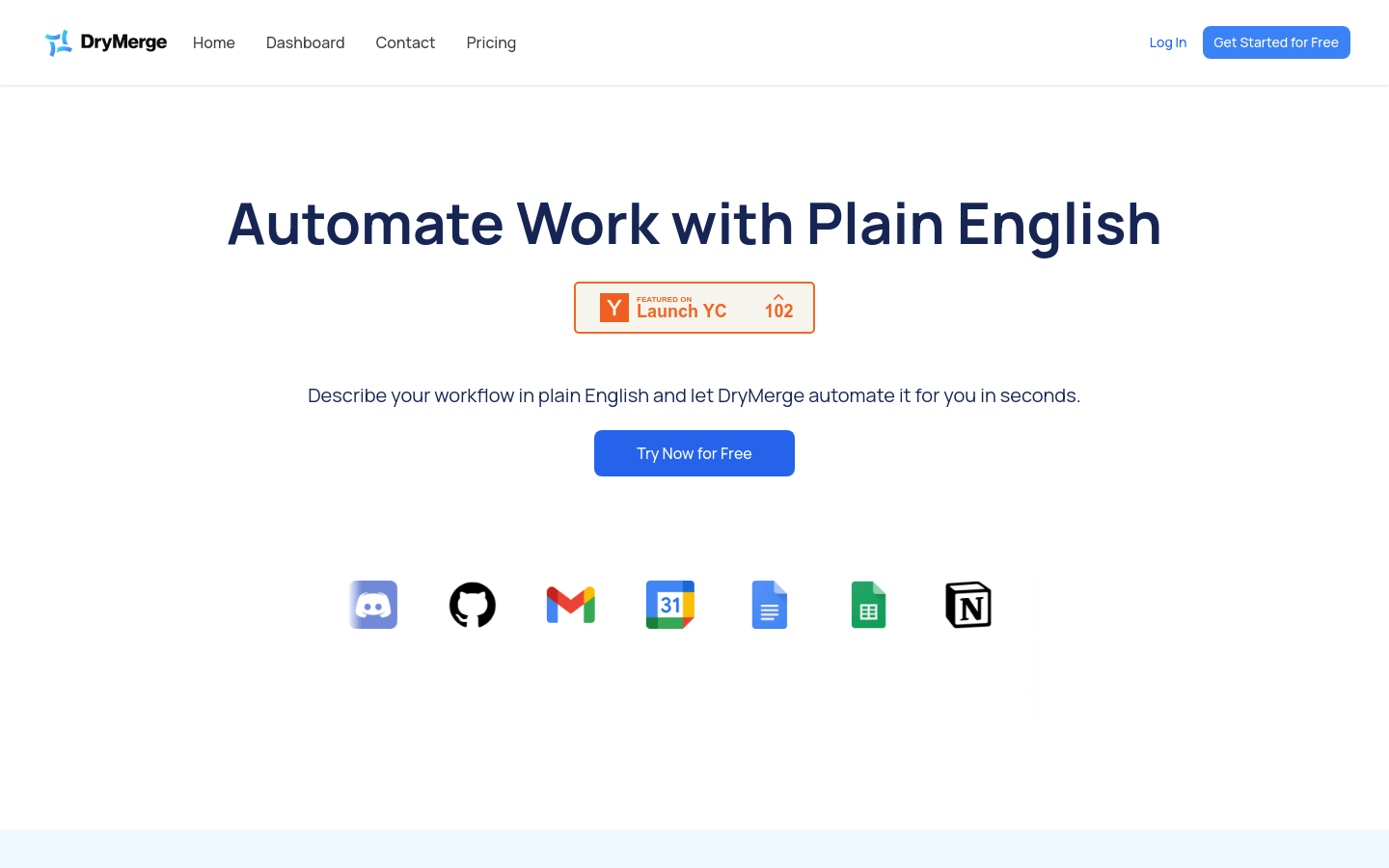
Screenshot archived from the listing page, for preview only.











