
Dramily
Free AI short drama generatorScript to short drama in one place
Highlights
What you can do with it
- Independent creators producing a fantasy short drama
- Studios managing assets across several productions
- Teams turning a script into a series quickly
How to use it
- 1 Register and create a new project
- 2 Set up story, characters, and scenes
- 3 Plan the storyboard and review each scene
- 4 Generate the video, adjust, then export
Who it is for
Pros
- Free plan for evaluation and testing
- One tool instead of several
- Scene review before spending on renders
Limitations
- Free plan is limited to non commercial exploration
- Higher credit limits are paid, and prices rise steeply
- Generated video still needs editorial review
What Dramily is
Dramily is a free AI short drama generator from Quidity Solutions LLC. It is designed as a single workspace for the whole chain, from the first idea to a finished episode: story setup, character and scene creation, script writing, storyboard planning, and video generation. Several leading models are integrated, including Seedance 2.0 and 2.5. A dedicated asset workspace holds characters, scenes, and props so they stay consistent across a production, and each scene can be reviewed before the video model runs, which avoids paying for renders you will throw away. The site also describes patterns drawn from successful short dramas as formulas you can reuse. A free plan is offered for evaluation, testing, and non commercial exploration, with paid plans that add credit limits.
What you can do with it
- Write and generate scripts from an outline or theme
- Build and reuse characters, scenes, and props
- Plan a storyboard and review scenes before rendering
- Generate video and export a finished short drama
Who it is for
- Independent creators producing short dramas alone
- Studios and production companies running several projects
- AI video teams turning scripts into series
- Anyone testing whether short drama production suits them
What to watch out for
The free plan is explicitly for evaluation, testing, and non commercial exploration, so client and monetised work sits on the paid side, where credit limits are sold at a wide range of prices. Reviewing scenes before rendering saves credits, but it also means the workflow is slower than a one click generator. Consistency tools help, yet long productions still drift and need manual correction. Treat generated scripts and video as a first cut, since editorial judgement is what separates a usable drama from a pile of clips.
FAQ
Is there a free plan?
Yes, for evaluation, testing, and non commercial use.
Which models are used?
Seedance 2.0 and 2.5 among others.
Can I keep characters consistent?
Yes, through the asset workspace.
Why it is free
What the official page says: free plan
Free limits, trial length and features are decided by the official site and can change at any time.
Product preview
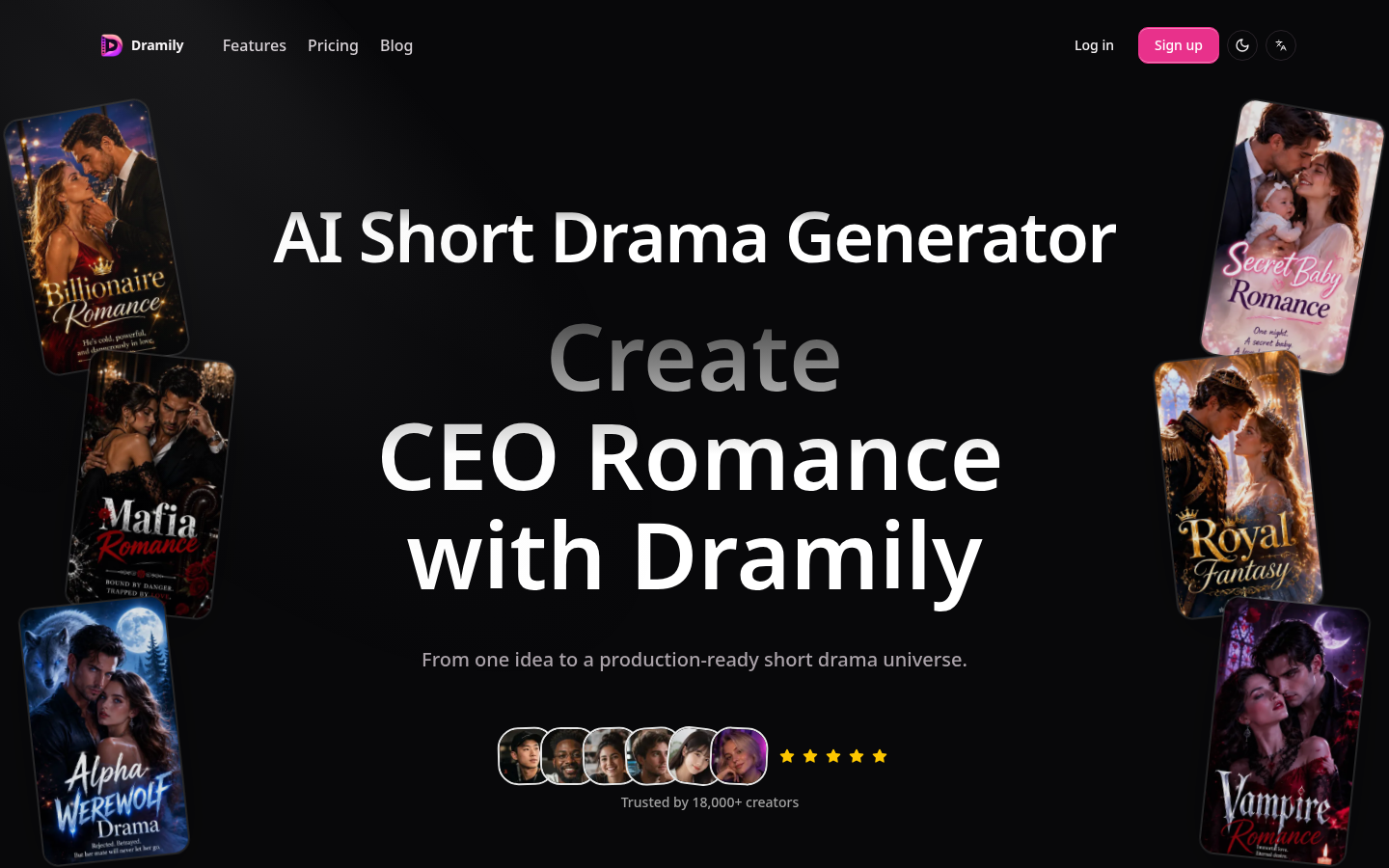
Screenshot archived from the listing page, for preview only.











