
Dottle AI
AI web design by promptDescribe a page, get design and code
Highlights
What you can do with it
- Prototyping a landing page idea quickly
- Building a small business or e-commerce page
- Learning web design by generating and editing pages
How to use it
- 1 Visit dottle.ai and log in or register.
- 2 Write a detailed prompt describing layout, style and features.
- 3 Let the AI generate the design and review the result.
- 4 Ask for changes and iterate until you are happy.
- 5 Export the project as HTML, CSS, React, Vue or Angular.
- 6 Share the code with a developer by email, or use it yourself.
Who it is for
Pros
- First page is free to design
- Export options cover plain HTML and front end frameworks
- Iteration is conversational, no design software required
- Credit based, so you can top up when you need more
Limitations
- After the free first page, plans are $29.95 or $99.95 per month
- Credits are consumed per request based on complexity
- Generated code still needs developer work to become a live site
- Free rules and credit pricing can change
What Dottle AI is
Dottle AI is an AI powered web design tool built by Neriva LLC. Rather than dragging elements around a canvas, you write a prompt that describes the page you want, and the AI returns a design based on that description. If the result is not right, you can keep asking it to change parts of the design until you are satisfied. Finished designs export as HTML and CSS, or as React, Vue or Angular code with views and components defined. The first page can be designed for free, and the listing then puts Plus at $29.95 per month and Pro at $99.95 per month. Requests consume credits depending on how complex they are, and credits can be topped up before a subscription renews.
What you can do with it
- Describe a web page in a prompt and get a design back.
- Ask for changes and iterate until the layout works.
- Export the design as HTML, CSS, React, Vue or Angular code.
- Email the project code to a developer if you do not build it yourself.
Who it is for
- Individual developers who want to test a page idea fast.
- Small businesses and shops that need a site without hiring a designer.
- Beginner designers learning layout and structure.
- Non developers who need code they can hand to someone else.
What to watch out for
The free part covers the first page only, so anything beyond that needs a paid plan at $29.95 or $99.95 per month. Credits are spent per request and scale with complexity, so an experimental session can burn through them faster than you expect. Generated code is a starting point, not a finished production site, and the listing itself frames the tool as a way to avoid high design costs rather than a replacement for development work. Design quality also depends on how precisely you write the prompt, and you may need several rounds of changes before the layout is close to what you pictured. Free terms and credit pricing can change.
FAQ
Can I try Dottle AI for free?
The listing says the first page can be designed for free.
What code can I export?
HTML and CSS, plus React, Vue or Angular, with views and components defined.
How does pricing work?
Plus is $29.95 per month and Pro is $99.95 per month, and requests consume credits based on complexity.
Why it is free
What the official page says: for freefree trial
Free limits, trial length and features are decided by the official site and can change at any time.
Product preview
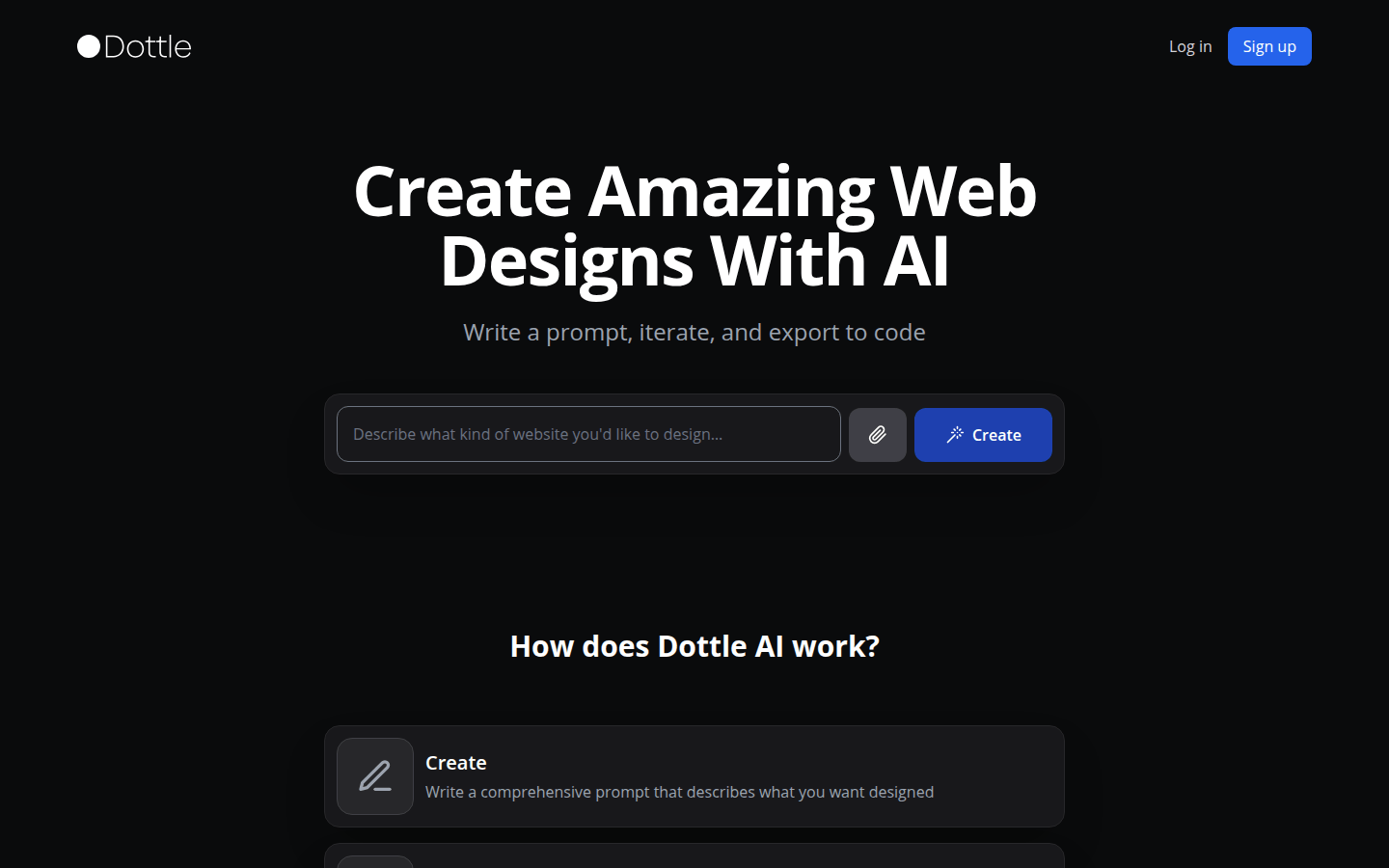
Screenshot archived from the listing page, for preview only.











