
Dot Copilot
AI assistant app for Android and iPhoneAutomate expenses, schedules, and replies
Highlights
What you can do with it
- Photographing a receipt and syncing the expense automatically
- Pulling a meeting time out of a chat into the calendar
- Translating a message from an international friend
How to use it
- 1 Install the app and complete setup
- 2 Pick the features you want and set custom commands
- 3 Photograph receipts or text for expense tracking
- 4 Let it extract schedules and tasks from chats
- 5 Use translation and comment templates as needed
Who it is for
Pros
- Many automations in a single app
- Works with the chat and calendar apps you already use
- Custom commands for personal workflows
- Free trial to test before paying
Limitations
- Free trial then paid tiers
- It needs access to your chats, screenshots, and calendar, which is a real privacy trade-off
- Extraction accuracy needs checking before you rely on it
- Android and iPhone only, no desktop version
What Dot Copilot is
Dot Copilot is an AI assistant app for Android and iPhone that puts a set of automation jobs in one place. It reads text and receipts to pull expense data into Google Sheets, extracts schedule details from chats and adds them to your calendar, and translates text on screen or messages from friends writing in another language. It drafts comments for Reddit, LinkedIn, X, and Facebook, helps reply inside WhatsApp, Telegram, and Line, summarizes web pages, and turns chat messages or screenshots into tasks. You can also build custom commands. The product is positioned for individuals and small businesses, with a free trial and paid tiers above it.
What you can do with it
- Photograph a receipt and sync the expense to Google Sheets.
- Pull meeting times out of chats into your calendar.
- Translate on-screen text and incoming messages.
- Draft social comments and chat replies quickly.
- Summarize a web page and turn screenshots into tasks.
Who it is for
- People who track expenses from a phone.
- Busy professionals juggling schedules across chat apps.
- Anyone who chats and works across more than one language.
What to watch out for
The app needs broad access to be useful: your chats, your screenshots, your calendar, and your receipts. That is a genuine privacy trade-off, so read the permissions and the privacy policy before you grant everything. Extraction is automatic, and automatic extraction makes mistakes, so check a synced expense or a calendar entry before you trust it. The free trial is followed by paid tiers, so budget for that if the automations stick. It is a mobile app only, with no desktop version described, so it will not help with work that happens on a computer.
FAQ
Is Dot Copilot free?
There is a free trial with paid tiers for continued use.
What platforms does it run on?
Android and iPhone.
What can it automate?
Expense tracking, schedules, translation, social comments, chat replies, web summaries, and tasks.
Why it is free
What the official page says: free trial
Free limits, trial length and features are decided by the official site and can change at any time.
Product preview
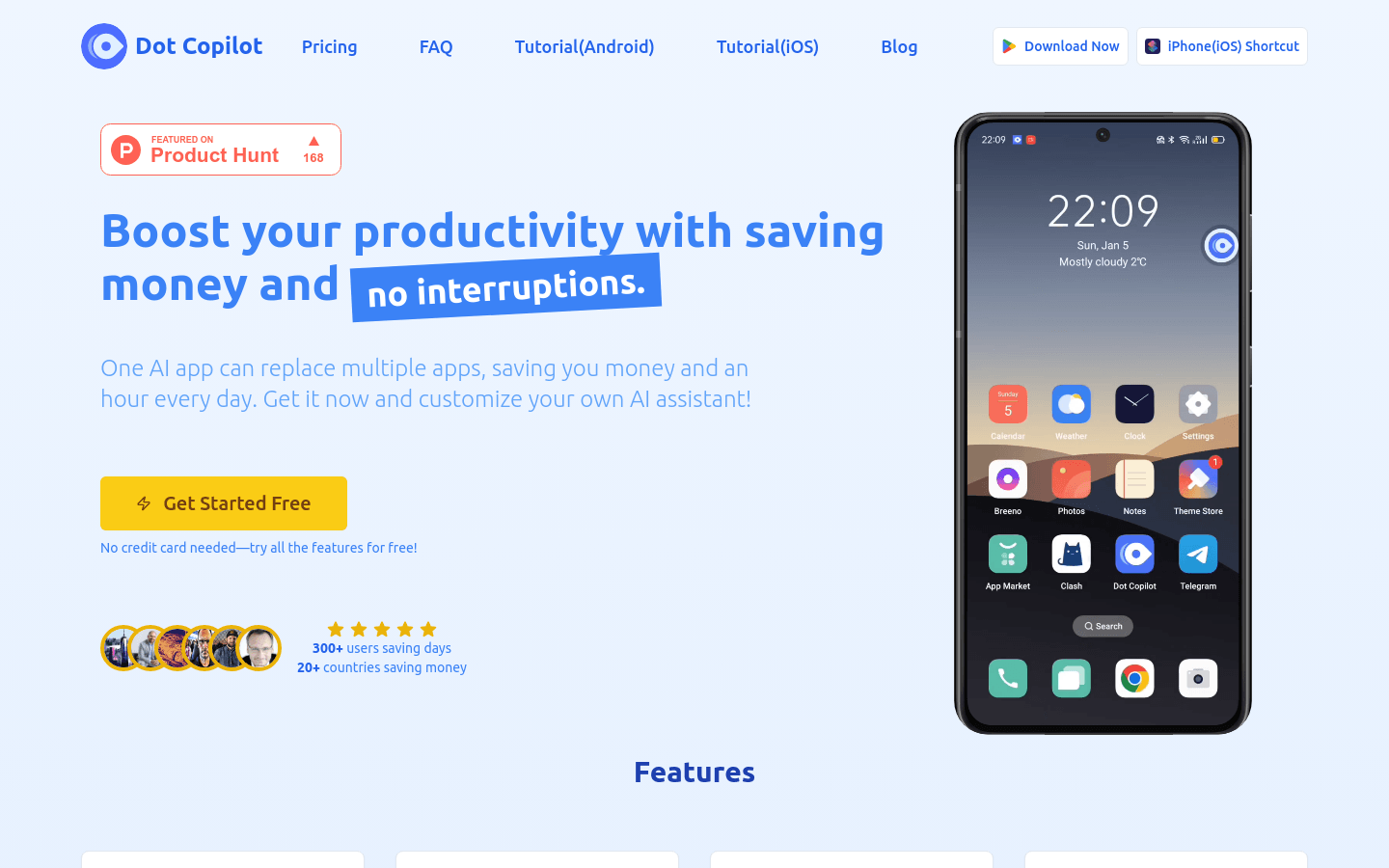
Screenshot archived from the listing page, for preview only.











