
Doodle Morph AI
Turn doodles into photorealistic AI artMake your sketches look real
Highlights
What you can do with it
- Turn a hand sketch into a realistic image
- Explore a doodle as finished art
- Quickly visualize a rough idea
How to use it
- 1 Download Doodle Morph AI.
- 2 Draw or upload a doodle.
- 3 Let the AI render it in a realistic style.
- 4 Save or share the result.
Who it is for
Pros
- Free to download and try
- Turns simple sketches into realistic images
- Easy to use
Limitations
- Advanced features need the paid version
- Results vary with the input doodle
- Best for stylized fun, not precise rendering
What Doodle Morph AI is
Doodle Morph AI is an app that uses AI to turn doodles into realistic works of art. You can convert hand-drawn sketches into photorealistic images through a sleek, user-friendly interface, with a focus on high-quality artistic output. Pricing is accessible: there is a free download with basic functionality, and a paid version that unlocks more advanced features. The app targets art enthusiasts, designers, and casual doodlers who want to see their sketches rendered in a realistic style.
What you can do with it
- Turn a hand-drawn doodle into a realistic image.
- Explore a rough sketch as finished-looking art.
- Quickly visualize a simple idea in a polished style.
- Save and share the rendered result.
Who it is for
- Art enthusiasts playing with their own sketches.
- Designers visualizing rough ideas fast.
- Casual doodlers who want polished-looking art.
What to watch out for
The free download covers basic features, so the more advanced tools require the paid version. Results vary with the input doodle; a clearer sketch generally renders better than a messy one. It is built for stylized fun and quick visualization, not for precise, production-ready rendering, so set expectations accordingly. When quality matters, export a small draft first to confirm the result before producing the final file. Generated suggestions are for reference only, so verify anything that affects professional judgment or important data. Processing speed depends on file size and network conditions, so retry later if a task stalls during peak hours. Run one full task end to end first, then expand once you are comfortable with the workflow and the result quality. Keep a backup of the original file before running large batches so you can restart if anything goes wrong midway.
FAQ
What does Doodle Morph AI do?
It uses AI to turn doodles into realistic works of art.
Is it free?
There is a free download with basic features, and a paid version for more.
Who is it for?
It targets art enthusiasts, designers, and doodlers.
Why it is free
What the official page says: 免费
Free limits, trial length and features are decided by the official site and can change at any time.
Product preview
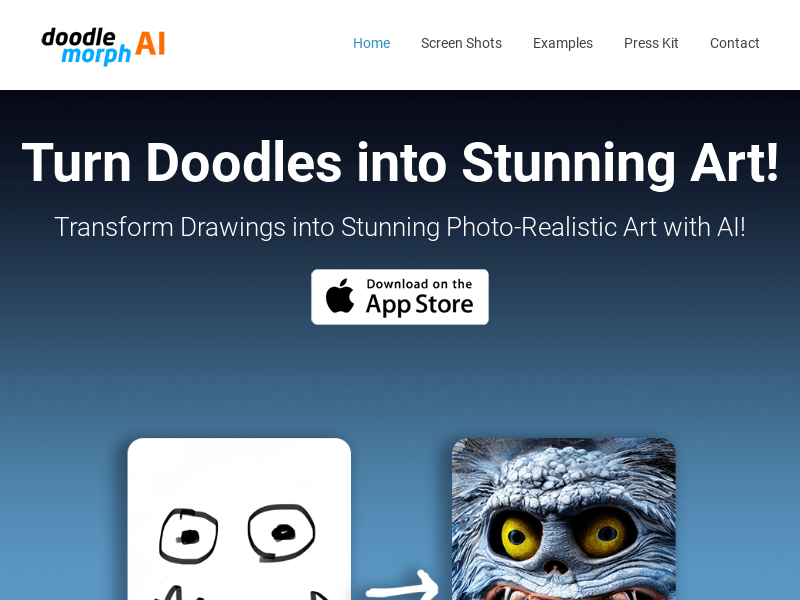
Screenshot archived from the listing page, for preview only.











