
Dokie AI Presentation Maker
AI PPT presentation generatorTurn ideas into slides with AI
Highlights
What you can do with it
- Build a product promotion deck fast
- Create a quarterly report presentation
- Make teaching courseware for students
How to use it
- 1 Visit the Dokie AI website
- 2 Click Start Free Now to begin a trial
- 3 Describe your presentation theme in plain language
- 4 Edit the generated deck in real time
- 5 Export the finished deck as PPTX
Who it is for
Pros
- Free trial to test the generator
- Fast generation of a full deck
- PPTX export works with common tools
Limitations
- Free trial is limited and credits cost money
- Auto layouts may still need manual fixes
- Complex topics need clearer prompts
What Dokie AI Presentation Maker is
Dokie AI is an advanced AI PPT generator, and it offers a free trial with a paid credit option. It uses AI to handle design, layout, and content structure so you can turn text descriptions into professional presentations quickly. It provides real-time preview and editing, supports exporting to standard PPTX, can beautify existing decks, and can auto-generate speaker notes for each slide. It is positioned as a time-saver for busy professionals who need clean decks.
What you can do with it
- Turn a text description into a full deck
- Edit slides in a real-time preview
- Export to PPTX for common software
- Beautify an existing presentation
- Generate speaker notes automatically
Who it is for
- Busy professionals making decks often
- Educators building teaching slides
- Students preparing project presentations
What to watch out for
The free trial is limited, and credits cost money, and pricing can change over time. Auto-generated layouts may still need manual fixes to look right. Complex topics need clearer prompts to get useful content. Always check facts and figures in the generated deck before you present. Generated suggestions are for reference only, so verify anything that affects professional judgment or important data. Start with a small sample to confirm the output meets your expectations before processing the full batch. For team use, agree on naming and editing conventions in advance to avoid version conflicts or duplicated work. Name and archive exported files consistently so you can find and reuse them, and keep a backup copy of key data. Name and archive exported files consistently so you can find and reuse them, and keep a backup copy of key data.
FAQ
Is there a free trial?
Yes. You can click Start Free Now to begin a free trial, with a paid credit option.
What formats does it export?
It exports standard PPTX files that work with PowerPoint, Google Slides, and more.
Who is it for?
It is for busy professionals, educators, and students who need slides fast.
Why it is free
What the official page says: free trial
Free limits, trial length and features are decided by the official site and can change at any time.
Product preview
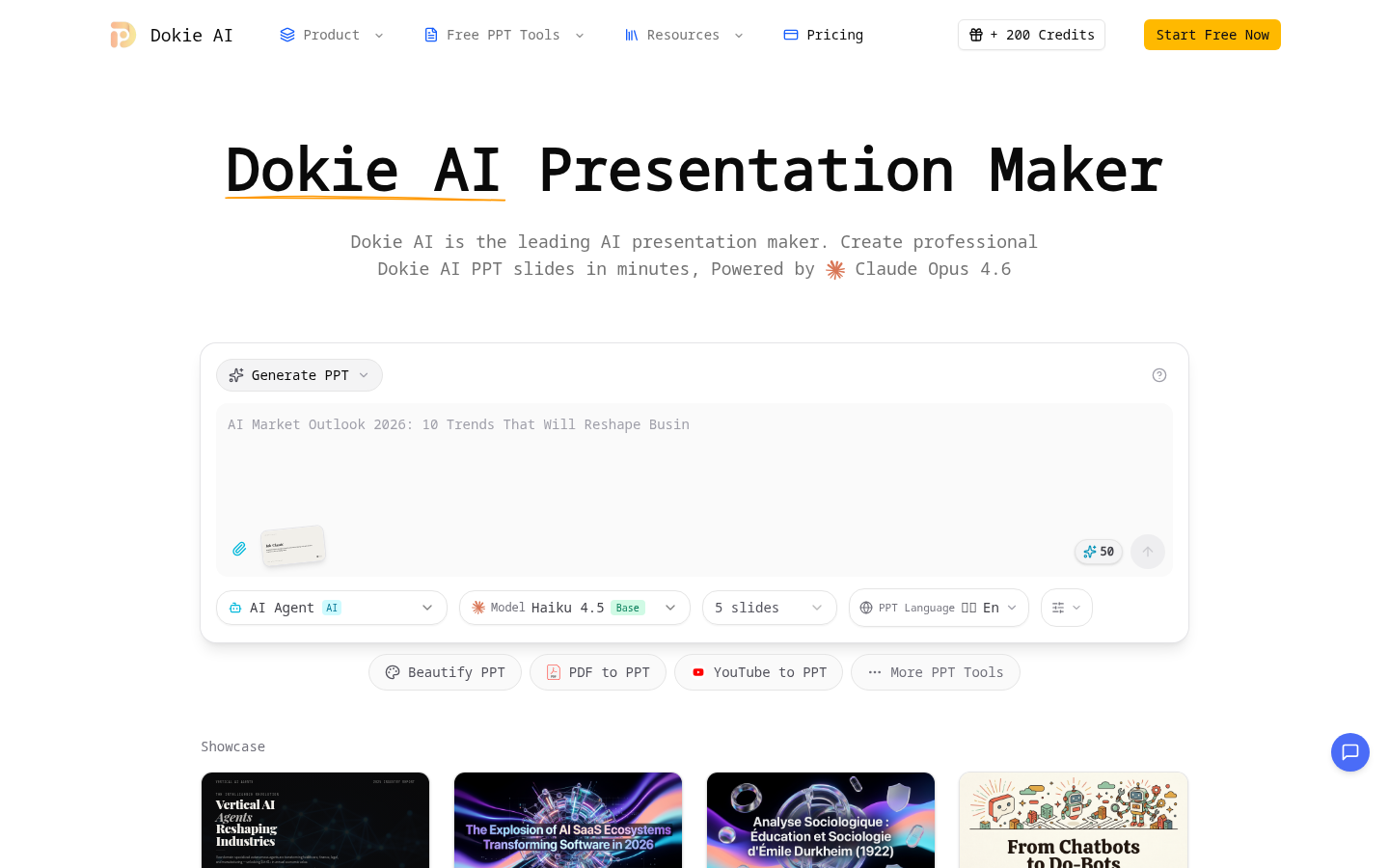
Screenshot archived from the listing page, for preview only.











