
Dokie AI
AI presentation maker with content-first designTurn documents into clear, on-brand presentations
Highlights
What you can do with it
- Business professionals build data-driven reports
- Educators turn teaching content into clear slides
- Entrepreneurs create on-brand roadshow decks
How to use it
- 1 Open Dokie and log in or register.
- 2 Choose how to start, such as from a document or link.
- 3 Upload your file and let Dokie structure the slides.
- 4 Generate or search images and visualize data.
- 5 Describe any changes to refine, then save or share.
Who it is for
Pros
- Content-first design keeps slides clear and focused
- Converts PDF, documents, and data files into decks
- AI image generation and data visualization
- Custom templates for brand consistency
Limitations
- Free trial is limited and full use needs a paid plan
- Generated slides need review for accuracy
- Complex data may need manual adjustment
- Depends on the vendor platform staying available
What Dokie is
Dokie is an AI presentation maker that quickly generates professional, brand-compliant presentations. It uses a content-first approach, analyzing your material and adjusting the layout and structure so each deck stays clear and focused. It understands multiple formats, letting you upload PDF, documents, or data files and turn them into well-structured slides. It can generate and search images, and it turns complex data and logic into clear charts and diagrams. You can upload custom templates for brand consistency and refine slides simply by describing the change. It offers a free trial with paid features.
What you can do with it
- Turn a PDF, document, or data file into a presentation.
- Let AI adjust layout and structure to fit your content.
- Generate or search images and visualize data as charts.
- Upload brand templates and refine slides by description.
Who it is for
- Business professionals making reports and proposals.
- Educators preparing teaching materials.
- Entrepreneurs creating roadshow decks.
- Marketers and researchers presenting data clearly.
What to watch out for
The free trial is limited, and full use needs a paid plan, and pricing can change over time. Generated slides need review for accuracy, because AI can misread a table or overstate a point. Complex data may need manual adjustment to look right. As a hosted service, availability can vary, so export important decks and keep your source files safe. Confirm current terms and limits on the official site before relying on it. When quality matters, export a small draft first to confirm the result before producing the final file. Generated suggestions are for reference only, so verify anything that affects professional judgment or important data.
FAQ
What is Dokie?
It is an AI presentation maker that generates professional, brand-compliant presentations.
Is there a free trial?
Yes. Users can try it for free, with paid features available.
What files can it use?
It can process PDF, documents, and data files and turn them into structured presentations.
Can I keep my brand style?
Yes. You can upload custom templates so slides follow your brand design.
Why it is free
What the official page says: for free
Free limits, trial length and features are decided by the official site and can change at any time.
Product preview
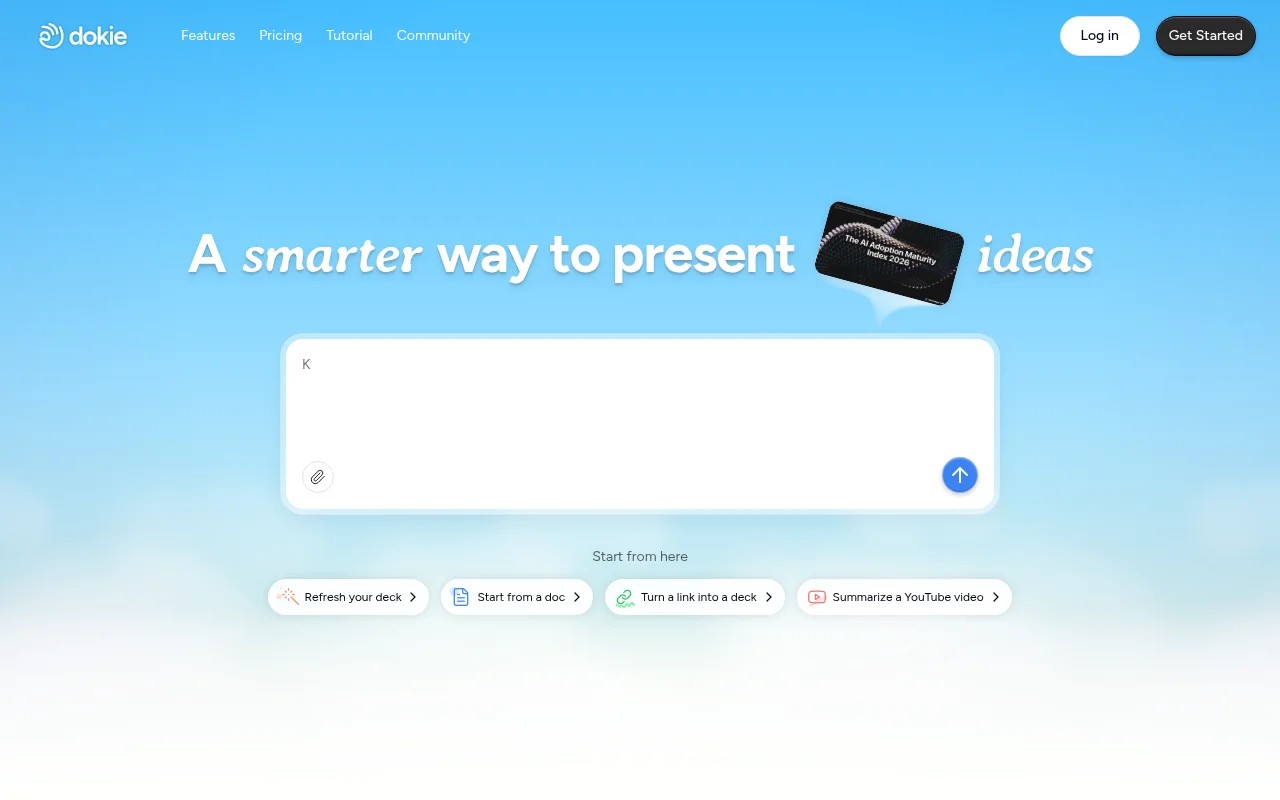
Screenshot archived from the listing page, for preview only.











