
Docugram
AI text to flowchart converterTurn documents into flowcharts in seconds
Highlights
What you can do with it
- Meeting minutes become a flowchart that shows what was decided
- A project plan turns into a visual you can track against
- An academic paper becomes a diagram of its research structure
How to use it
- 1 Open the Docugram website
- 2 Paste the text you want to convert into the input area
- 3 Click the convert button and wait a moment
- 4 Edit the generated flowchart as needed
- 5 Export it in the format you need, then save and share
Who it is for
Pros
- No diagramming experience needed to get a first draft
- Fast conversion saves redrawing boxes and arrows by hand
- Several output formats fit different destinations
Limitations
- Automatic structure is a starting point, not a finished diagram
- Free access terms can change, so confirm before you rely on it
- Very messy source text produces messy flowcharts
What Docugram is
Docugram is an AI tool that turns written material into flowcharts. The workflow is about as short as it gets: paste your text into the input area, click convert, wait a moment, and a flowchart appears that you can edit and export. The pitch is speed. A page of meeting minutes or a project plan becomes a diagram a room can follow at a glance, instead of boxes and arrows dragged by hand. The interface is deliberately simple, and the site says output comes in several formats so the result can travel into reports, decks or documentation without a conversion step. The site invites you to try it for free, and it is aimed at anyone whose text has a sequence in it that would read better as a picture.
What you can do with it
- Convert meeting minutes into a flowchart of what was decided
- Turn a project plan into a visual you can track against
- Map the structure of an academic paper or report
- Edit the generated diagram before you export it
- Export in a format that fits your report or deck
Who it is for
- People who need meeting notes to be readable at a glance
- Project managers tracking plans visually
- Writers and researchers who need a structure diagram
What to watch out for
The automatic structure is a first draft, not a finished diagram. Expect to rearrange nodes and relabel connections, especially where the source text is ambiguous. Messy input produces messy output, so cleaning up your text first gives a better result. The free invitation is what the site states today, and free access rules change, so confirm the current terms before you build a workflow around it. Export formats are described as diverse but not listed in detail, so check that the one you need is supported before you invest time in a diagram.
FAQ
How does Docugram work?
You paste text into the site, click convert, and it generates a flowchart from the content. You can then edit and export it.
What kinds of documents work well?
Meeting minutes, project plans and academic papers are the examples the site gives. Anything with a clear sequence of steps converts better than free-form prose.
Can I edit the result?
Yes. The generated flowchart can be edited before you export it, which matters because automatic structure rarely lands perfectly on the first pass.
Is it free?
The site invites you to try it for free. Check the current terms on the site, since free access can change.
Why it is free
What the official page says: for free
Free limits, trial length and features are decided by the official site and can change at any time.
Product preview
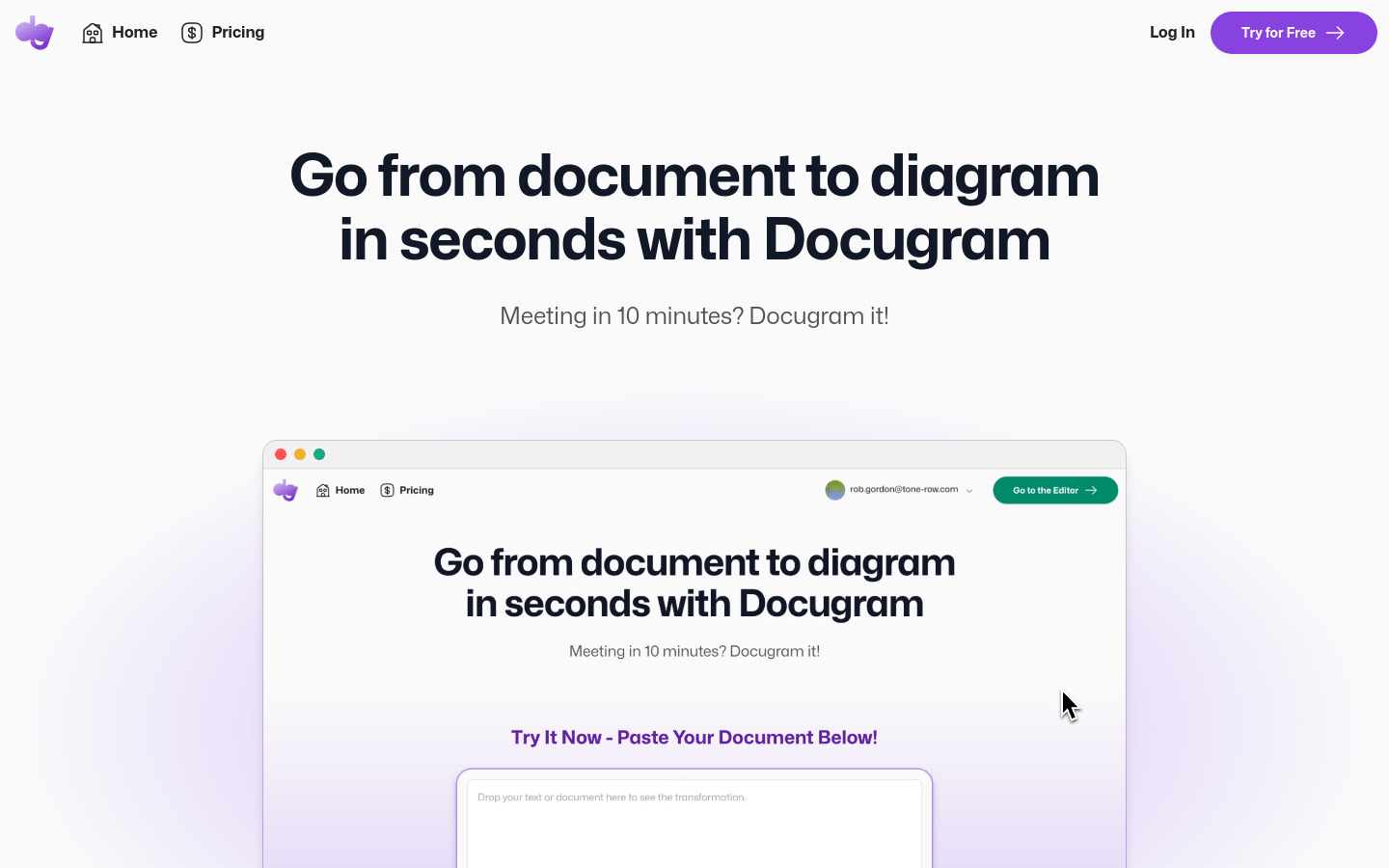
Screenshot archived from the listing page, for preview only.











