
docswrite.com
Export Google Docs to WordPress in one clickGoogle Docs to WordPress, no plugins
Highlights
What you can do with it
- Publish a drafted Google Doc straight to a WordPress blog
- Save a Doc as a draft to finish later
- Keep formatting intact when moving content over
How to use it
- 1 Connect your Google Docs and WordPress accounts.
- 2 Pick the document and set title, tags, and status.
- 3 Export in one click as a draft or public post.
Who it is for
Pros
- Single-click export with no plugins needed
- Keeps the original document formatting
- Free version available, with paid options
Limitations
- The free version has limits; heavier use needs a paid plan
- Needs access to both your Google and WordPress accounts
- Complex formatting may still need a quick check after export
What docswrite.com is
docswrite.com is an online tool that moves content from Google Docs to WordPress without any plugins. The core action is a single click: you take a Google Doc and publish it to your WordPress site, and the tool keeps the original formatting and layout so the post reads the way you wrote it. That removes the usual copy-paste step, where styles often break and images need re-uploading. You can set the title, tags, and categories before publishing, and choose from different export options such as saving the piece as a draft or a public post. It is built for people who like writing in Docs but run their site on WordPress. docswrite offers both free and paid versions, so you can start with the basics and upgrade when you publish more often.
What you can do with it
- Export a Google Doc to WordPress in one click
- Preserve the original formatting and layout
- Set titles, tags, and categories as you publish
- Save as a draft or publish as a public post
- Publish straight from your existing drafting workflow
Who it is for
- Bloggers who draft in Google Docs but publish on WordPress
- Writers who want to skip manual copy-paste
- Content teams managing a regular publishing schedule
- Site owners who would rather not install extra plugins
What to watch out for
The free version has limits, so if you publish often you will likely need a paid plan, and pricing or free limits can change over time. The tool needs access to both your Google and WordPress accounts, which means granting permissions you should review before connecting. While it aims to preserve formatting, complex layouts can still shift a little on the way over, so give each post a quick check before it goes live. Also confirm the tool supports the WordPress setup you use before relying on it for client work. Finally, if you ever move away from WordPress, this workflow will not carry over, so keep original copies of your documents in Google Docs.
FAQ
Do I need a WordPress plugin?
No, docswrite exports without requiring any plugins.
Does it keep my formatting?
Yes, it preserves the original document's formatting and layout.
Is it free?
It offers both free and paid versions.
Why it is free
What the official page says: 免费
Free limits, trial length and features are decided by the official site and can change at any time.
Product preview
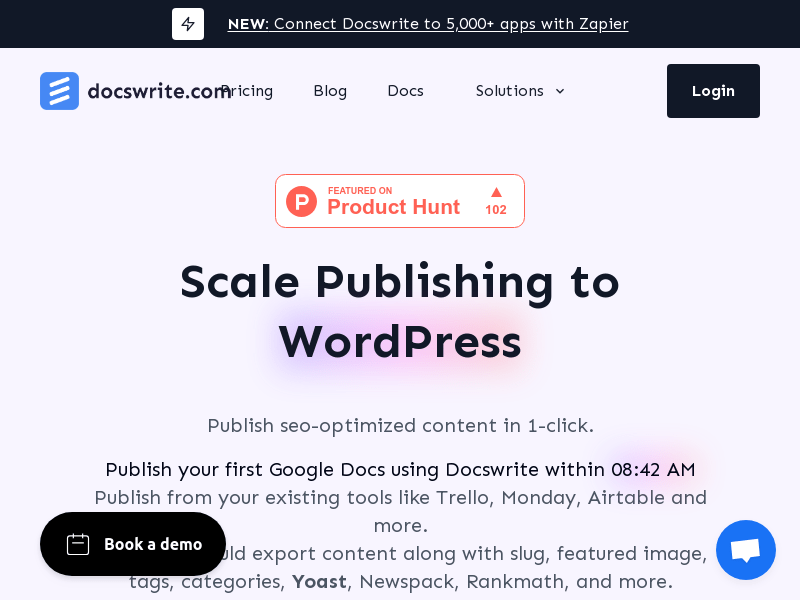
Screenshot archived from the listing page, for preview only.











