
Docamine
AI document filling toolFill documents with AI
Highlights
What you can do with it
- Administrative staff automatically fill out employee contracts
- Lawyers quickly generate drafts of legal documents
- Teachers bulk fill out student report cards
How to use it
- 1 Register for an account on the Docamine website
- 2 Upload the PDF document or image that needs filling
- 3 Let the AI recognize the document and create editable fields
- 4 Edit and review the fields to ensure accurate information
- 5 Supplement missing information or add references
- 6 Use AI to fill or update the form, sign it, then download the PDF
Who it is for
Pros
- Free registration and use at the moment
- Cuts manual typing on repetitive forms
- AI accuracy improves as it learns from your usage
Limitations
- AI field recognition is not perfect, so review everything before signing
- The free terms can change as the product matures
- Uploading sensitive documents raises privacy questions worth checking first
What Docamine is
Docamine is an online service that uses AI to help fill out documents. You upload a PDF or an image, and the AI recognizes the document and creates editable fields. You can then review and correct those fields, add missing information or references, let the AI fill or update the form, sign it, and download the finished PDF. The pitch is less manual typing and fewer errors, with accuracy that improves as the AI learns from use. Registration and use are currently free.
What you can do with it
- Upload a PDF or image and get AI-generated editable fields
- Edit, review, and correct the fields before finalizing
- Let the AI automatically fill out or update forms
- Sign the document and download the completed PDF
Who it is for
- Administrative staff processing contracts and routine forms
- Lawyers preparing document drafts faster
- Teachers filling out student records in batches
- Anyone who regularly completes the same paperwork
What to watch out for
AI field recognition is not perfect, so always review generated fields before signing or submitting anything important. The service is described as free to register and use now, but free terms can change as the product matures. Because you upload documents, check how the service handles sensitive files before using it for confidential material such as contracts or personal records. When quality matters, export a small draft first to confirm the result before producing the final file. Generated suggestions are for reference only, so verify anything that affects professional judgment or important data. Run one full task end to end first, then expand once you are comfortable with the workflow and the result quality.
FAQ
Is Docamine free?
The site says registration and use are currently free.
What files can I upload?
You can upload PDF documents or images.
How accurate is the field detection?
The AI creates editable fields from your upload, but you should review and correct them before finalizing, since recognition is not perfect.
Why it is free
What the official page says: 免费
Free limits, trial length and features are decided by the official site and can change at any time.
Product preview
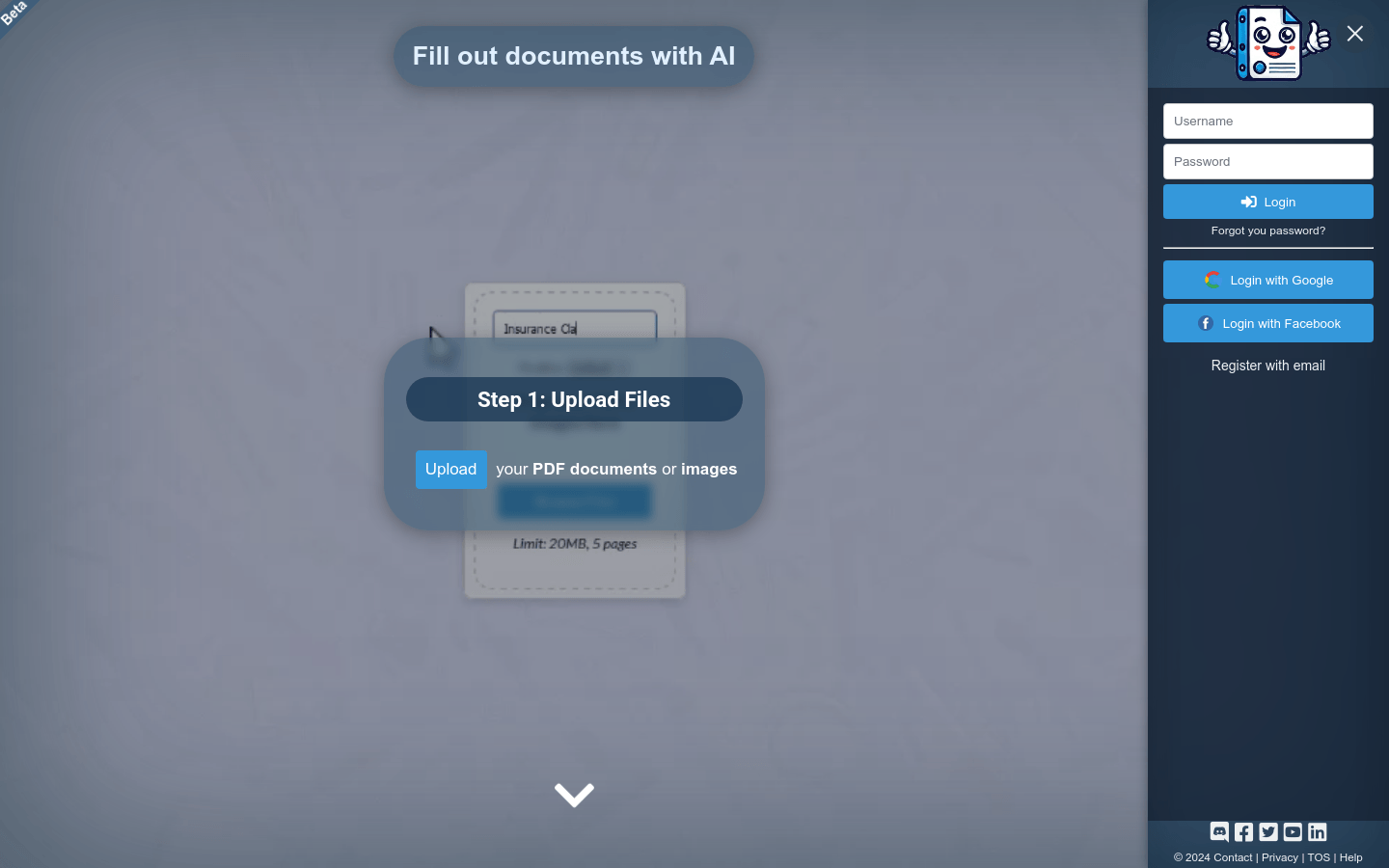
Screenshot archived from the listing page, for preview only.











